
Void a sale that shouldn't count. For example, you entered it twice or the shopper changed their mind. You can void today's sales only.
Steps
- Open the menu and tap Sales history.
- Tap ⋮ on the sale, then Void sale.
Choose a Reason. You can add a note.
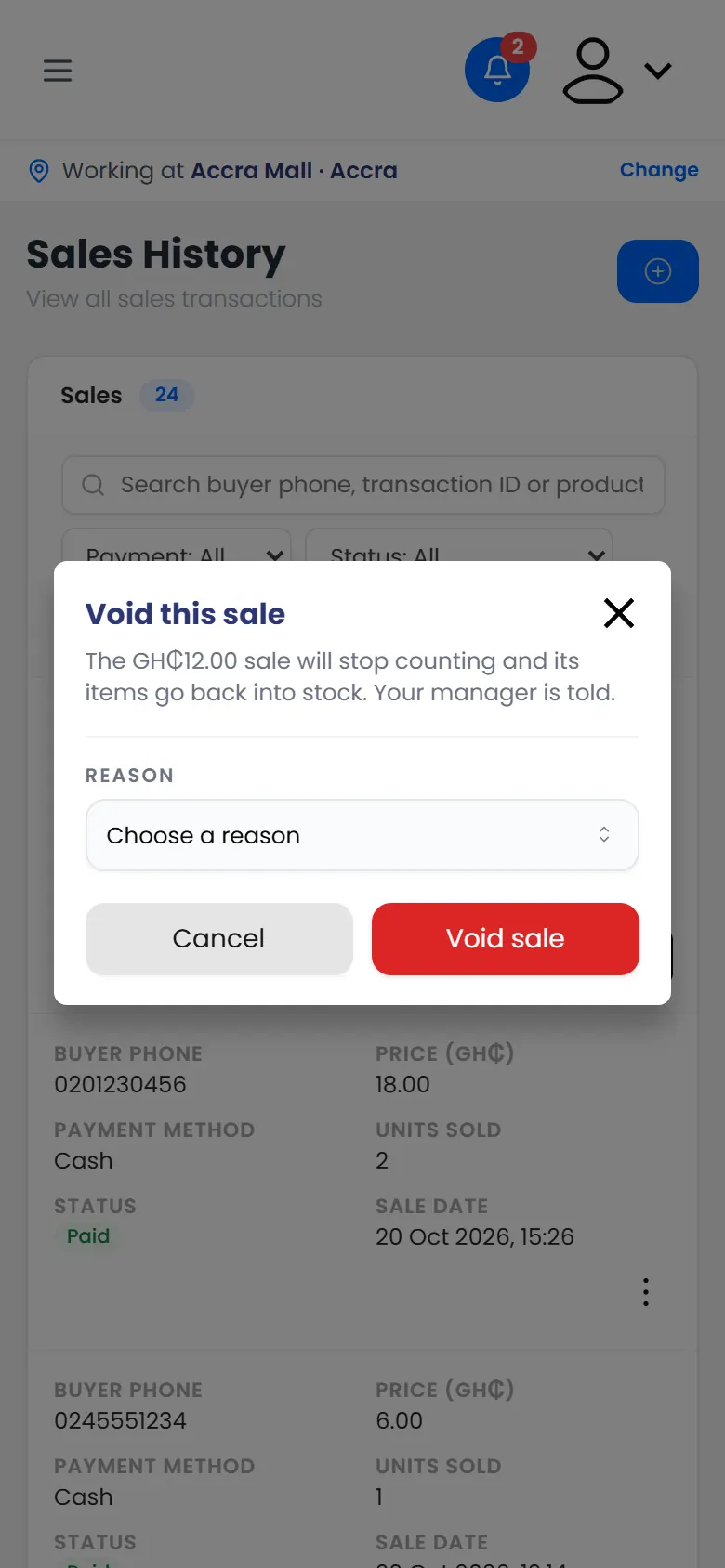
Void this sale, with a reason - Tap Void sale.
What happens next
You see Sale voided. The sale stays in Sales history but no longer counts, and its items go back into stock.
If the sale was right but had the wrong items, record it again with the right ones. See Record a sale.