
Your phone's location shows your team that sales, promo items and games happened at the stand. It's noted only when you record something. You're never tracked in between.
Steps
When Allow your location appears, tap Allow location.
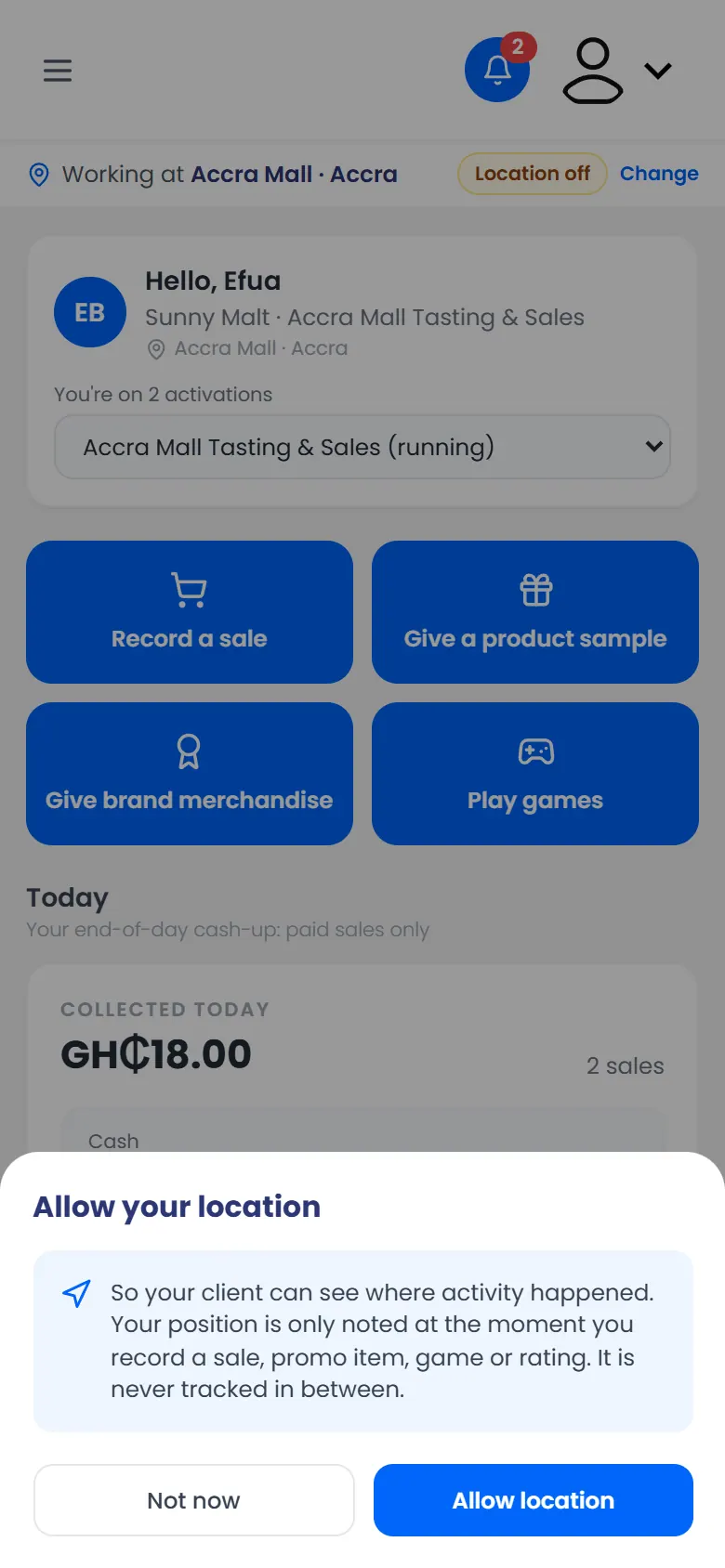
Allow your location: noted only when you record something - When your phone asks too, tap Allow (or Allow while using the app).
If you tap Not now
You can still work. Your records just won't have a location. Your manager may ask you to turn it on.