
You sign in with your phone number and a 6-digit code sent by SMS. There's no password to remember.
Before you start: your agency or brand must have added you with this phone number. If they haven't, ask your manager.
Steps
- On your phone, open promoters.momentsanalytics.com.
Type your Phone number and tap Send code.
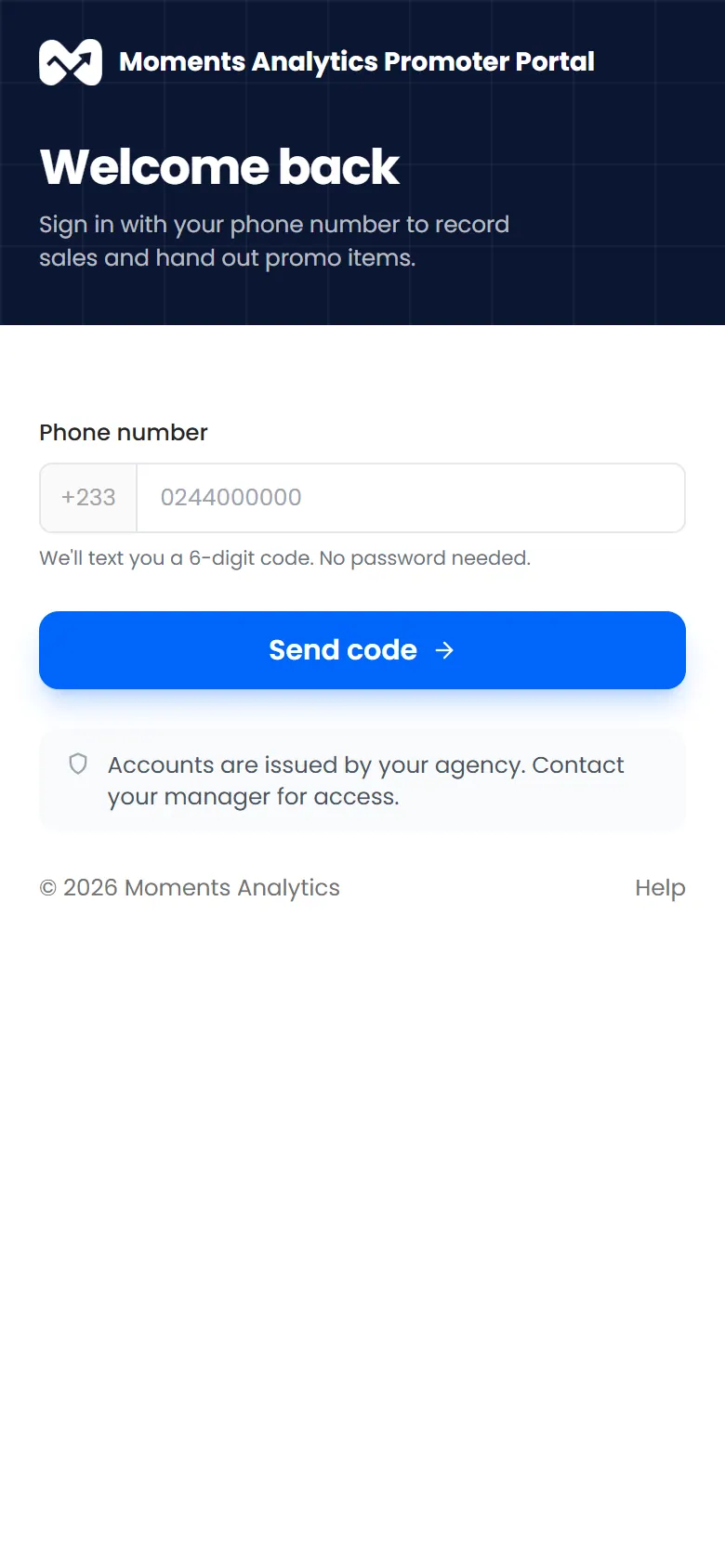
The Promoter Portal sign-in page, asking for a phone number Type the 6-digit code from the SMS.
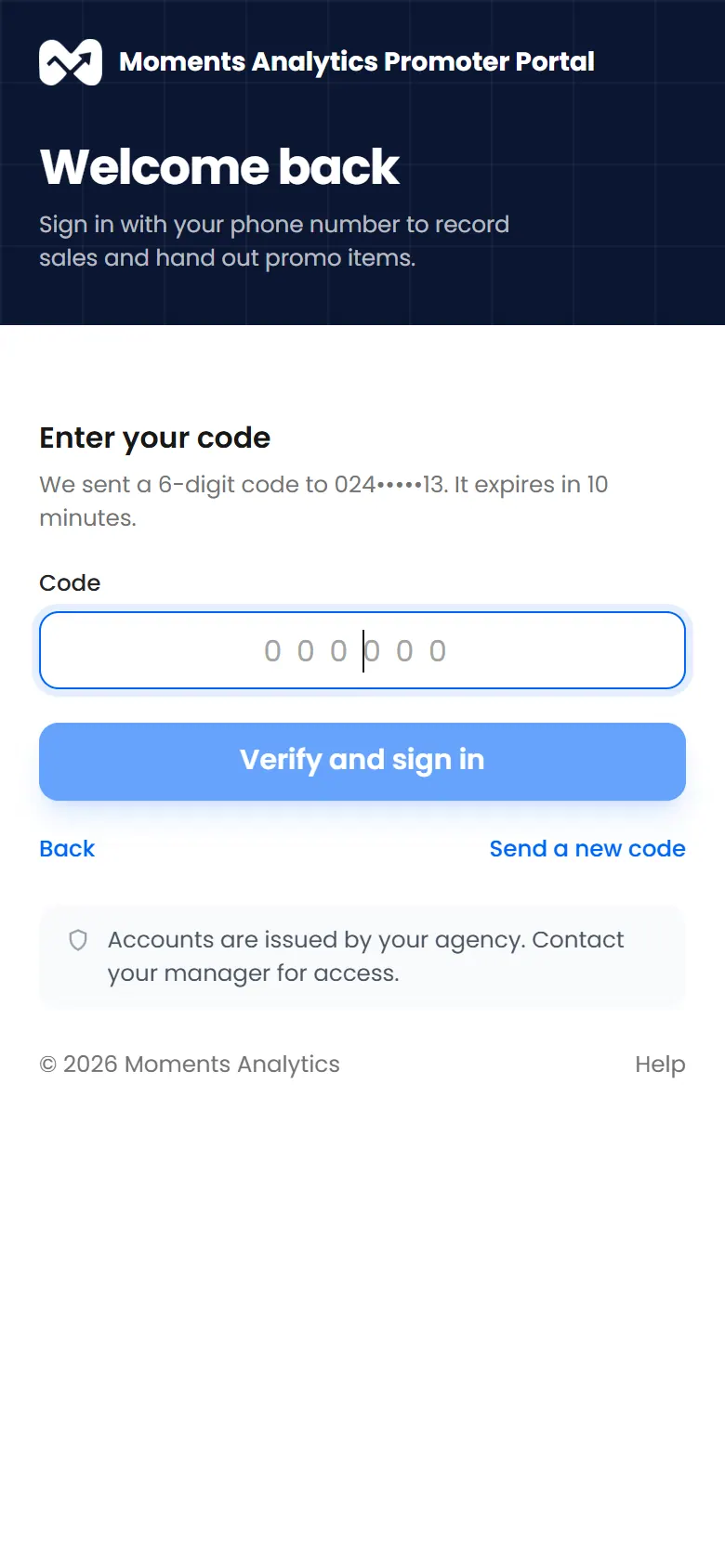
Entering the 6-digit code sent by SMS - Tap Verify and sign in.
What happens next
The Dashboard opens. You stay signed in on this phone until you sign out.
Add it to your home screen
The Promoter Portal can sit on your home screen and open like an app.
- Android (Chrome): tap the ⋮ menu, then Add to Home screen or Install app.
- iPhone (Safari): tap the Share button, then Add to Home Screen.
If it doesn't work
- "That code isn't right"
- No SMS after a minute? Tap Send a new code. Check that you typed the number your manager added.
- "You've been signed out"