
Everything you record is counted at the location you're working at. If your activation runs in more than one place, you choose it each day.
Steps
After you sign in, Where are you working today? appears. Tap your location.
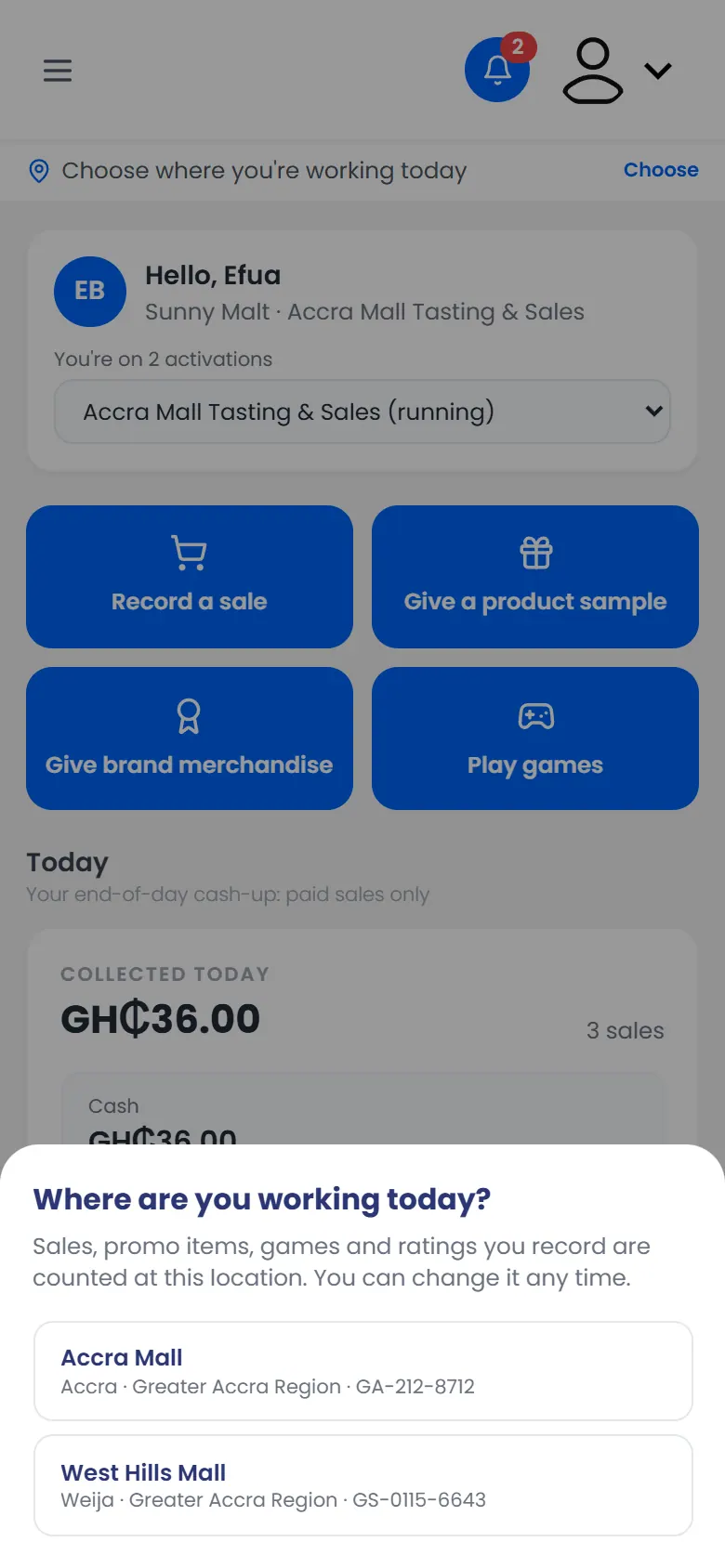
Where are you working today? with two locations to choose from Check the bar at the top. It now shows Working at and your location.
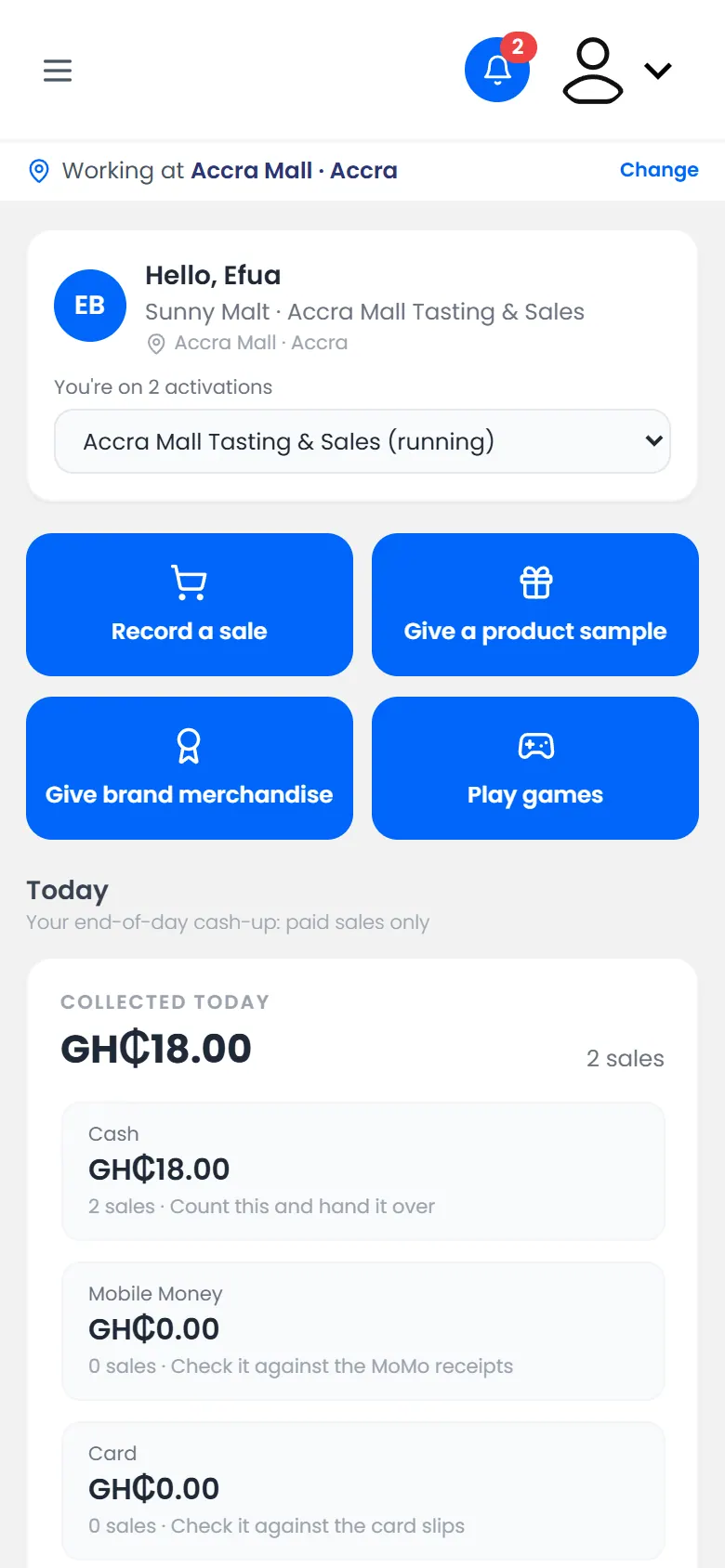
The Working at bar showing Accra Mall
If your activation has only one location, it's chosen for you.
Change your location
Tap Change on the Working at bar and choose another location. What you record from then on counts there.
Switch to another activation
If you're on more than one activation, the Dashboard says how many, for example You're on 2 activations. Choose the other one from the list under your name.