
Some games are played on the shopper's own phone. They get a link by SMS. These games say On their own device under their name. Your manager decides which games work this way.
Steps
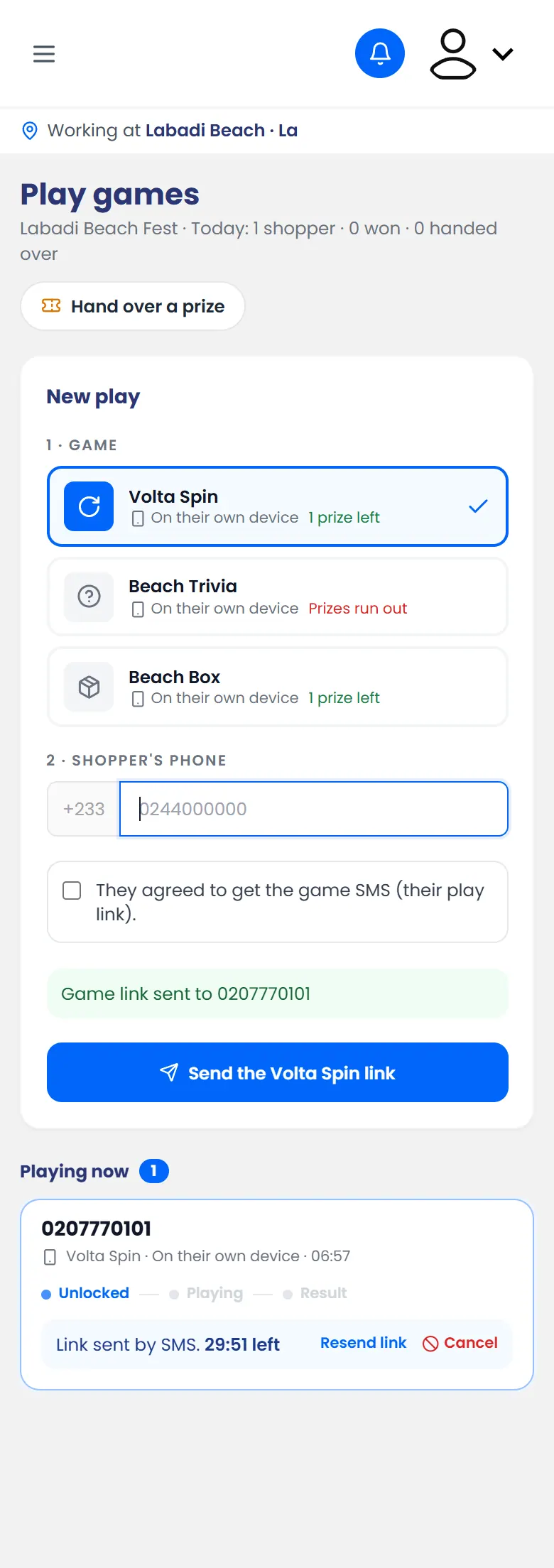
- Open the menu and tap Play games.
- Tap a game marked On their own device.
- Type the shopper's phone number and tick that they agreed to the game SMS.
- Tap Send the … link. The button shows the game's name.
What happens next
The shopper gets an SMS with a link. Their card shows Waiting for them to open the link until they do. Then you can follow their game live.
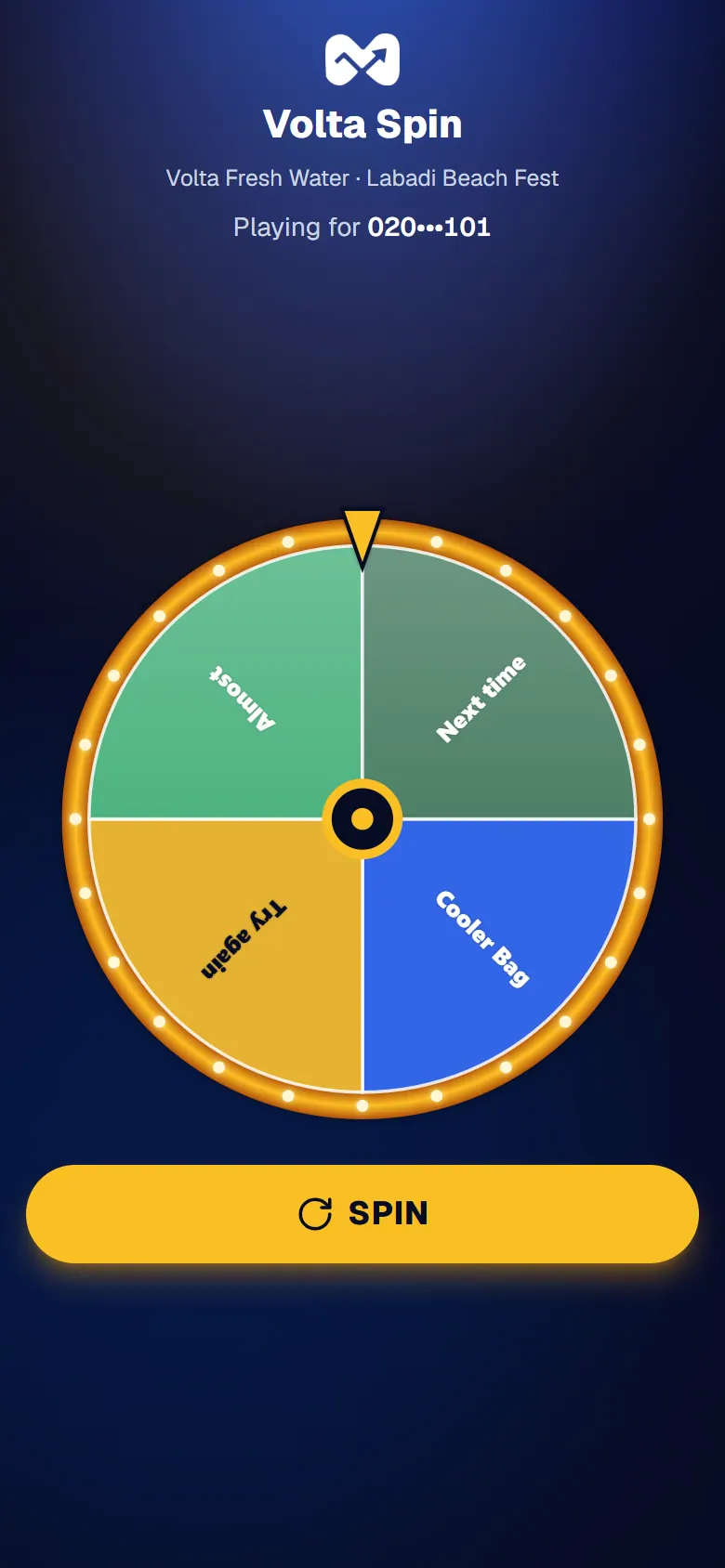
On their phone, the shopper sees the game and plays. If they win, their prize code and its QR code appear on their screen.
If they didn't get the SMS
Tap Resend link on their card. You can resend it twice. After that, cancel it and unlock a new play.