
You can only change today's sales yourself. For a sale from an earlier day, ask your manager. They decide, and you're told what they decided.
Steps
- Open the menu and tap Sales history.
- Tap ⋮ on the sale, then Ask for a correction.
Under What's wrong, say what needs fixing.
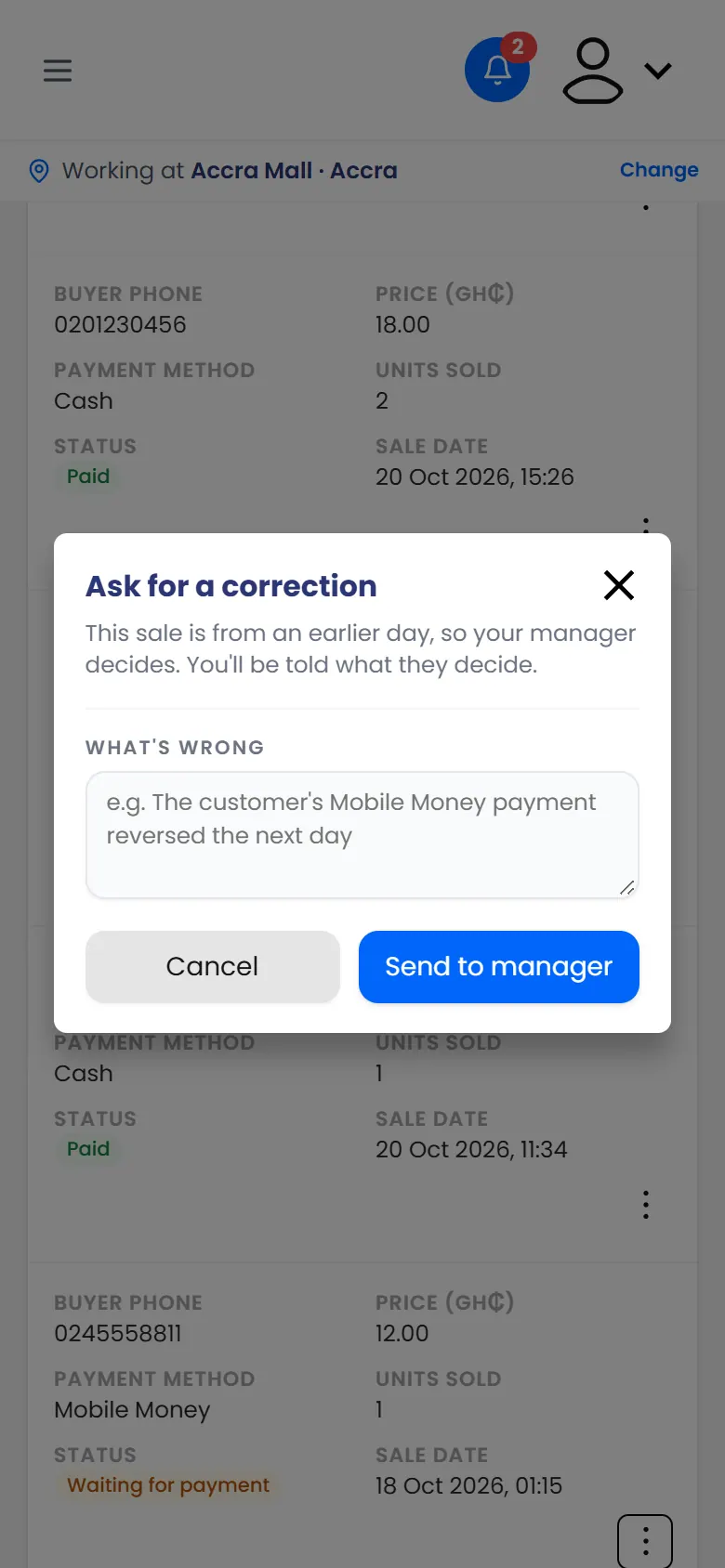
Ask for a correction: say what's wrong with the sale - Tap Send to manager.
What happens next
You see Sent to your manager. The sale shows Correction requested until they decide.
When they do, you get a notification, and the sale shows Correction approved or Correction rejected.