
If your stand has physical Mystery Boxes, the shopper opens one by tapping it with their phone (or scanning the QR code beside it).
Steps
- Open the menu and tap Play games.
- Tap the game marked Tap a box. The box numbers are listed under it.
- Type the shopper's phone number and tick that they agreed to the game SMS.
- Tap Unlock. The button shows the game's name and their number.
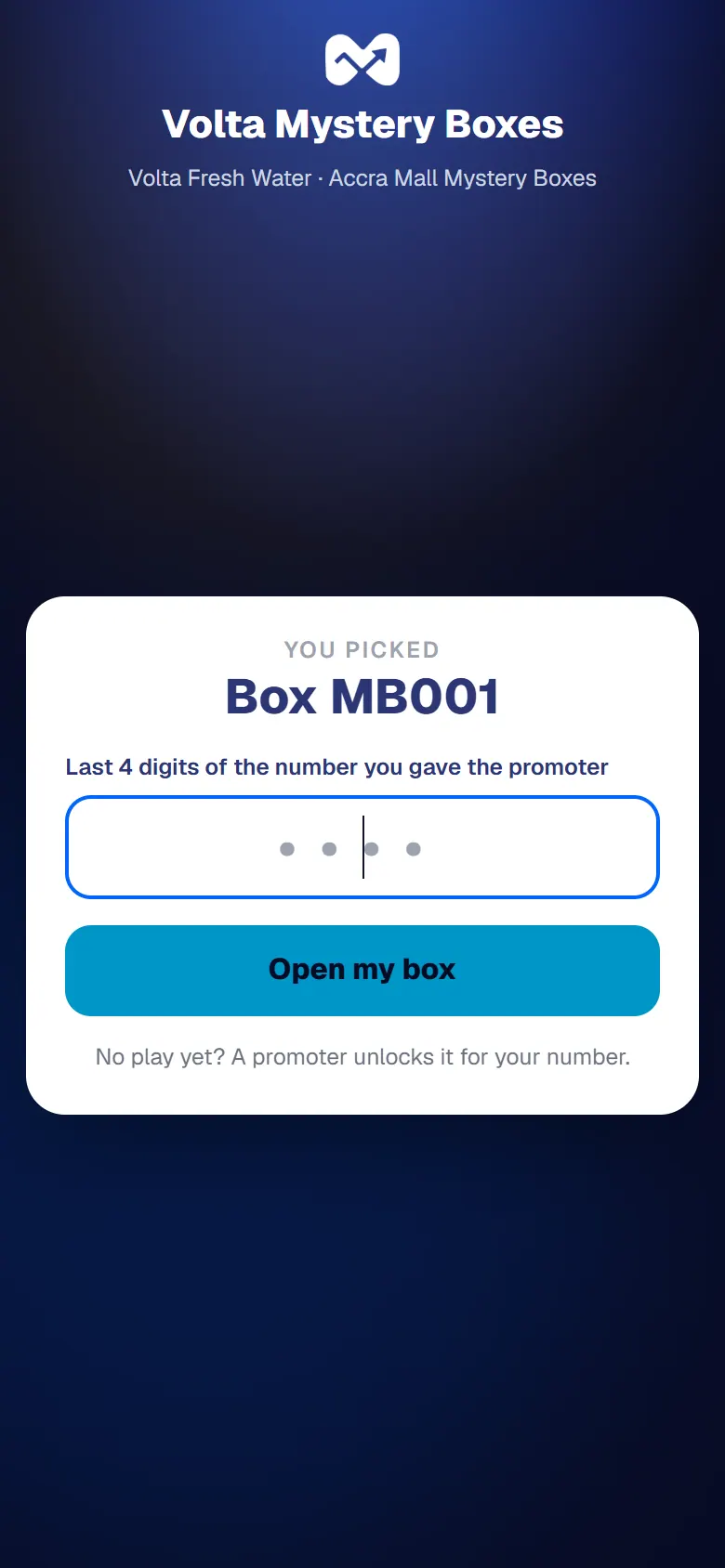
Tell the shopper to tap any box with their phone, then type the last 4 digits of their number.
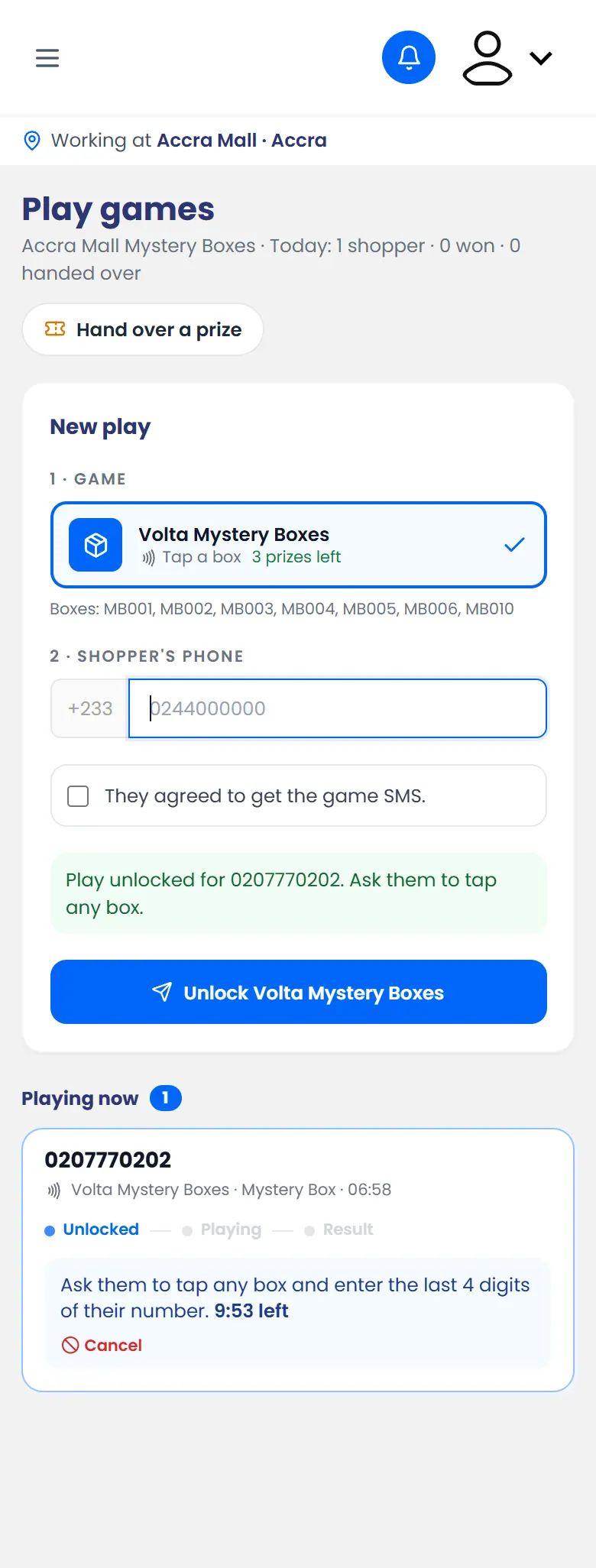
A Mystery Box unlocked: the shopper taps any box and enters the last 4 digits of their number
What happens next
On their phone, the shopper confirms with the last 4 digits of their number and opens the box. It holds a prize or is empty.
If they win, hand over their prize.
If it doesn't work
- The shopper's phone says no play is unlocked: check that you typed their number correctly, then unlock again.
- The phone doesn't react to the tap: NFC may be off, or not on their phone. They can scan the QR code beside the box instead.