
You can fix how a sale was paid, its transaction ID or the buyer's phone number. This works on today's sales only.
To change the items or prices, void the sale and record it again.
Steps
- Open the menu and tap Sales history.
- Tap ⋮ on the sale, then Edit payment details.
Change what's wrong.
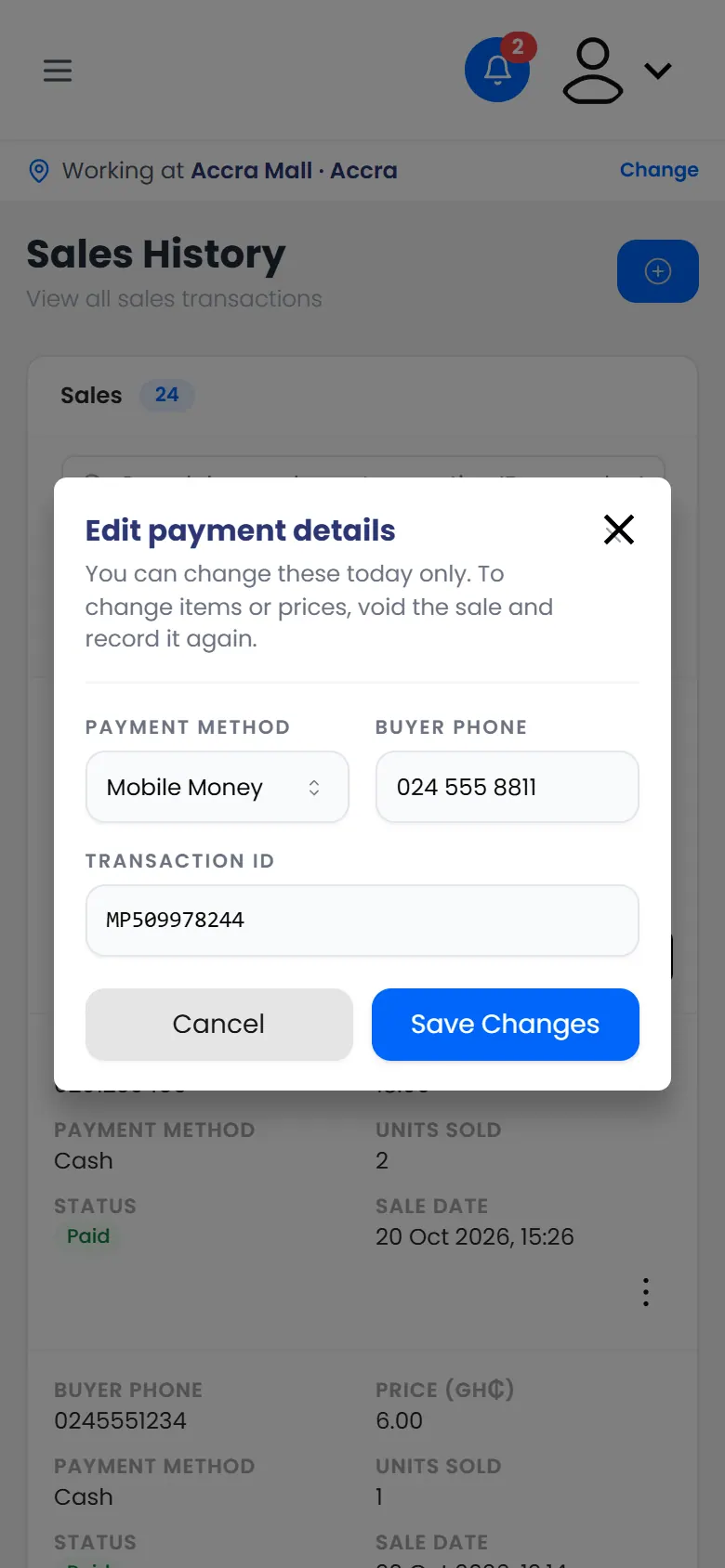
Edit payment details: payment method, buyer phone and transaction ID - Tap Save Changes.
If the sale is from an earlier day
You can't edit it yourself. Ask for a correction instead.