
The menu
Tap ☰ at the top left to open the menu.
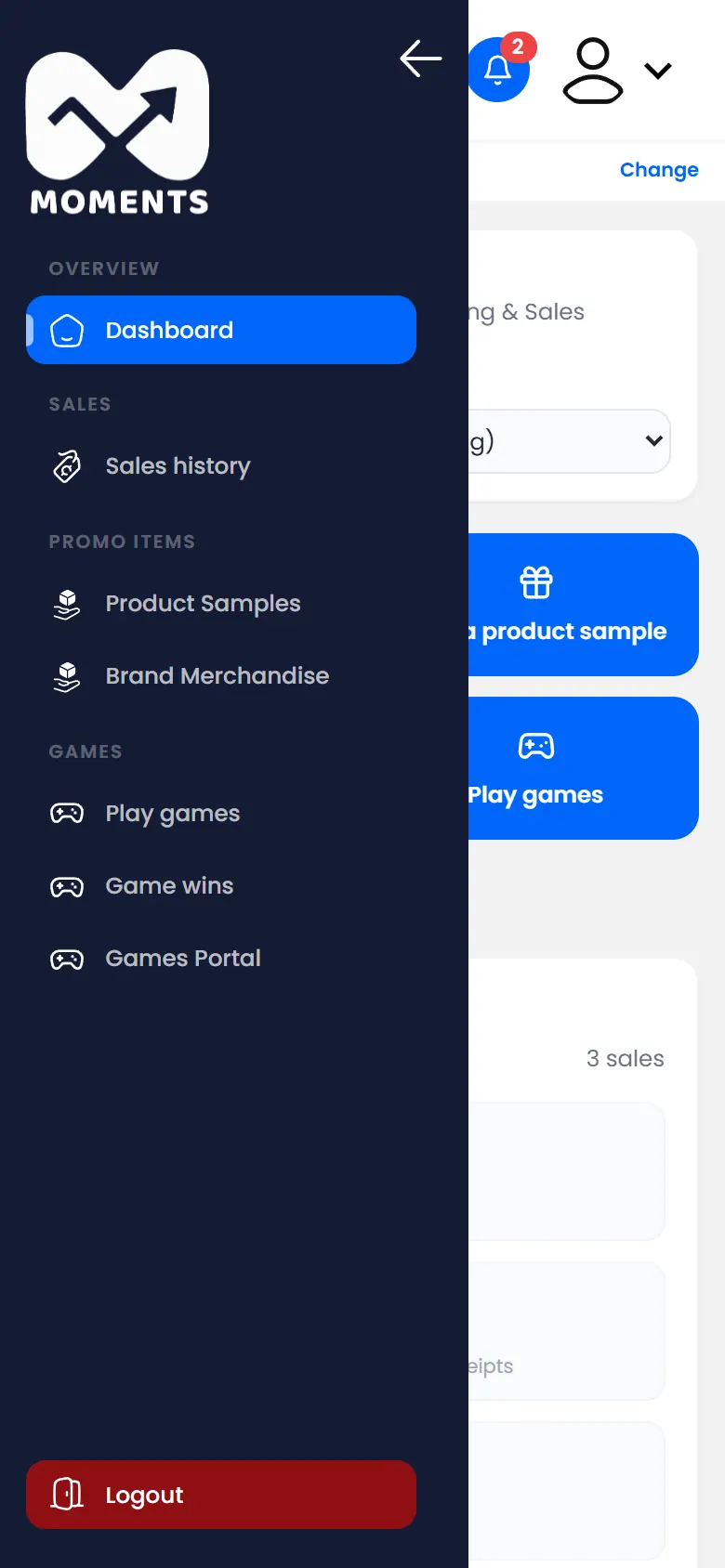
| Menu item | What it's for |
|---|---|
| Dashboard | Your home page and today's cash-up |
| Sales history | Every sale you've recorded |
| Product Samples | Samples you've given, and their codes |
| Brand Merchandise | Merchandise you've given |
| Play games | Unlock games and hand over prizes |
| Game wins | Every prize won, and whether it's been handed over |
| Games Portal | Opens the game screen app |
Notifications
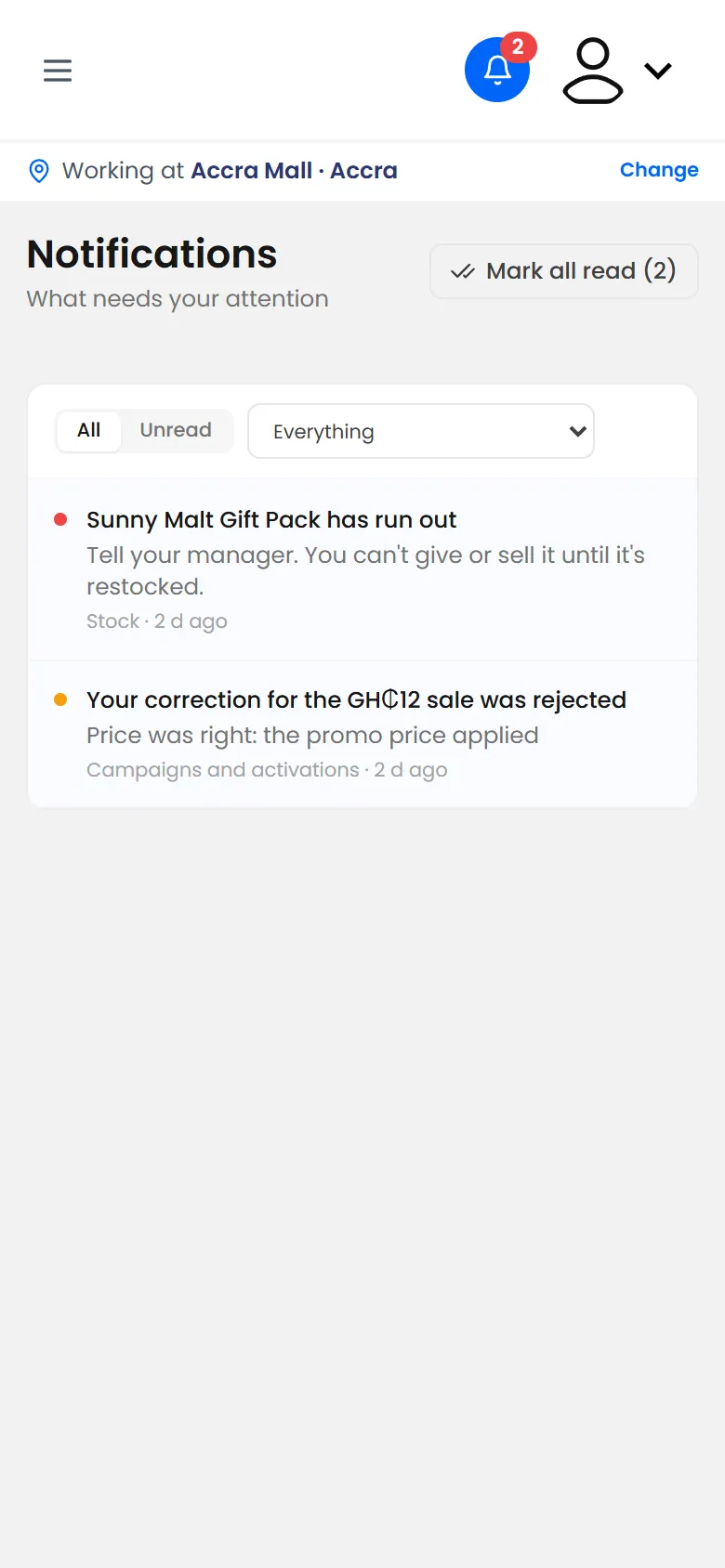
The bell at the top shows how many notifications you haven't read. For example, you get one when your manager decides on a correction you asked for.
Sign out
Tap your picture at the top right.
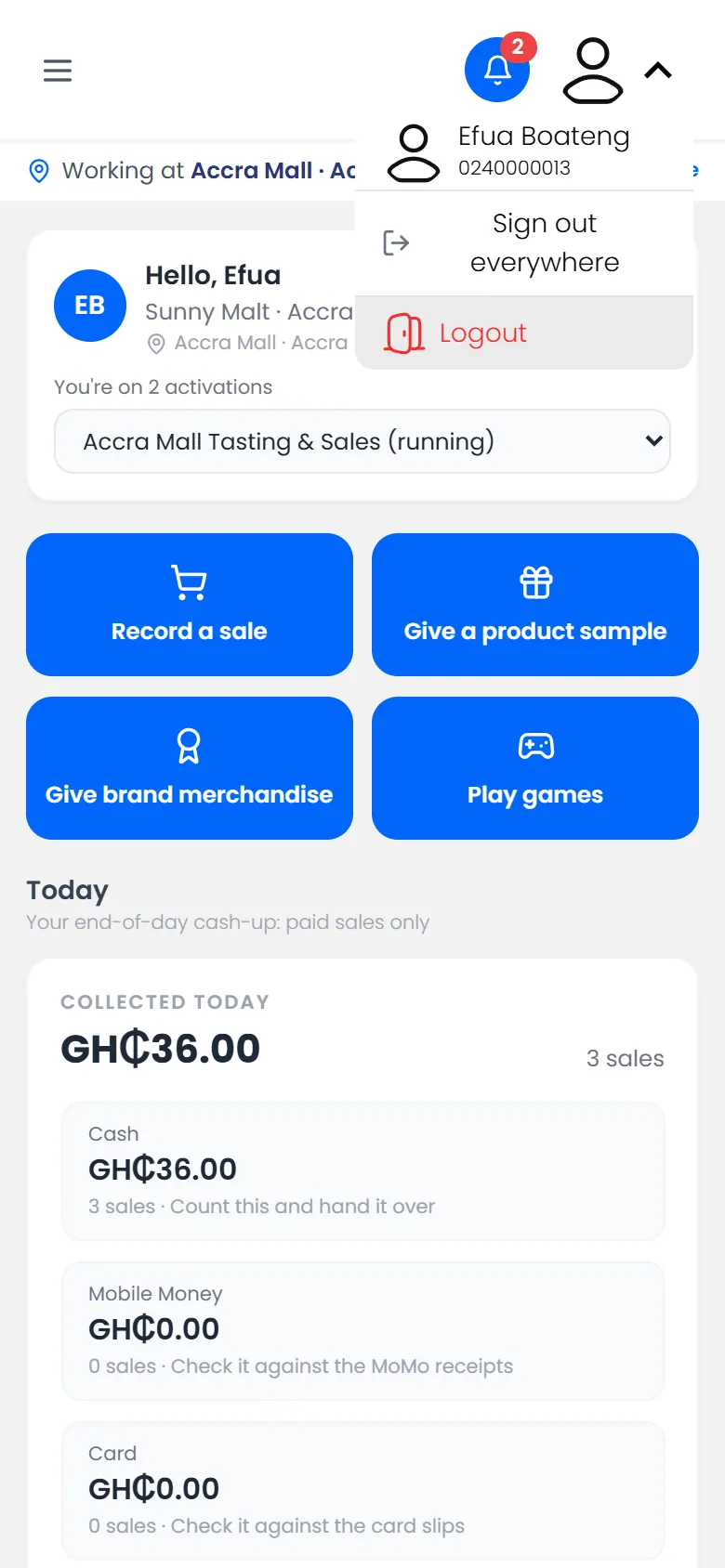
- Logout signs you out on this phone.
- Sign out everywhere signs you out on every phone and tablet you've used. Use it if you've lost a phone, or signed in on someone else's.