
A game screen is the device at your stand that shoppers play on: a tablet, TV, kiosk or laptop. You set it up once, at the start of the day, with a code from your phone.
Before you start: the device needs a web browser and an internet connection.
Steps
- On your phone, open the menu and tap Play games.
Tap Set one up. A 6-digit code appears. It works once, for 10 minutes.
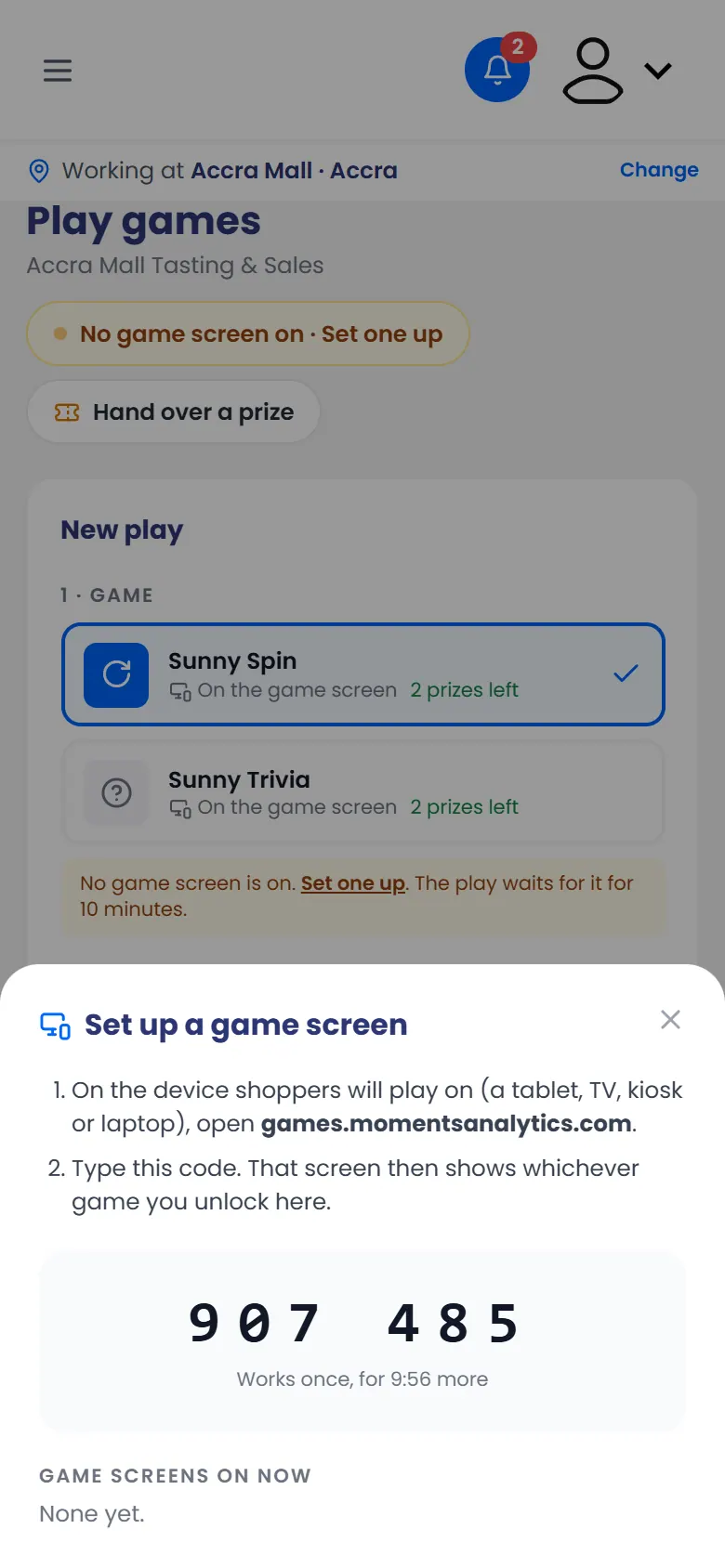
Set up a game screen: the 6-digit code - On the device, open games.momentsanalytics.com.
Type the code under Screen code, then tap Start the game station.
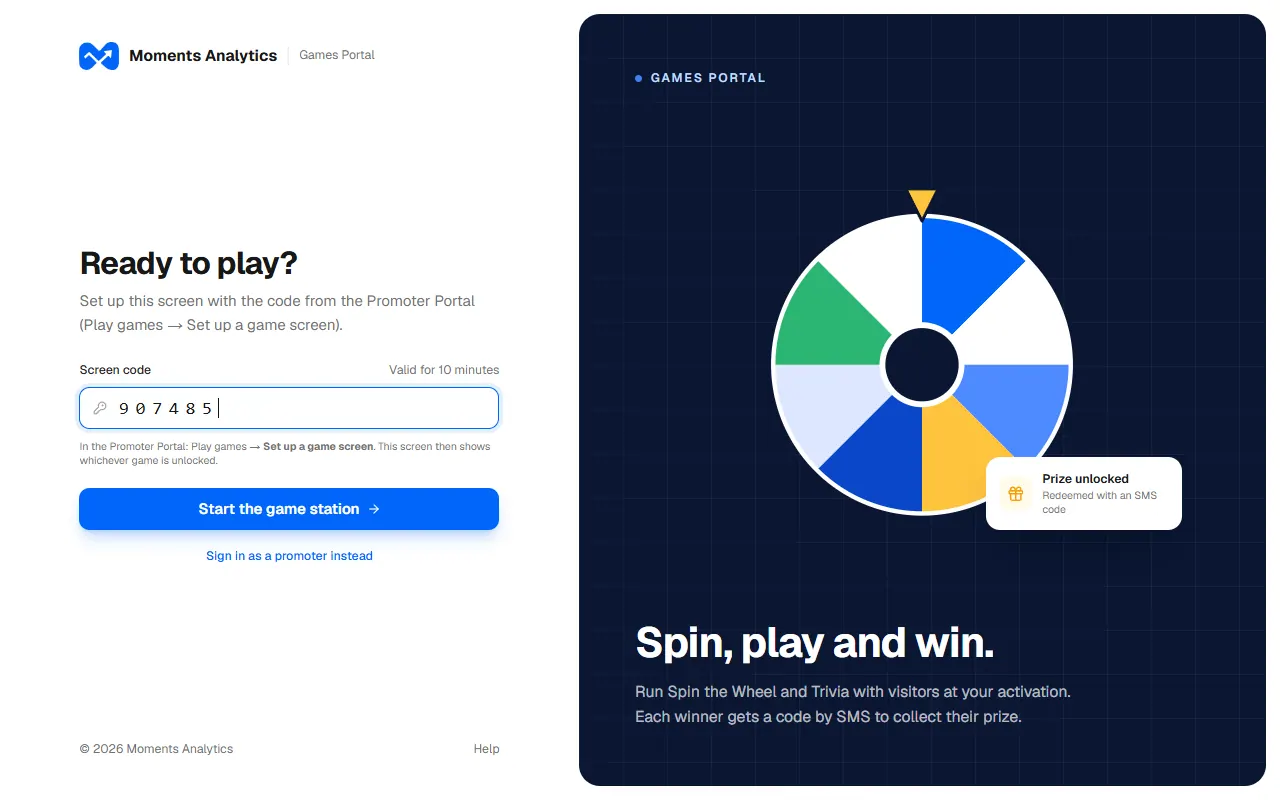
The game screen's sign-in, with the screen code typed in
What happens next
The device shows the game station, waiting for a play. On your phone, Play games shows the screen as on.
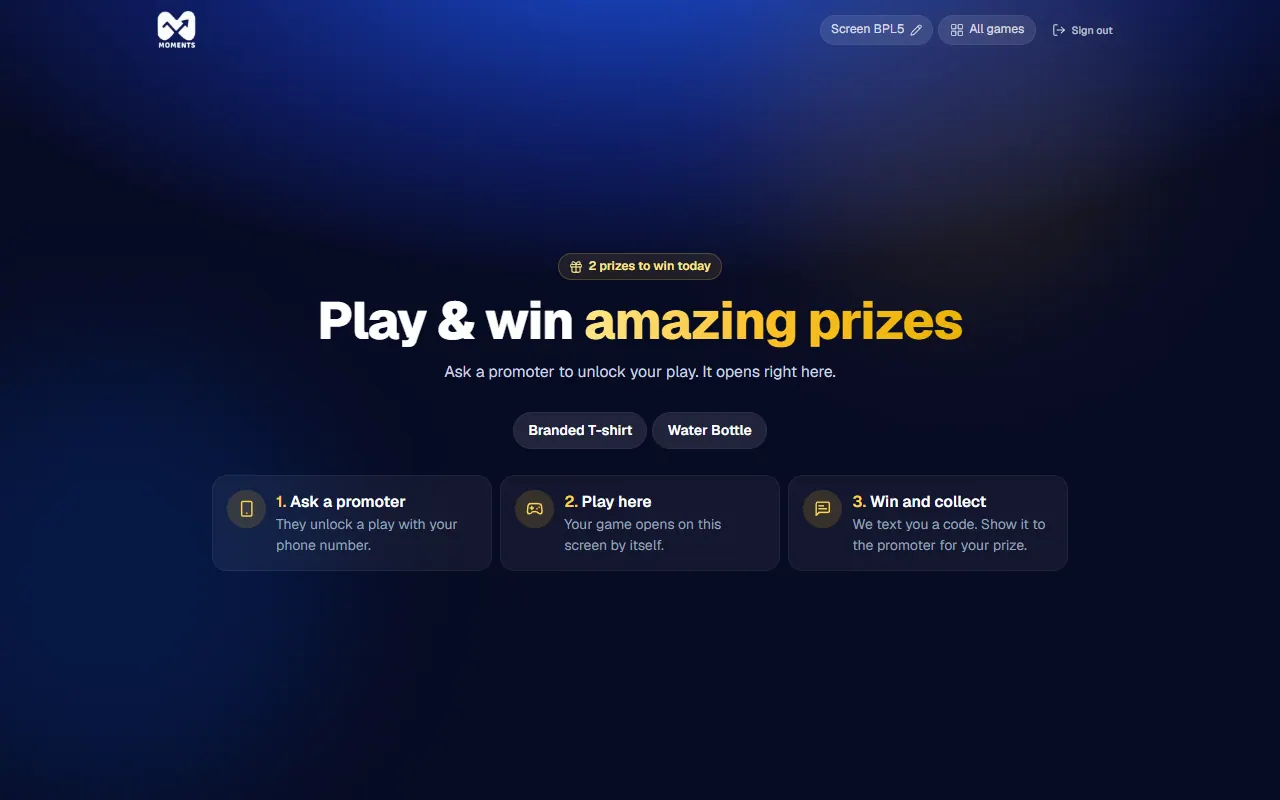
Name the screen
If your stand has more than one screen, give each one a name so you can tell them apart. On the game screen, tap its name at the top, type a new one, and tap Save.
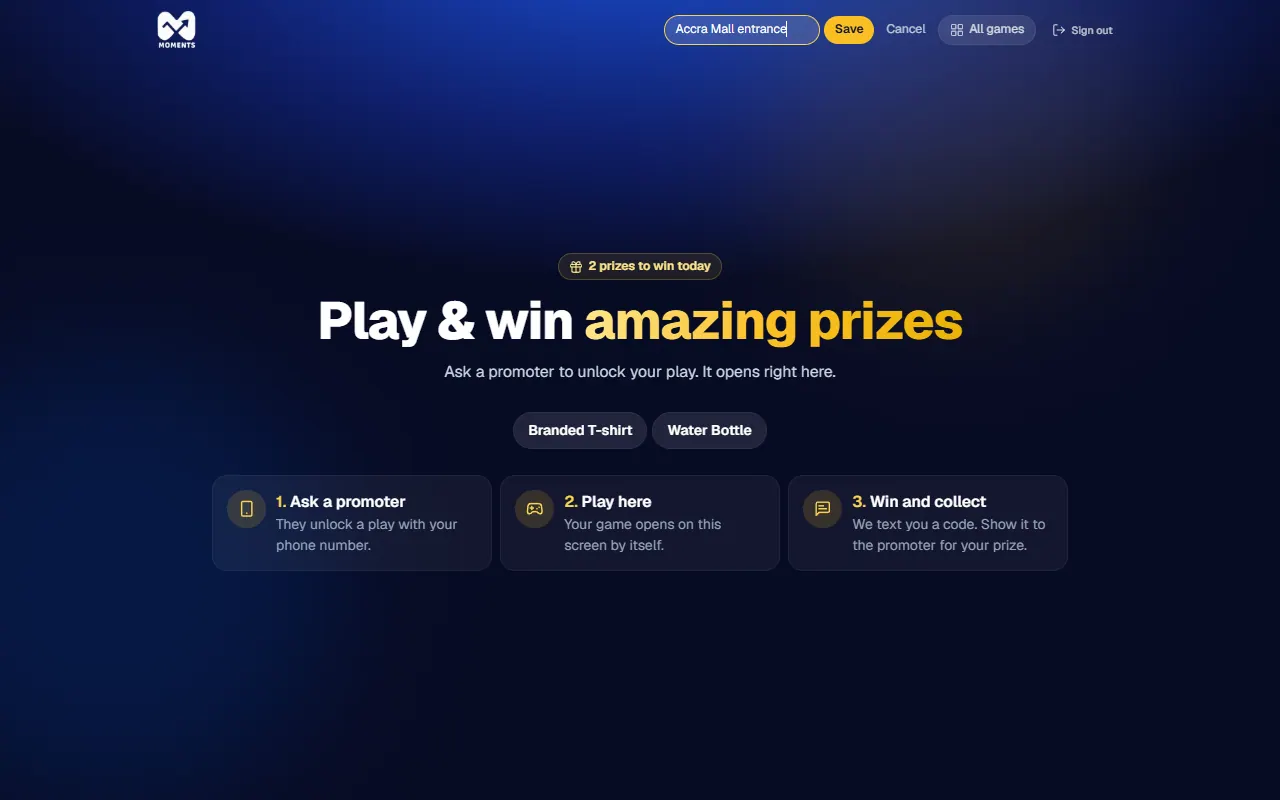
Sign the screen out
At the end of the day, tap Sign out on the game screen, then tap it again. It takes two taps so a shopper can't sign it out by accident.
Another way: sign in as a promoter
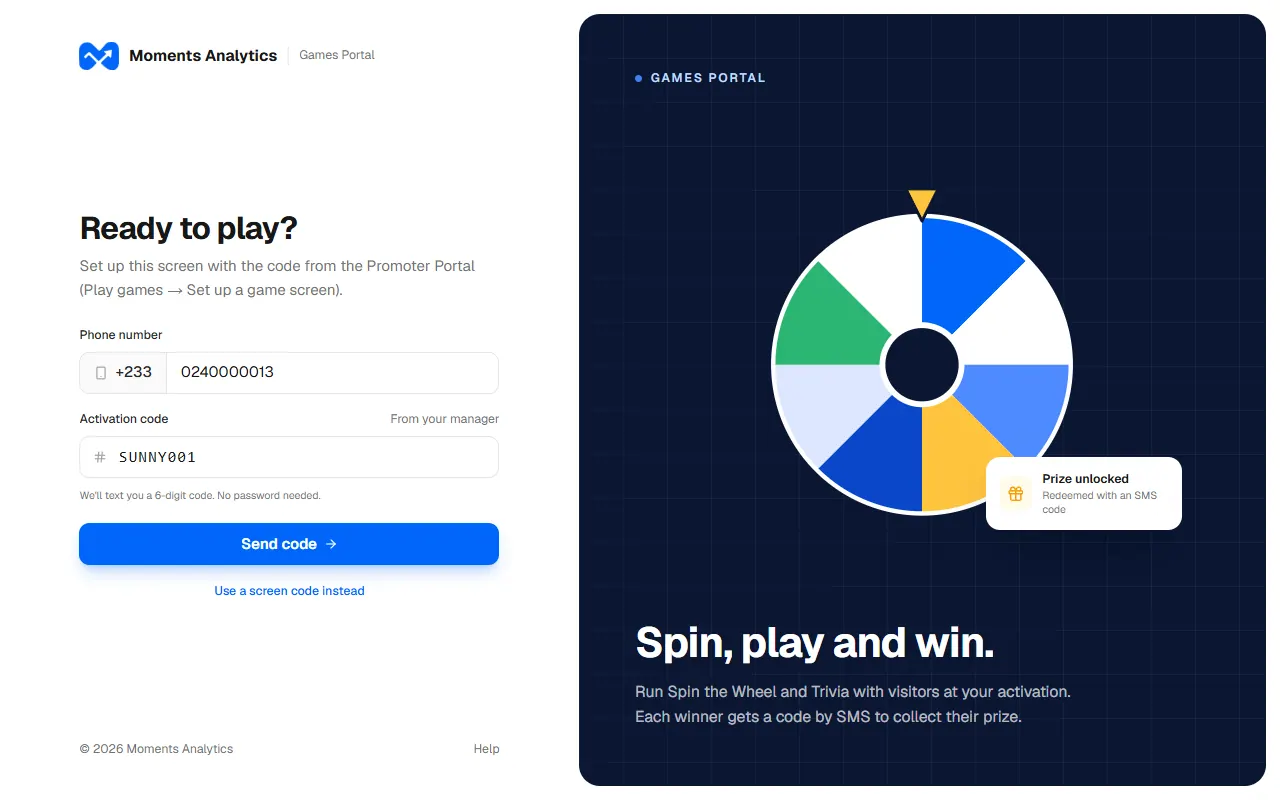
If you can't get a screen code, tap Sign in as a promoter instead on the game screen. Type your phone number and the Activation code from your manager, then the code sent to you by SMS.
If it doesn't work
- "That code didn't work": the code was already used, or more than 10 minutes have passed. Tap Set one up again for a new code.
- "Games aren't on right now"