
A sale that's waiting for payment doesn't count until you mark it Paid. If the payment didn't go through, mark it Payment failed.
Steps
- Open the menu and tap Sales history.
- Find the sale. It's labelled as waiting for payment.
Tap ⋮ on the sale.
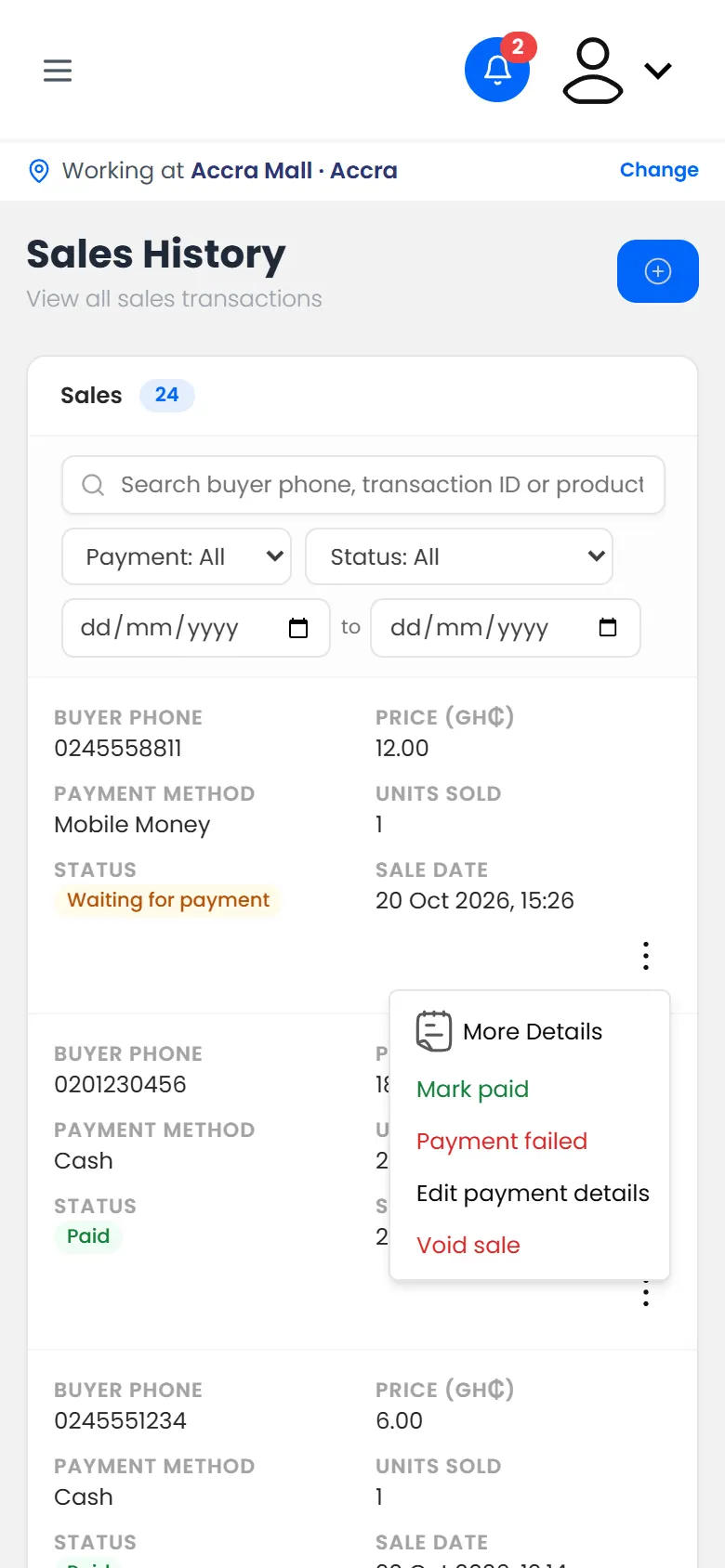
What you can do with a sale - Tap Mark paid, or Payment failed if the money didn't come through.
What happens next
- Paid: the sale counts, and its money is added to today's cash-up.
- Payment failed: the sale doesn't count, and its items go back into stock.