
Sales history lists every sale you've recorded in this activation, newest first.
Steps
Open the menu and tap Sales history.

Sales history: every sale and its status To see everything about a sale, tap ⋮ on it, then More Details.
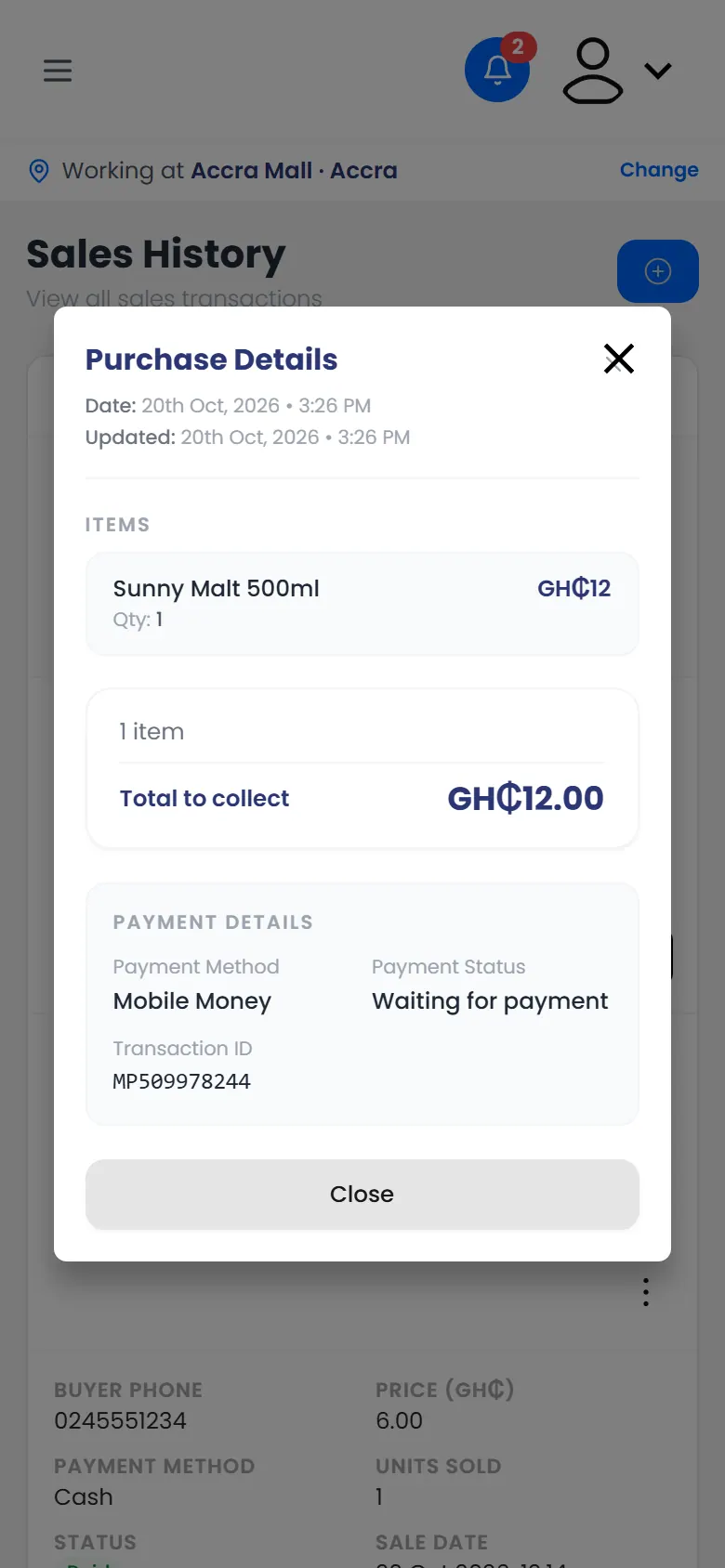
More details: the items, total and payment
What you can do with a sale
What you see under ⋮ depends on the sale:
| The sale is… | You can |
|---|---|
| Waiting for payment | Mark paid, or Payment failed |
| From today | Edit payment details, or Void sale |
| From an earlier day | Ask for a correction |