
Send a new code
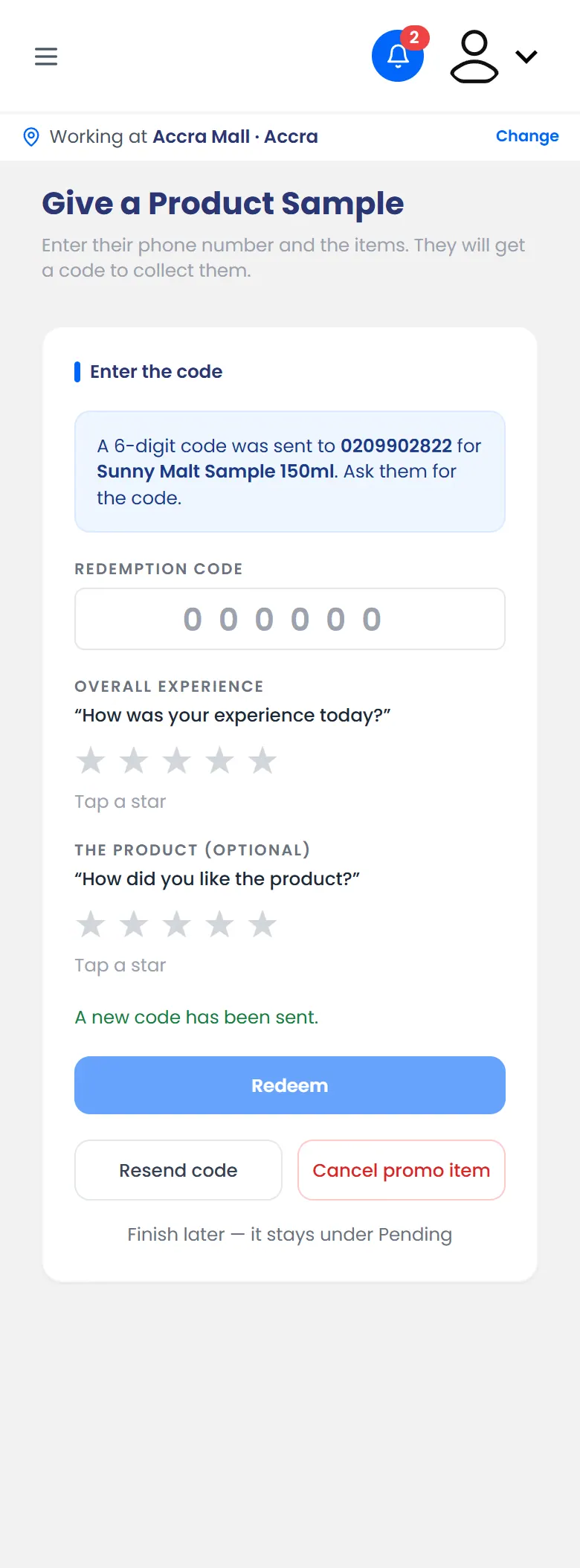
If the shopper didn't get the SMS, or their code has expired, tap Resend code on the code step. A new code goes to the same number, and the old one stops working.
Cancel a promo item
Cancel it if the shopper leaves without collecting it, or you chose the wrong item.
- On the code step, tap Cancel promo item.
When Cancel this promo item? appears, confirm.
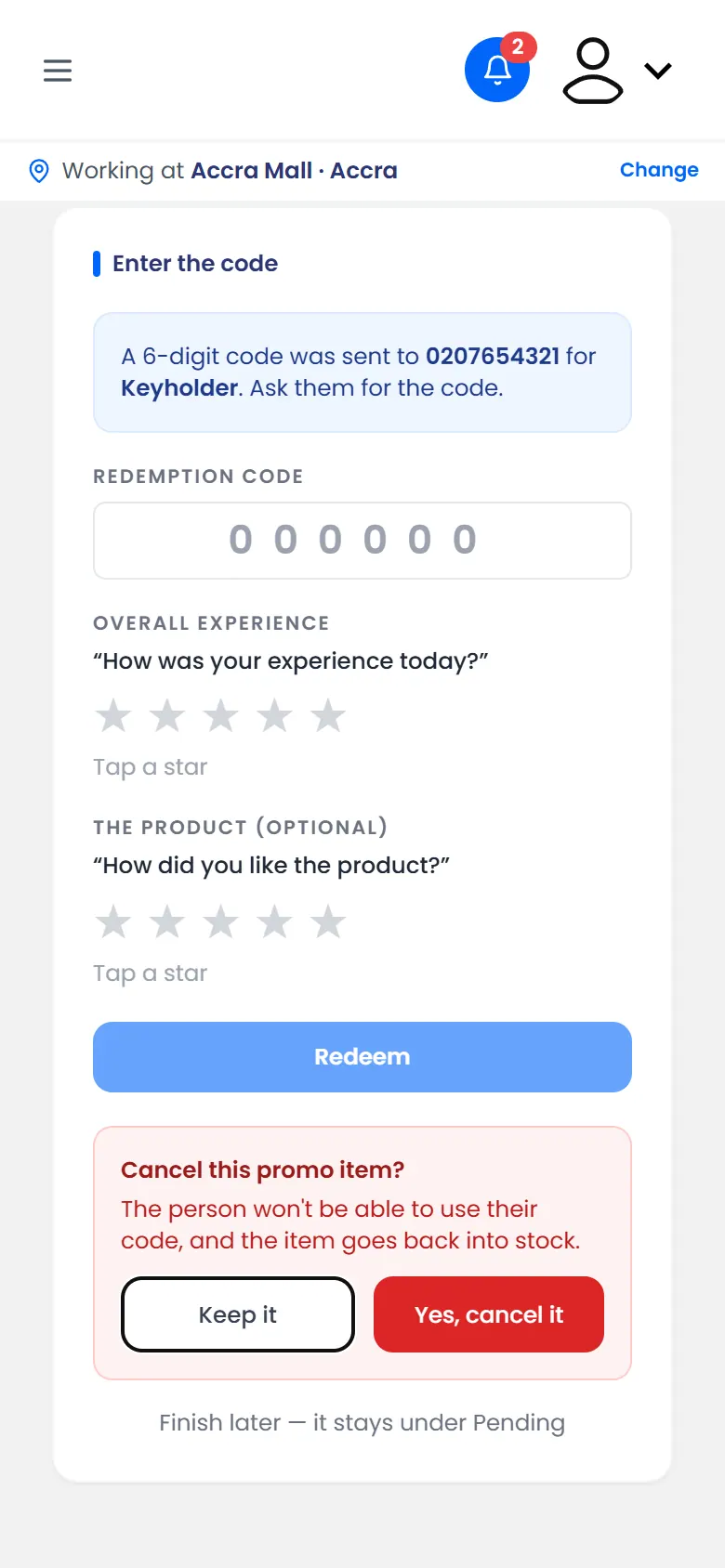
Cancel this promo item? The item goes back into stock
The shopper's code stops working, and the item goes back into stock.