
Turn this on so a stolen password alone can't get into any account in your organisation. It's available on the Pro plan and higher.
Steps
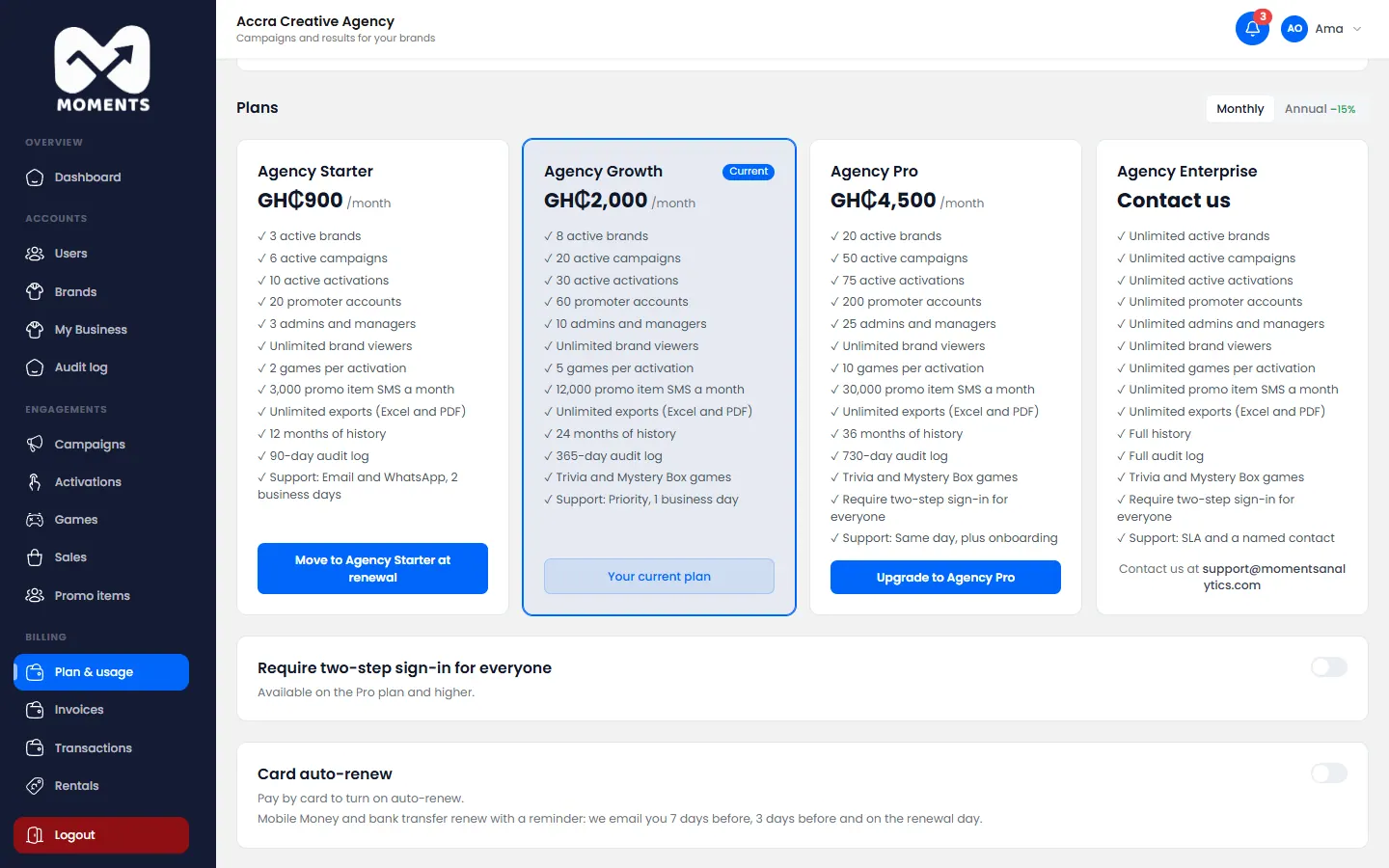
- In the menu, click Plan & usage.
- At the bottom, switch on Require two-step sign-in for everyone.
What happens next
Everyone in your organisation signs in with a code from then on. People who haven't set up two-step sign-in themselves get their code by email. They can choose SMS instead. See Turn on two-step sign-in.
Promoters already sign in with an SMS code, so nothing changes for them.