
Your business details appear on your invoices and receipts. Receipts are emailed to your business email and to your admins.
Steps
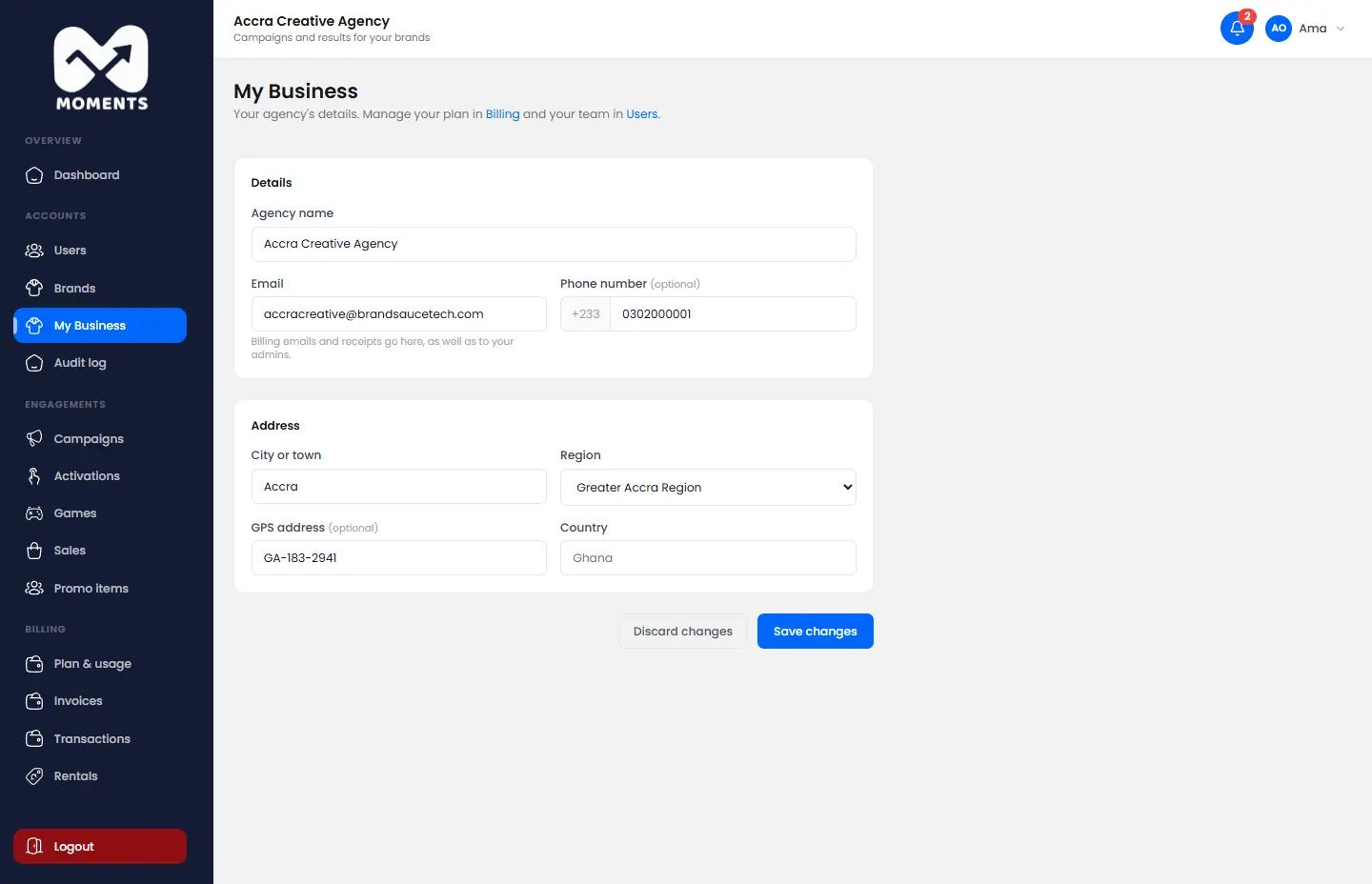
- In the menu, click My Business.
- Change what you need: the name, email, phone or address.
- Click Save changes.
Only admins can open My Business.