
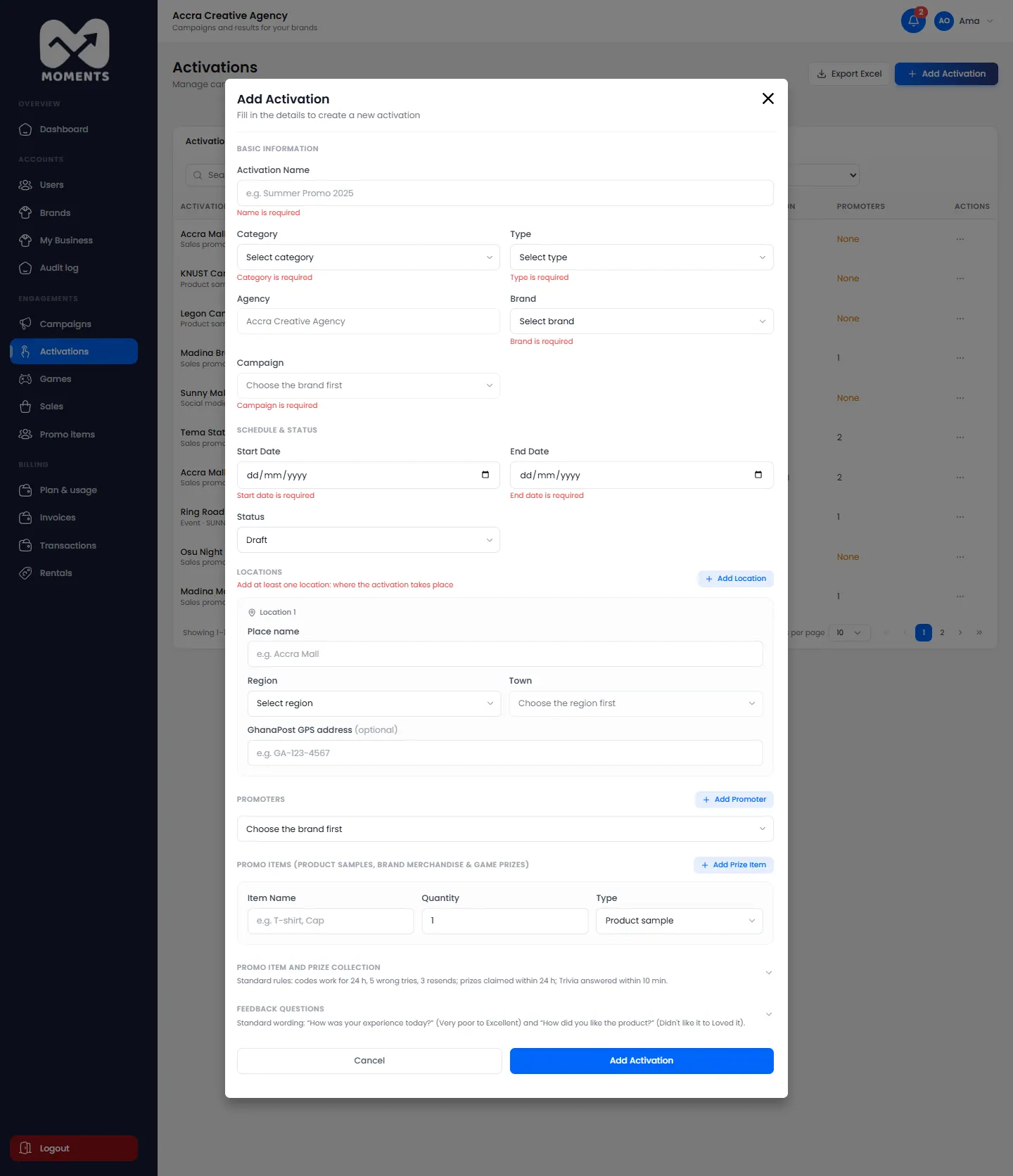
A field is shown in red
Something required is missing, such as the name, a date, a location or a target. Each field says what it needs.
"… is already on "…", which overlaps these dates"
A promoter can only be on one activation at a time. The one you chose is already on another activation with overlapping dates.
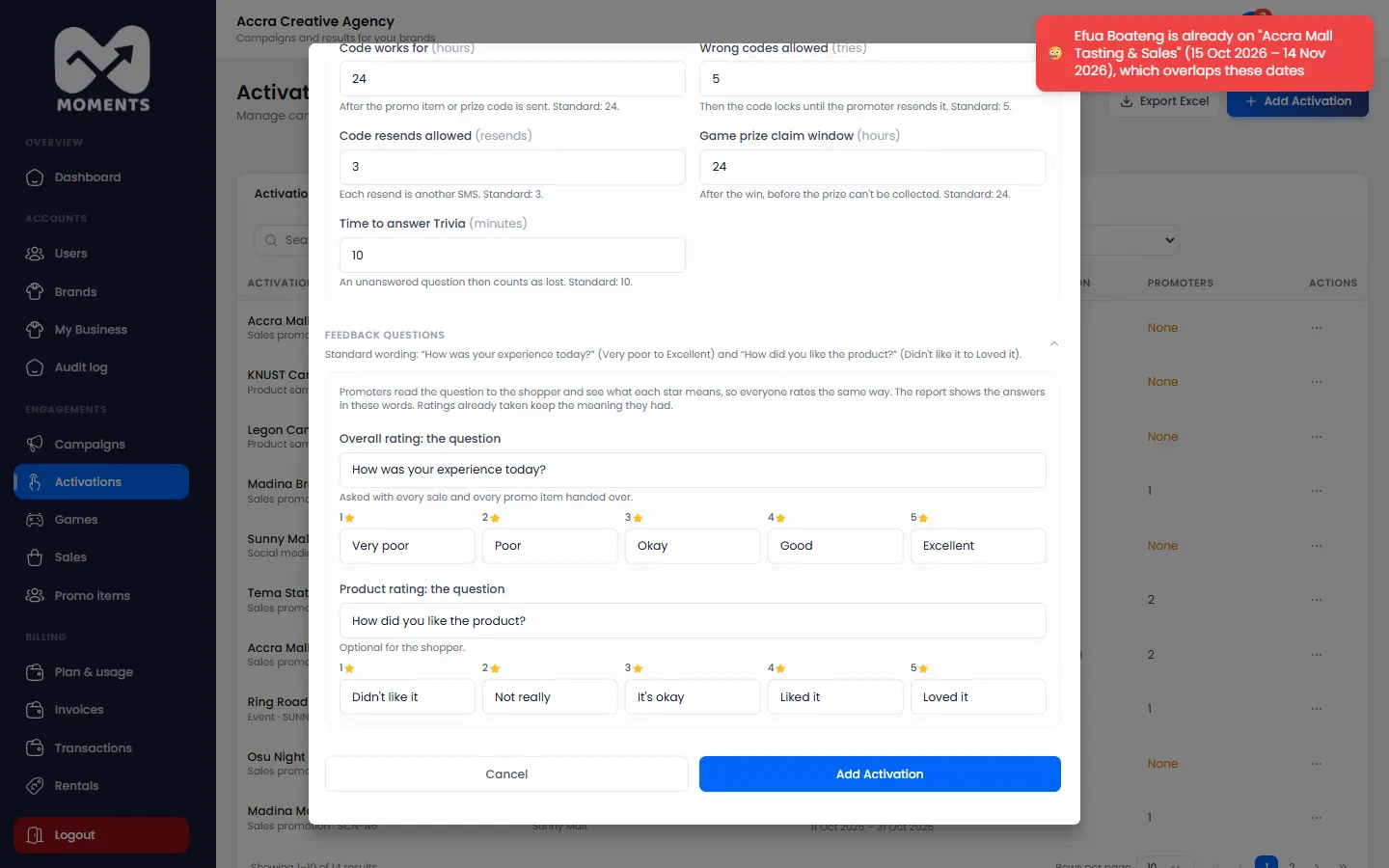
Choose another promoter, change the dates, or take the promoter off the other activation first.
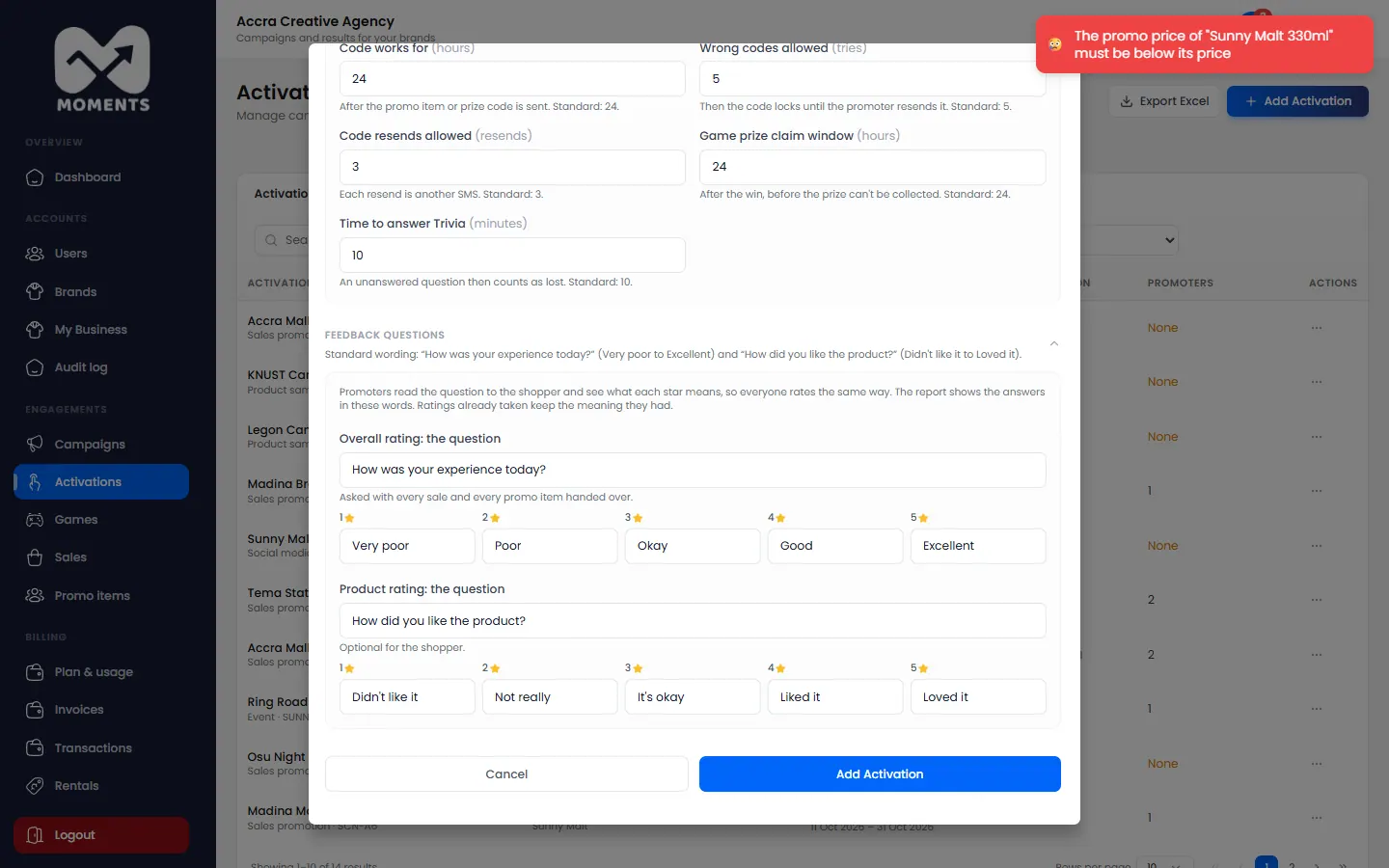
"The promo price of "…" must be below its price"
A promo price is a discount, so it has to be lower than the Unit Price. Lower it, or leave Promo Price empty to sell at the normal price.
The dates are outside the campaign
An activation must run within its campaign's dates, which are shown under the dates. Change the activation's dates, or edit the campaign to make it longer.
"The end date has passed"
Choose an end date of today or later.
"No promoters available for this brand"
You haven't added promoters yet, or they're all busy. Add a promoter first.
No game prizes
You see This activation has no Game prizes yet when you try to add a game. A game needs prizes to give.
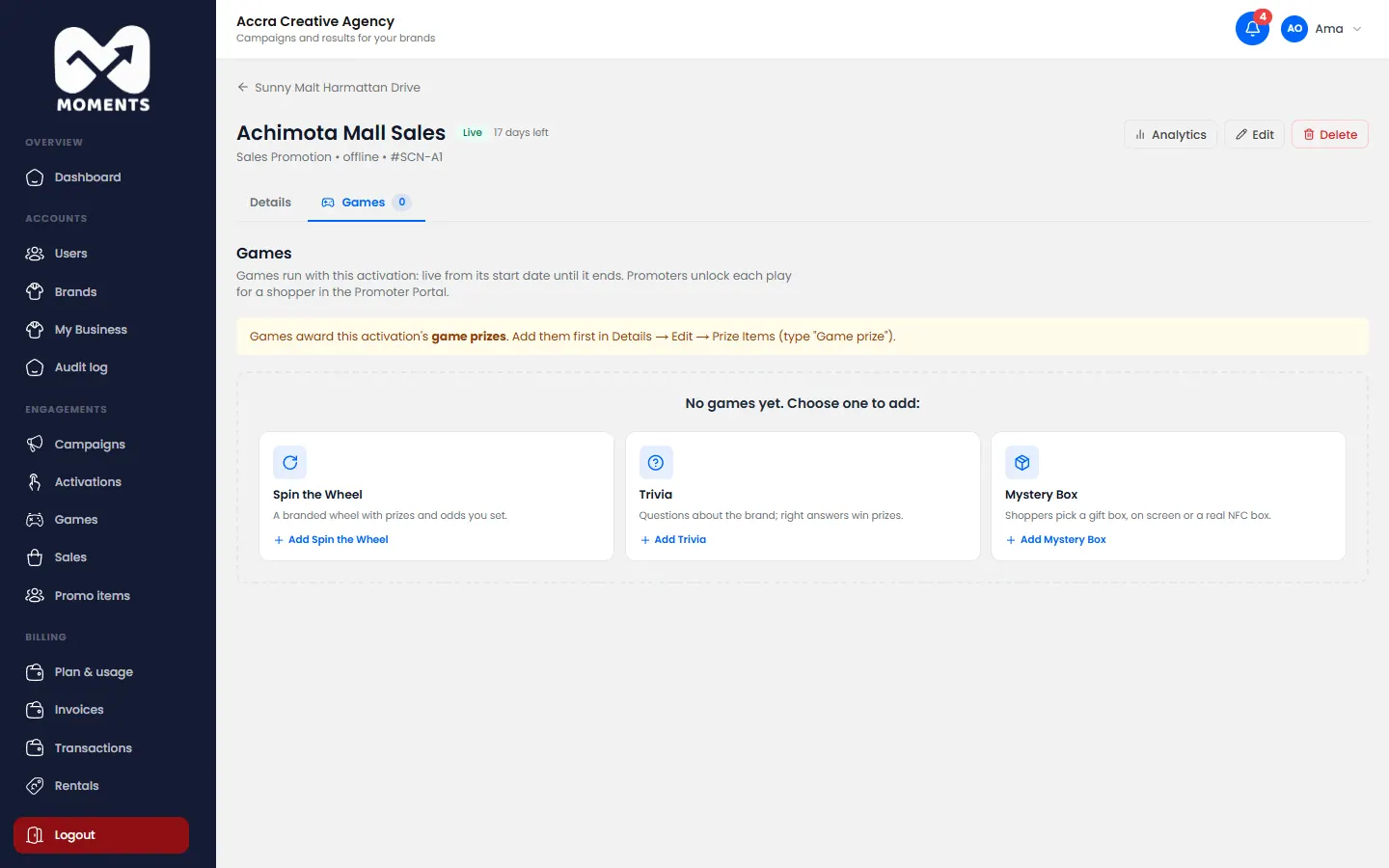
- On the activation's Details tab, click Edit.
- Under Promo Items, add an item with the type Game prize.
- Click Save Changes, then add the game.