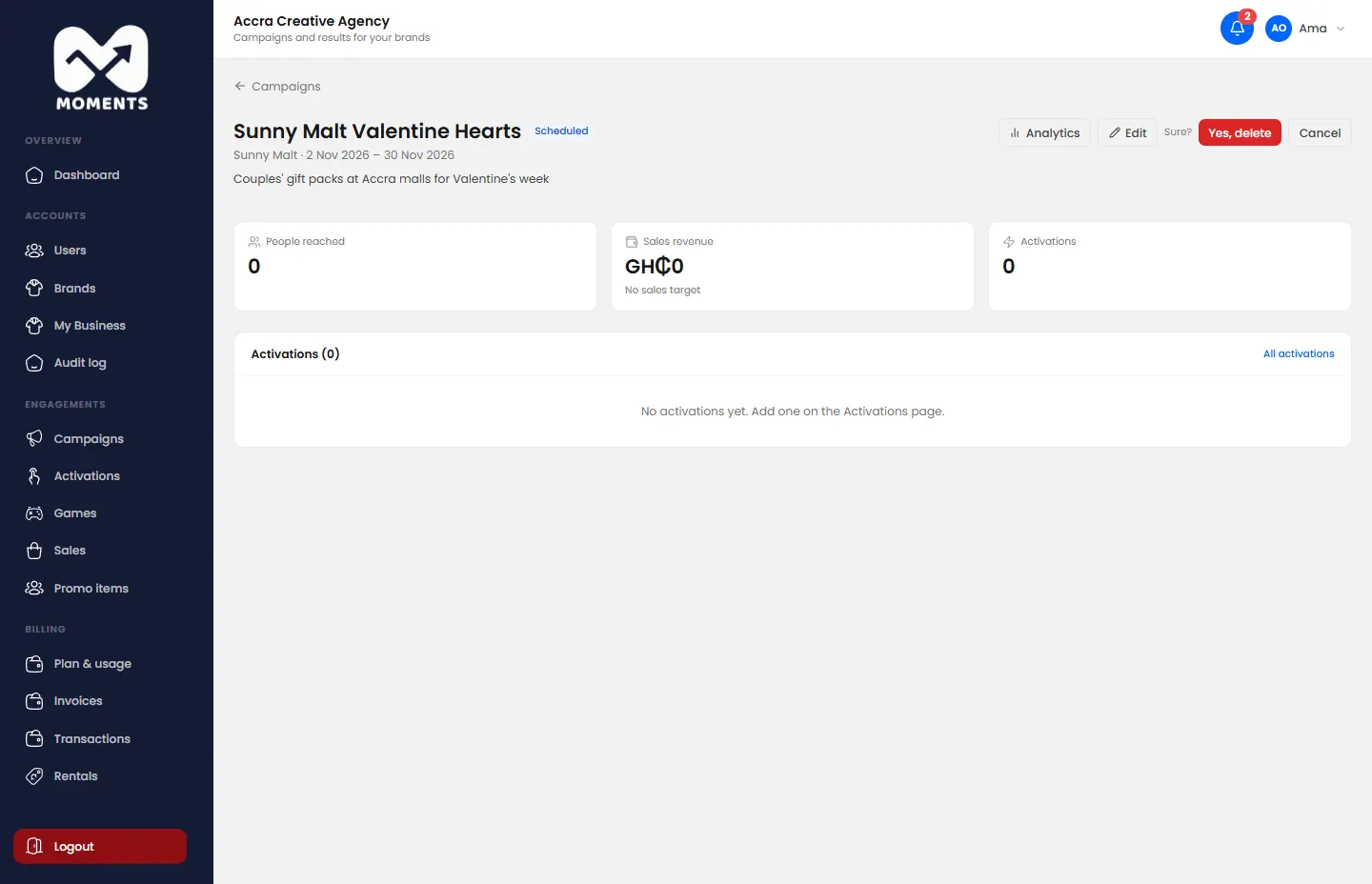
A campaign is a brand's promotion as a whole, for example "Sunny Malt Summer Refresh". It holds one or more activations, and its report adds them all up.
Before you start: agencies need to add the brand first.
Steps
- In the menu, click Campaigns, then Add Campaign.
- Type the Campaign Name, and describe its goal under Campaign Objective.
- Choose the Brand.
- Choose the Start Date and End Date. Its activations must fit within these dates.
- Choose the Status. Choose Active to run it between its dates.
Click Add Campaign.
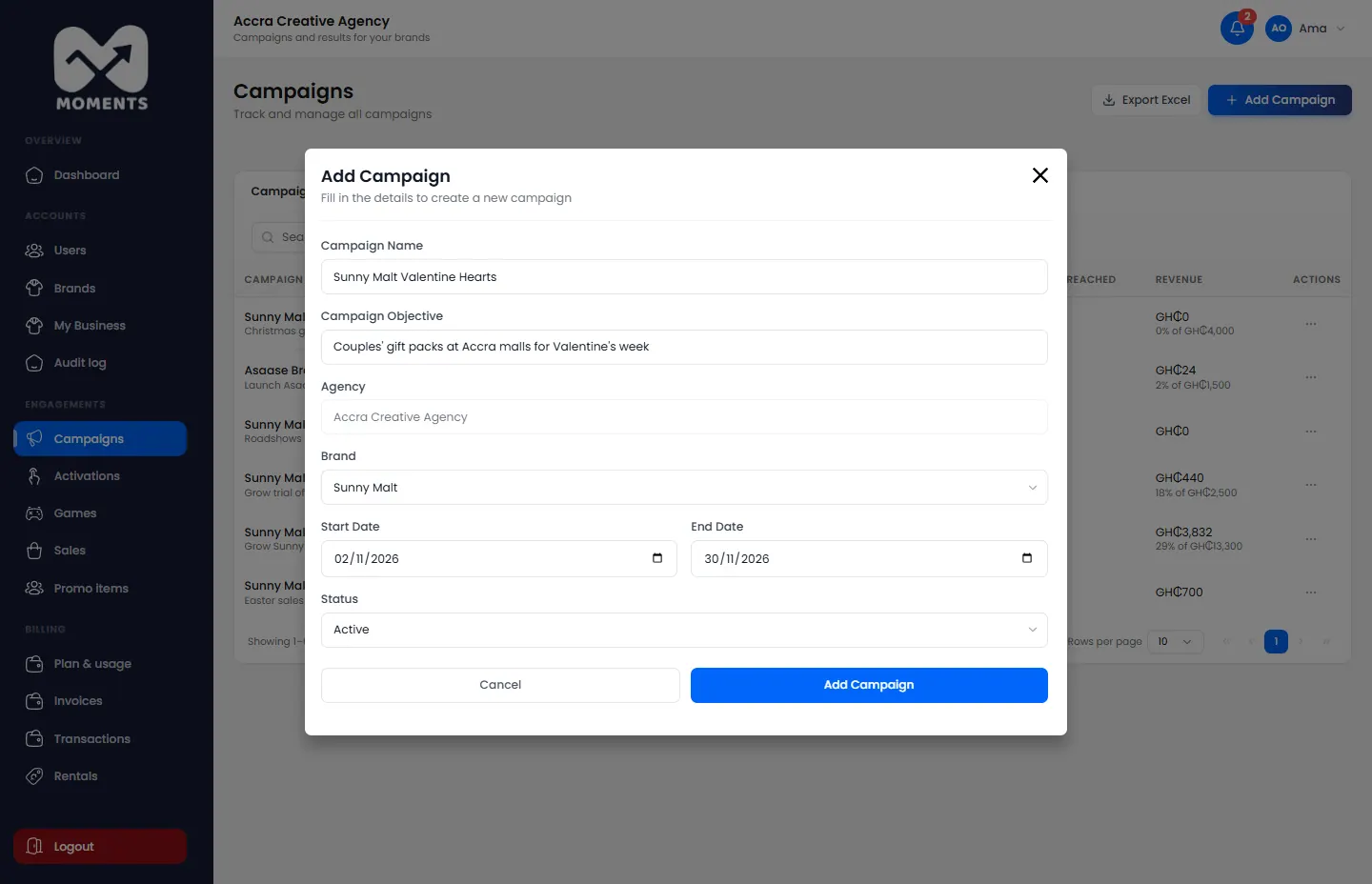
Add a campaign: name, objective, brand, dates and status
What happens next
The campaign appears in Campaigns. Open it to add activations. See Create an activation.
The campaign's page
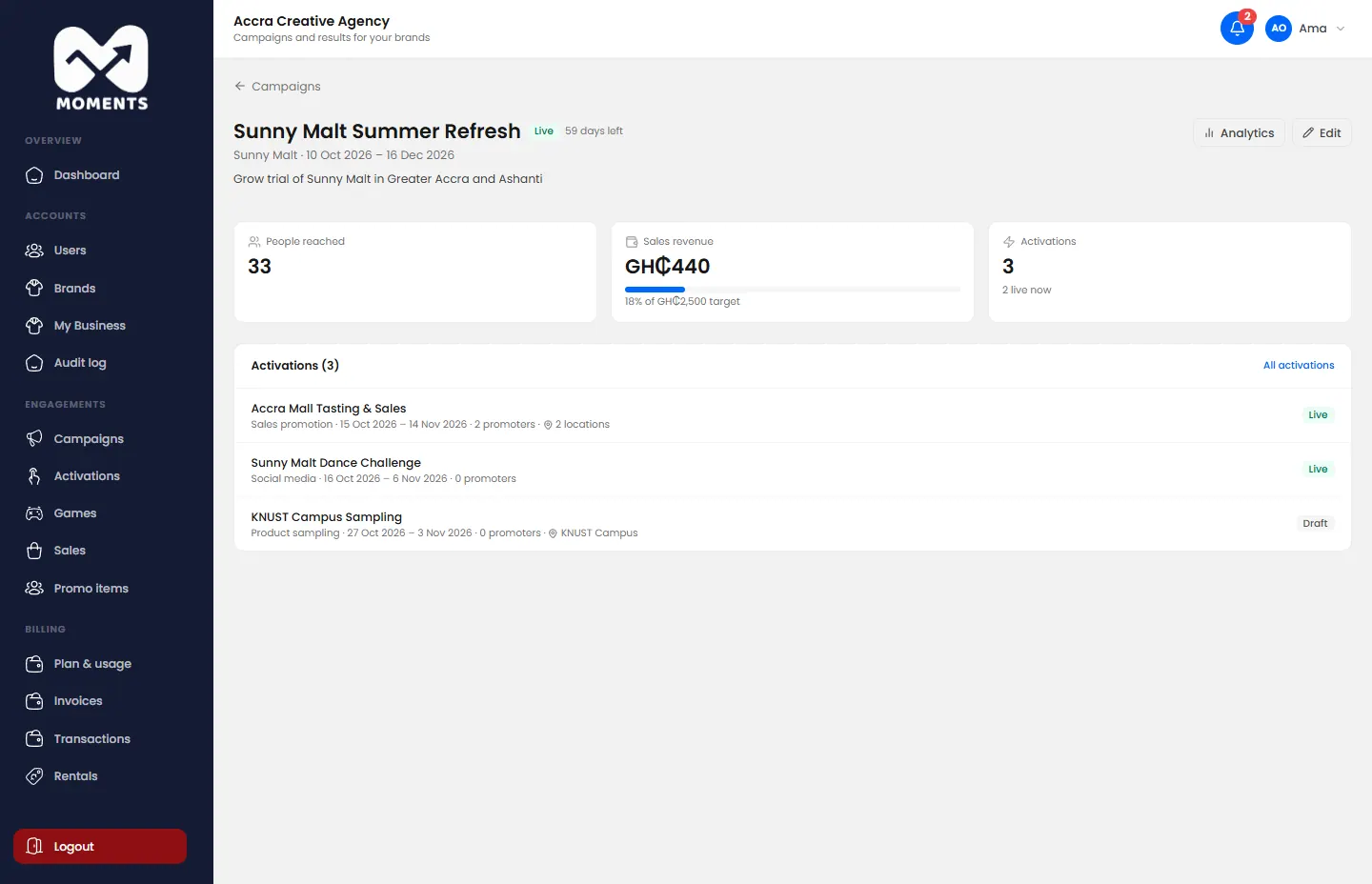
Click a campaign to see its activations, the people reached, and revenue against its target.
Delete a campaign
You can delete a campaign only before it has any activations. On its page, click Delete and confirm.