
Steps
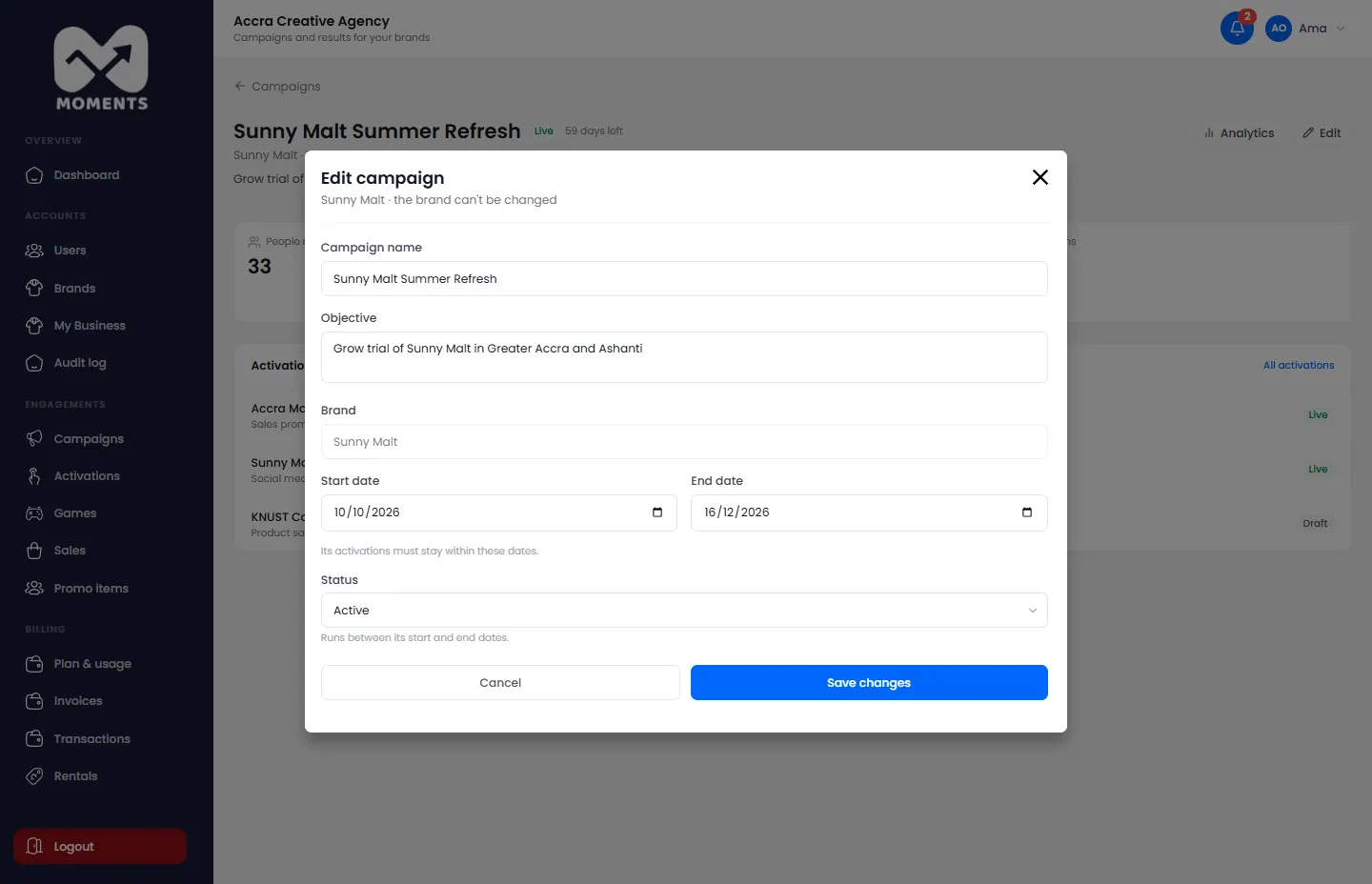
- Open the campaign from Campaigns, and click Edit.
- Change its name, objective or dates, or its Status.
- Click Save changes.
What each status does
The status affects every activation in the campaign.
| Status | What happens |
|---|---|
| Active | It runs between its start and end dates |
| Paused | Its running activations and their games pause. Promoters can't record anything until you set it back to Active |
| Completed | It ends now. Its activations end, and their promoters are free for other activations |
| Cancelled | It and all its activations are cancelled, and their promoters are freed |
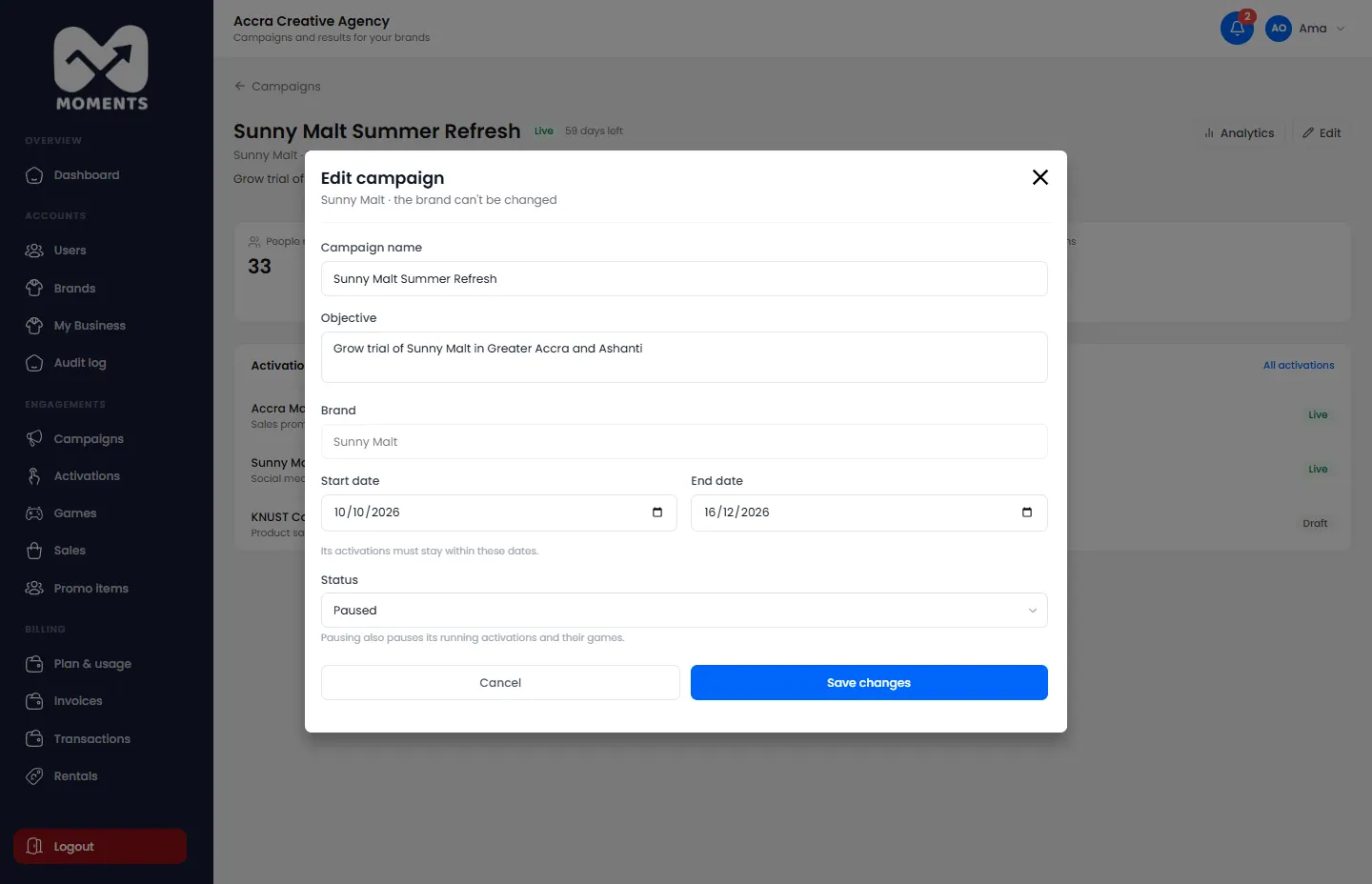
Everything recorded before stays in the reports.