
The bell at the top right shows how many notifications you haven't read. Click it to see the latest ones.
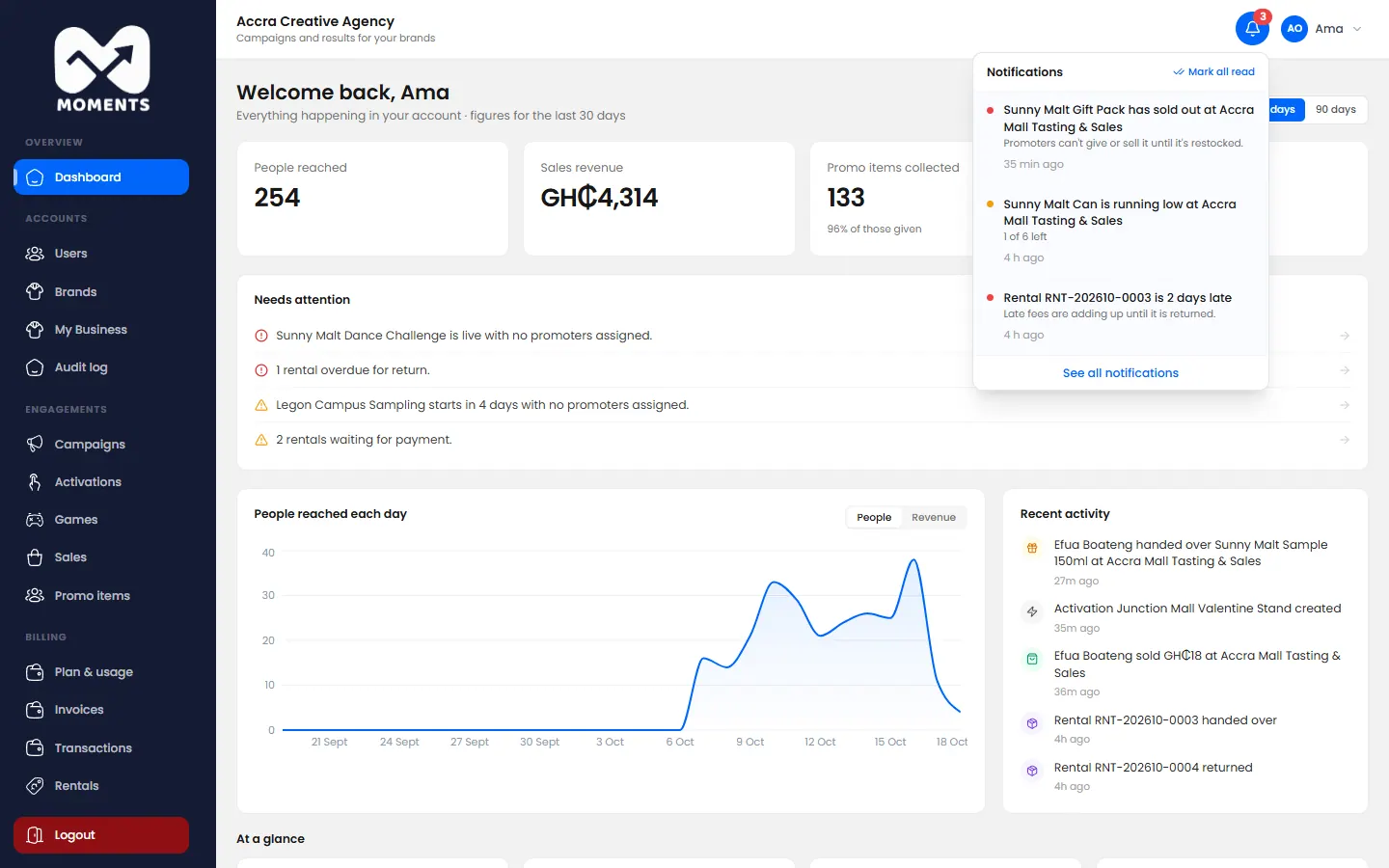
You get a notification when something needs you. For example:
- a promoter asks you to fix a sale;
- stock is low;
- an activation starts tomorrow, or it's paused or over;
- promoters at a live stand haven't recorded anything yet;
- you're near a plan limit;
- a payment came in, or one is late;
- your trial or plan ends soon.
Click a notification to go straight to what it's about.
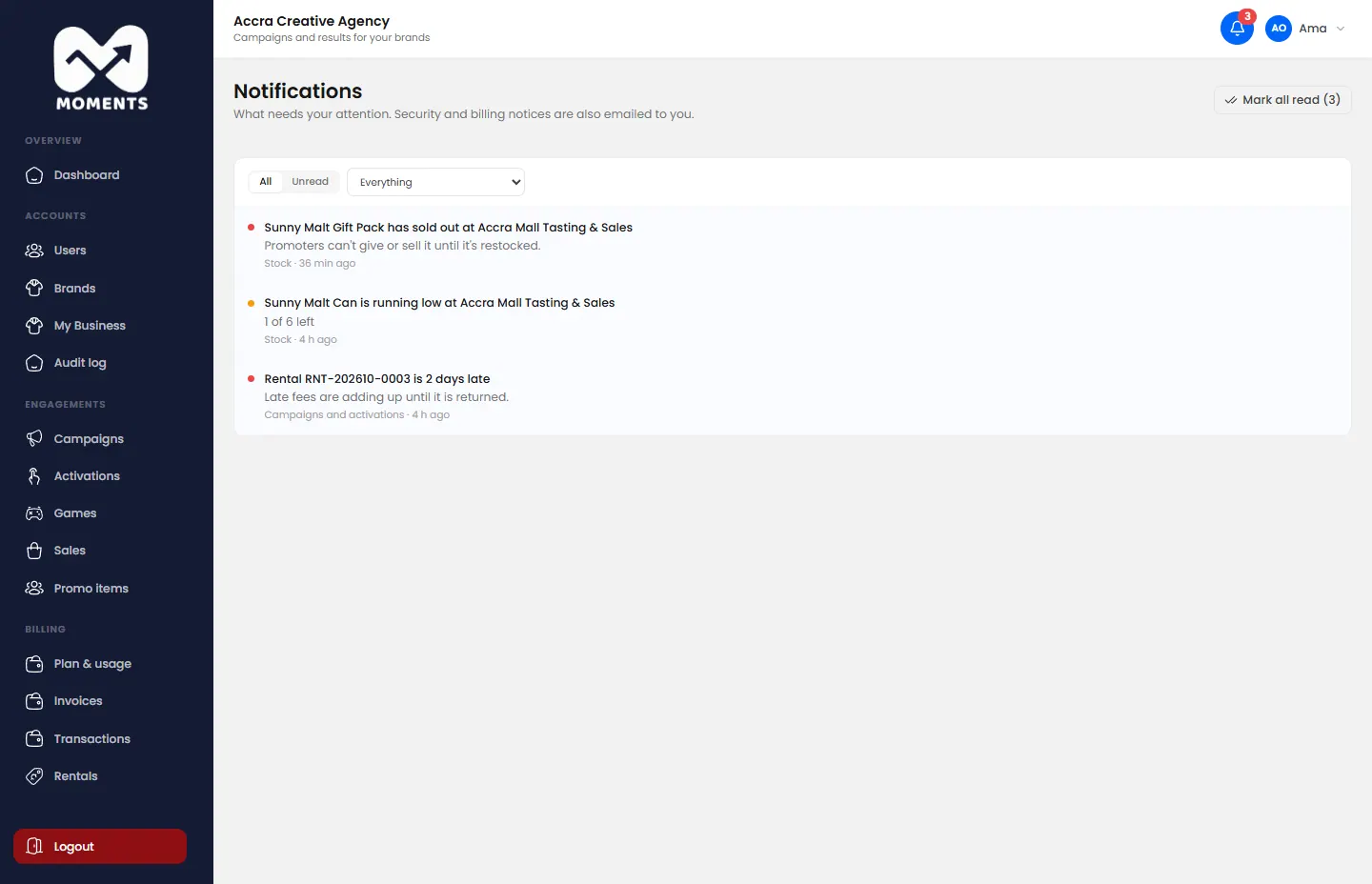
See them all
Click See all notifications. Filter by category, or show unread ones only. Click Mark all read to clear the count.
Security and billing notifications are also emailed to you.