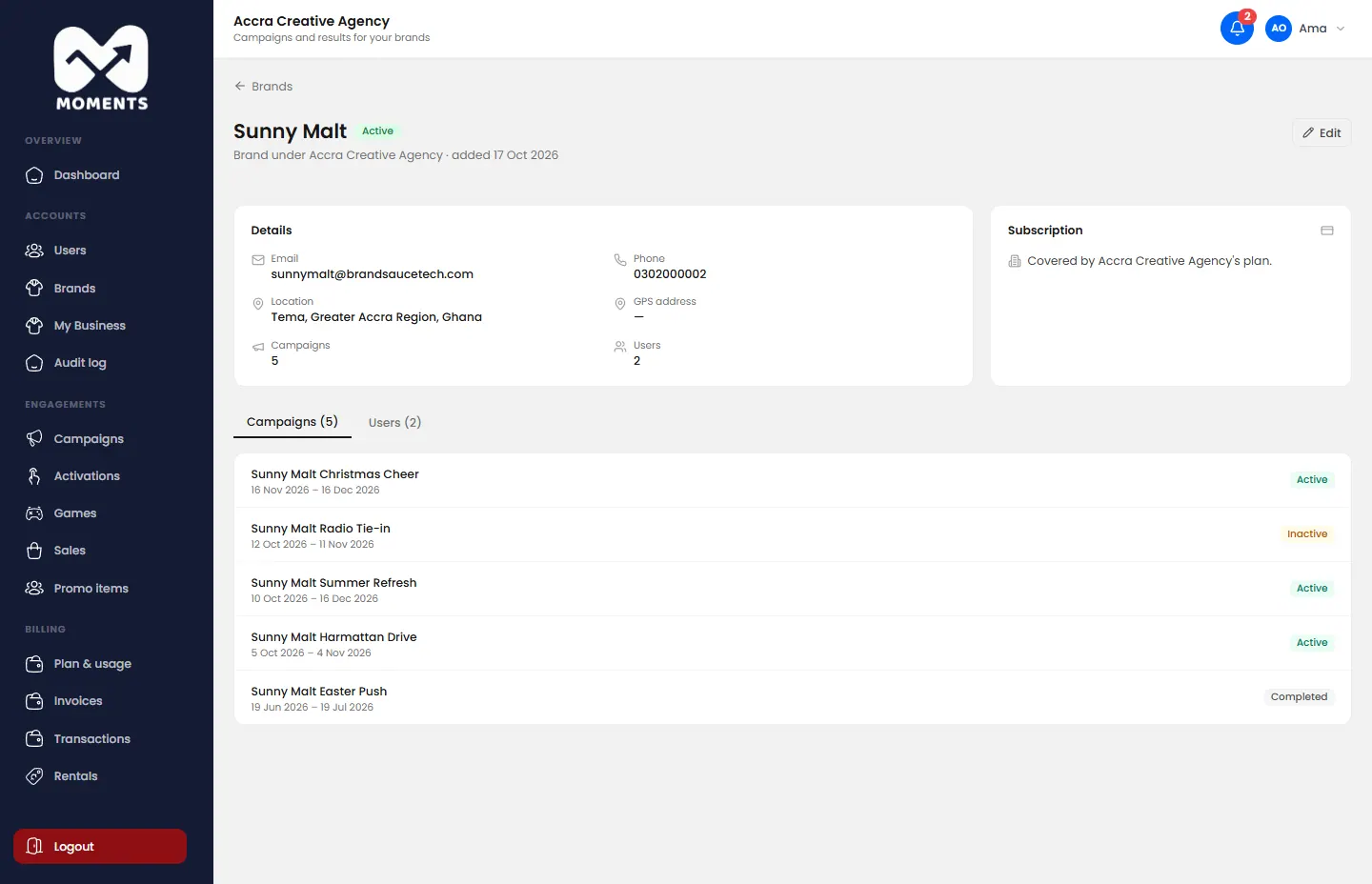
Every campaign belongs to a brand. Add each brand your agency works for before you create its campaigns.
Steps
- In the menu, click Brands, then Add Brand.
- Type the Brand Name, Email and Phone Number.
- Optional: click Click to upload logo to add the brand's logo.
- Fill in the location: City, Region, Country and GPS Address.
Click Add Brand.
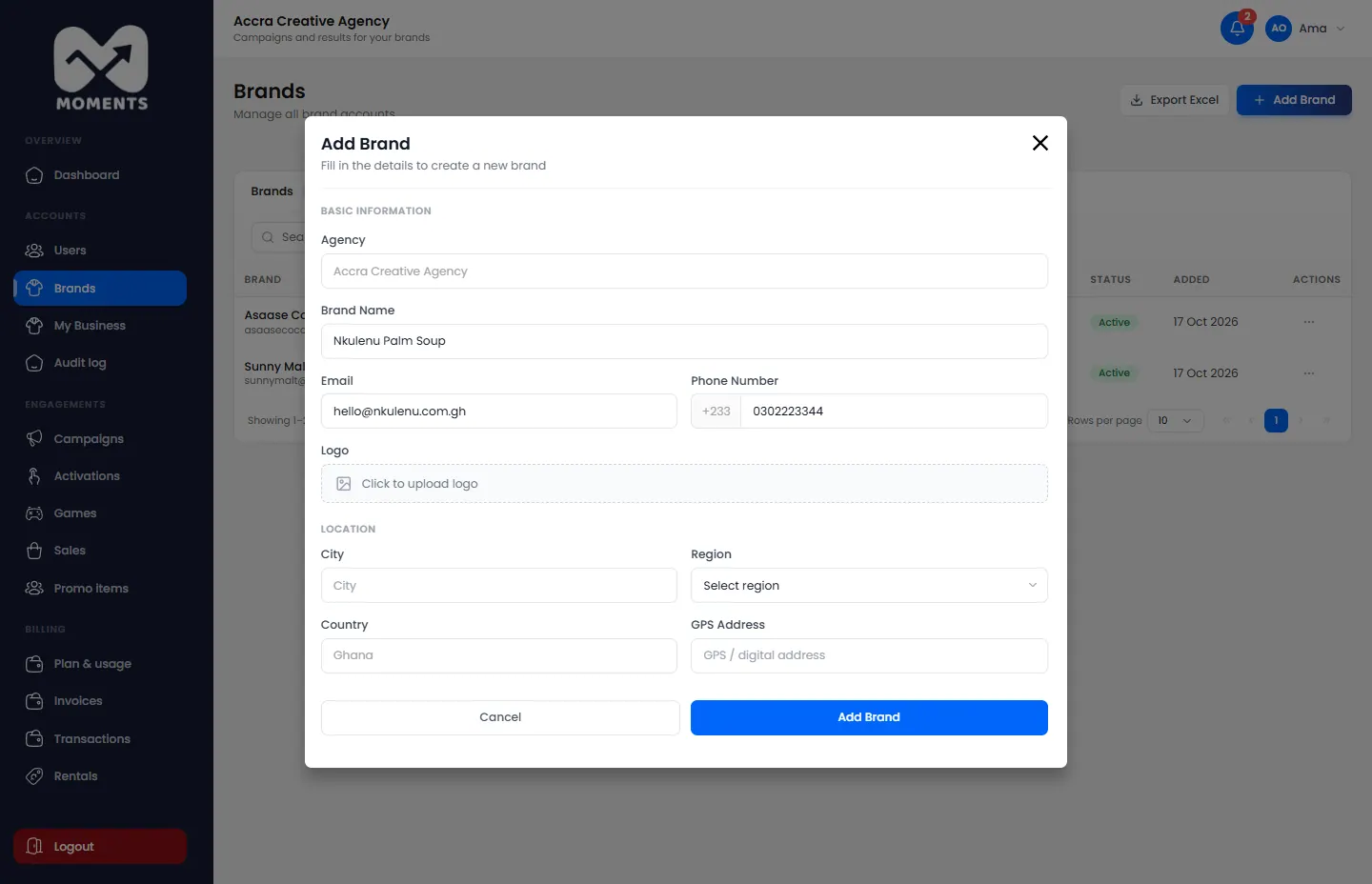
Add Brand, with the details filled in
What happens next
The brand appears in Brands. You can now create campaigns for it, and add its people as brand viewers so they can follow their results.
How many brands you can have depends on your plan. See Choose or change your plan.
See or edit a brand
Click a brand in Brands to open its page: its details, its subscription and its people. To change its details, click Edit, then Save Changes.