
Invoices and receipts
In the menu, click Invoices. Each invoice has its receipt once it's paid. Receipts are also emailed to your business email and to your admins.
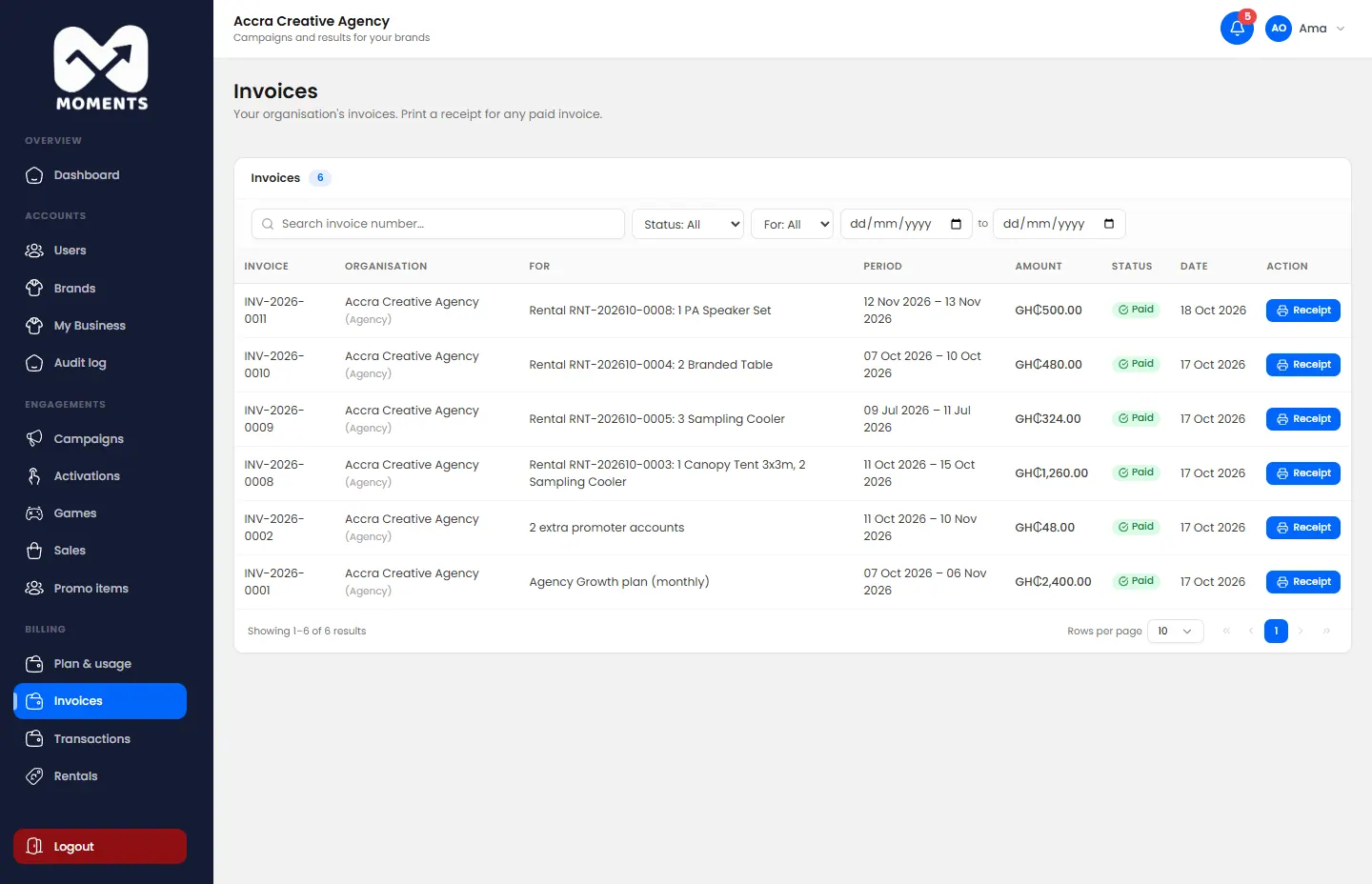
Your business name and address on them come from My Business. See Update your business details.
Every payment
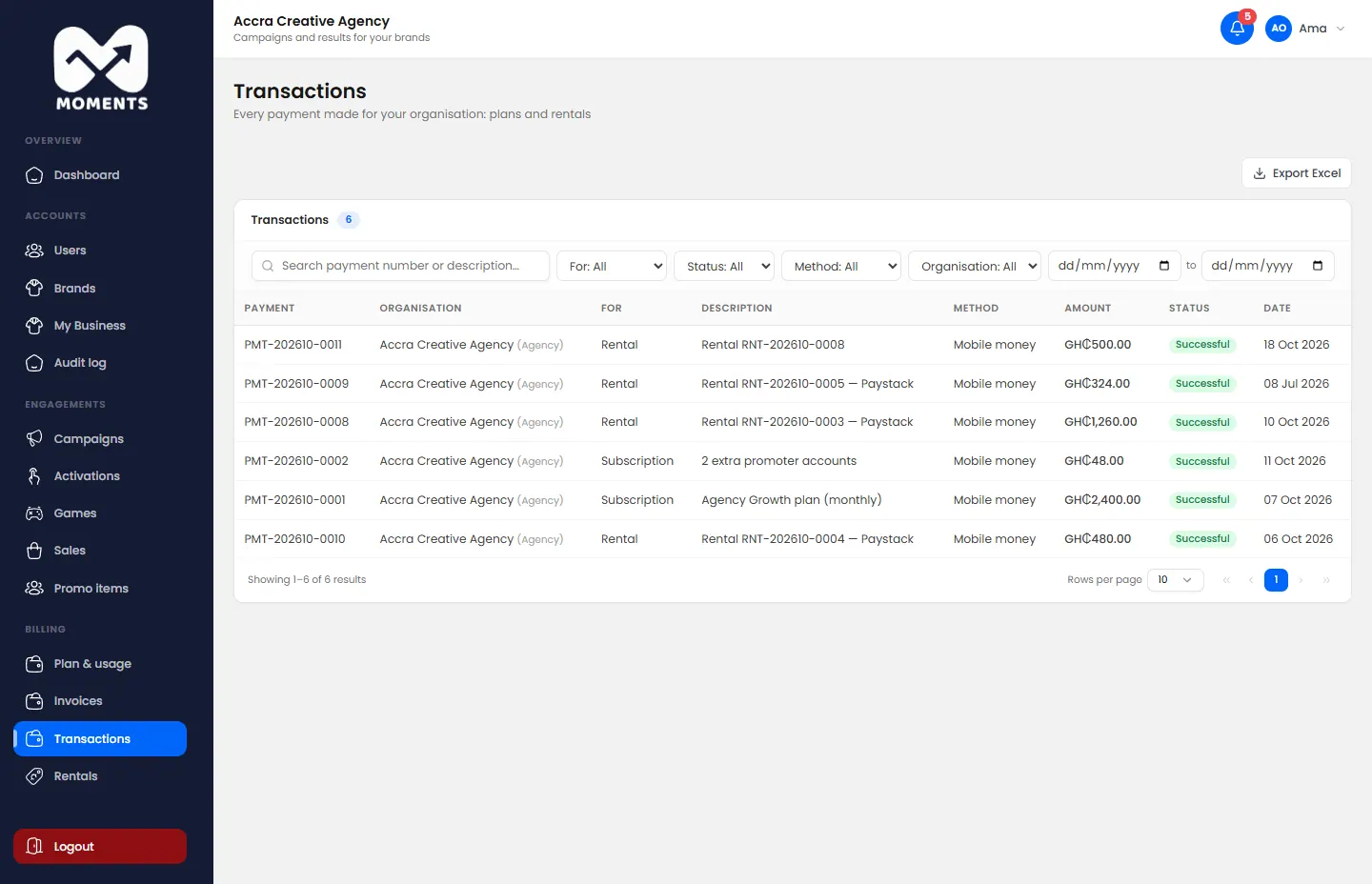
In the menu, click Transactions. It lists every payment: successful, failed or refunded.
How your plan renews
| You pay by | It renews |
|---|---|
| Card, with Card auto-renew on | Automatically, on your card |
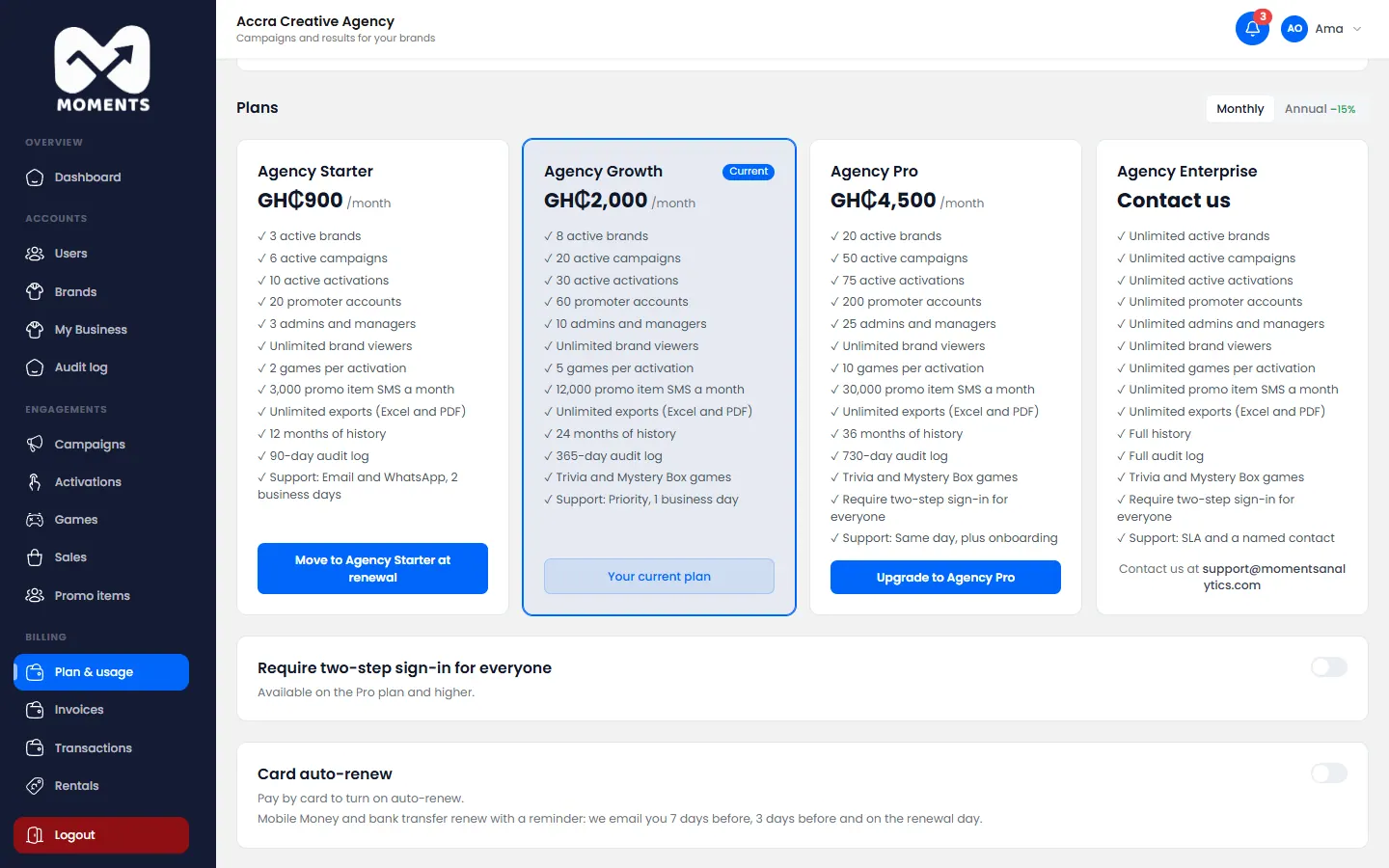
| Mobile Money or bank transfer | With a reminder. We email you 7 days before, 3 days before and on the renewal day |
To turn on Card auto-renew, pay by card once, then switch it on at the bottom of Plan & usage.
If a payment is late
You see a banner at the top of the Admin Portal, with how many days are left before your account becomes read-only. Pay from Plan & usage to clear it.