
As a manager, you run the work: campaigns, activations, games, and your promoters' day-to-day questions. Your admin looks after users, billing and the business details.
Your admin adds you, and you get an email to set your password. See Set your password from an invitation. Then sign in at admin.momentsanalytics.com.
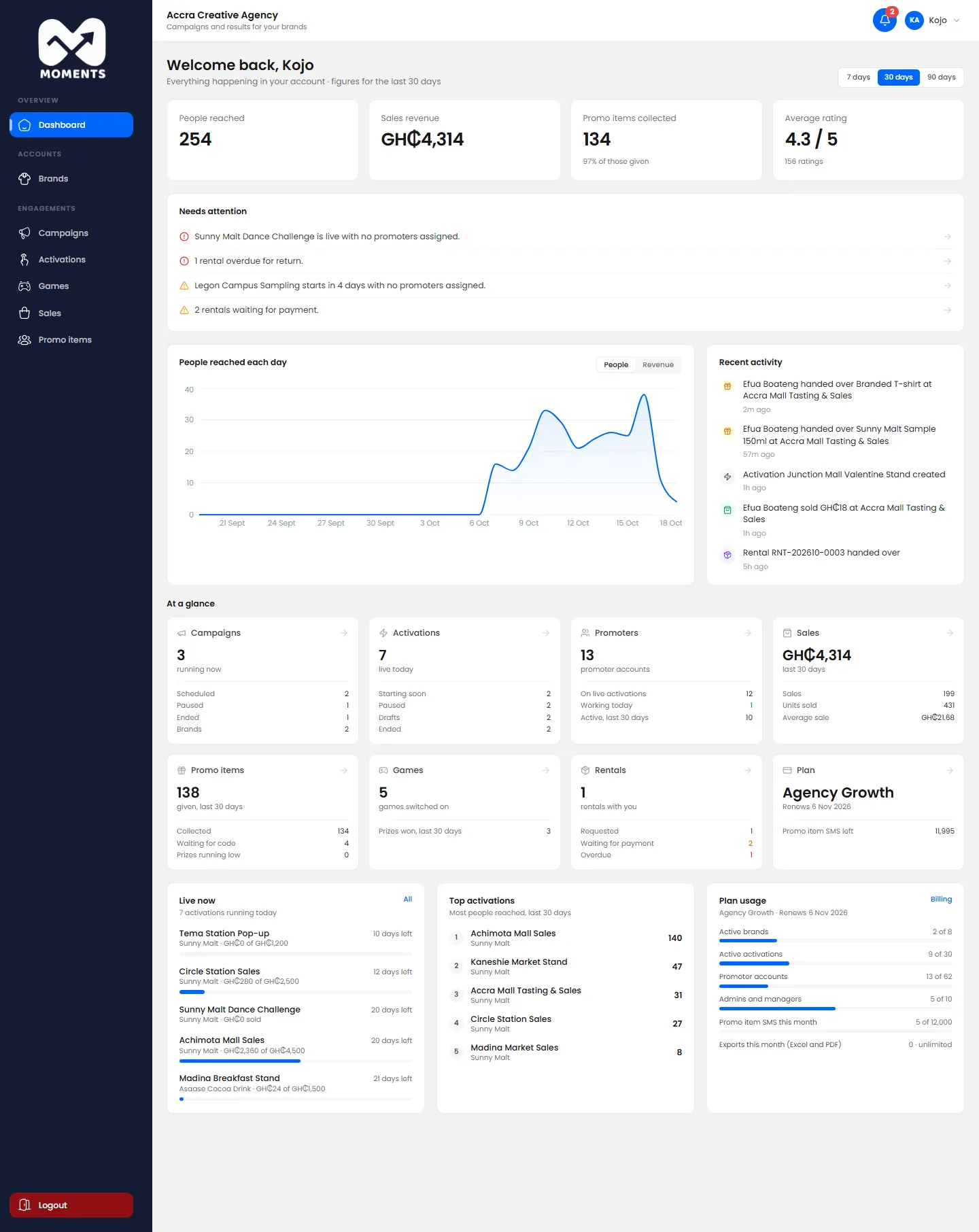
What you can do
| Task | See |
|---|---|
| Follow how everything is going | Read your dashboard |
| Set up a campaign | Create a campaign |
| Set up an activation, its products and promo items | Create an activation |
| Add games and prizes | Add a game |
| Restock, pause or end an activation | Follow, edit or pause an activation |
| Check sales, and decide on promoters' correction requests | Check sales and review corrections |
| See samples and prizes given out | See promo items given out |
| Share results with the client | Read a campaign report |
Agency managers can also see the agency's Brands, but can't add or change them.
What your admin does
- Adds people, including promoters. When you set up an activation, you choose from promoters already added. Need a new promoter? Ask your admin.
- Billing: plan, add-ons, SMS packs, invoices and rentals.
- My Business and the Audit log.
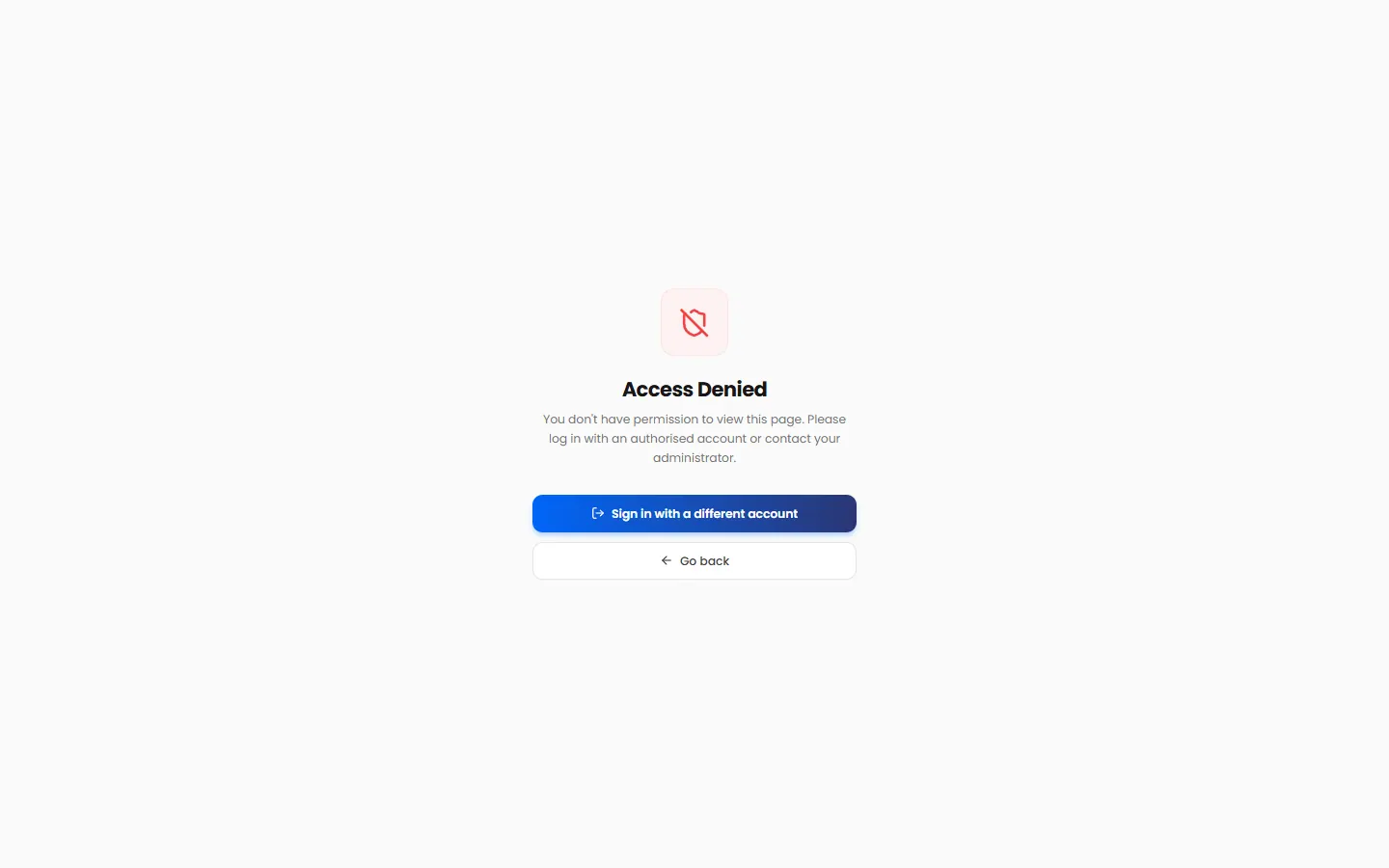
If you open one of these pages, you see Access Denied.
You're your promoters' manager
In the Promoter Portal, promoters are told to ask "your manager" when something's wrong. That's you. They'll come to you to:
- restock;
- launch, pause or resume an activation;
- switch on a game;
- answer a correction request.