
When an admin adds you, you get an invitation email from Moments Analytics. Use it to set your password.
Steps
- Open the invitation email and click the link. It works for 72 hours.
Type a password twice, and click Reset password.
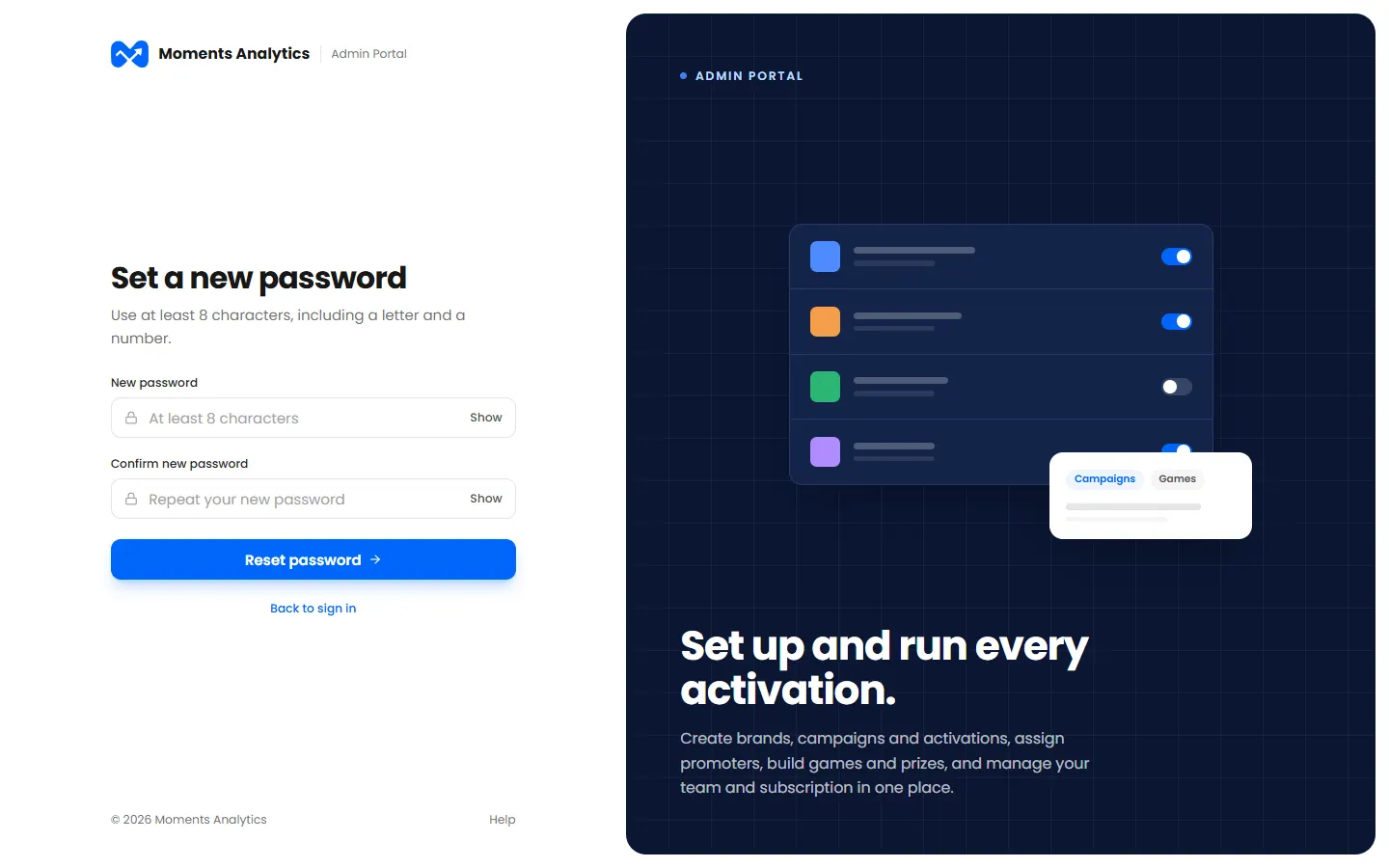
A new user sets their password from the invitation email - Sign in with your email and your new password. See Sign in.
A password needs at least 8 characters, with a letter and a number.
If the link has expired
Ask the admin who added you to resend your invitation.