
Find the message you see on the sign-in page.
"Wrong email or password."
One of them is wrong. For your safety, we don't say which.
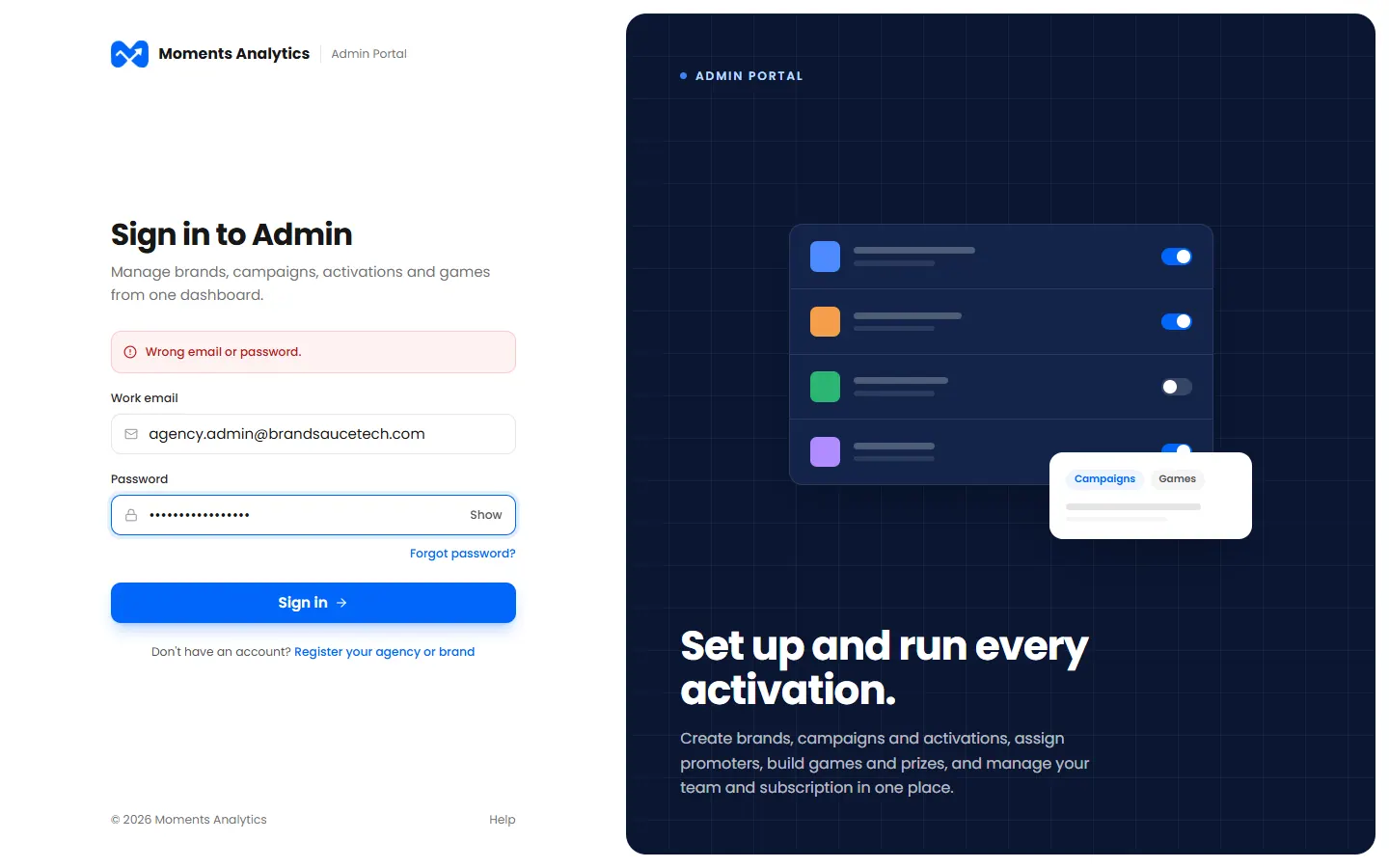
- Check the email. Use the one you were invited with.
- Click Show to check the password as you type it.
- Still stuck? Reset your password.
"You haven't set your password yet"
You've been invited, but haven't chosen a password. Use the link in your invitation email. See Set your password from an invitation.
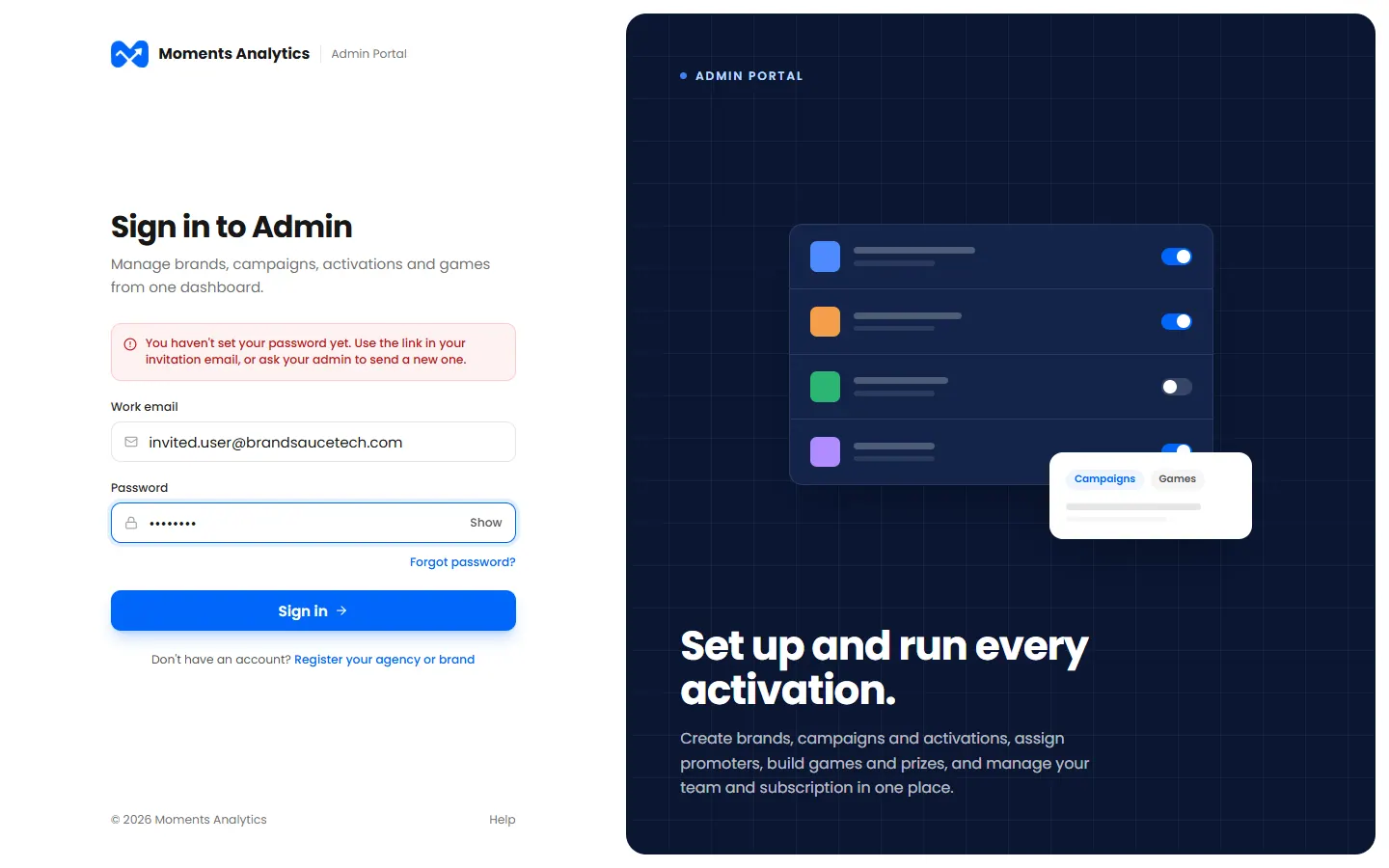
The link works for 72 hours. If it has expired, ask your admin to send a new one.
"Too many failed sign-in attempts"
After 5 wrong passwords in a row, your account is locked for 15 minutes. We also email you about it.
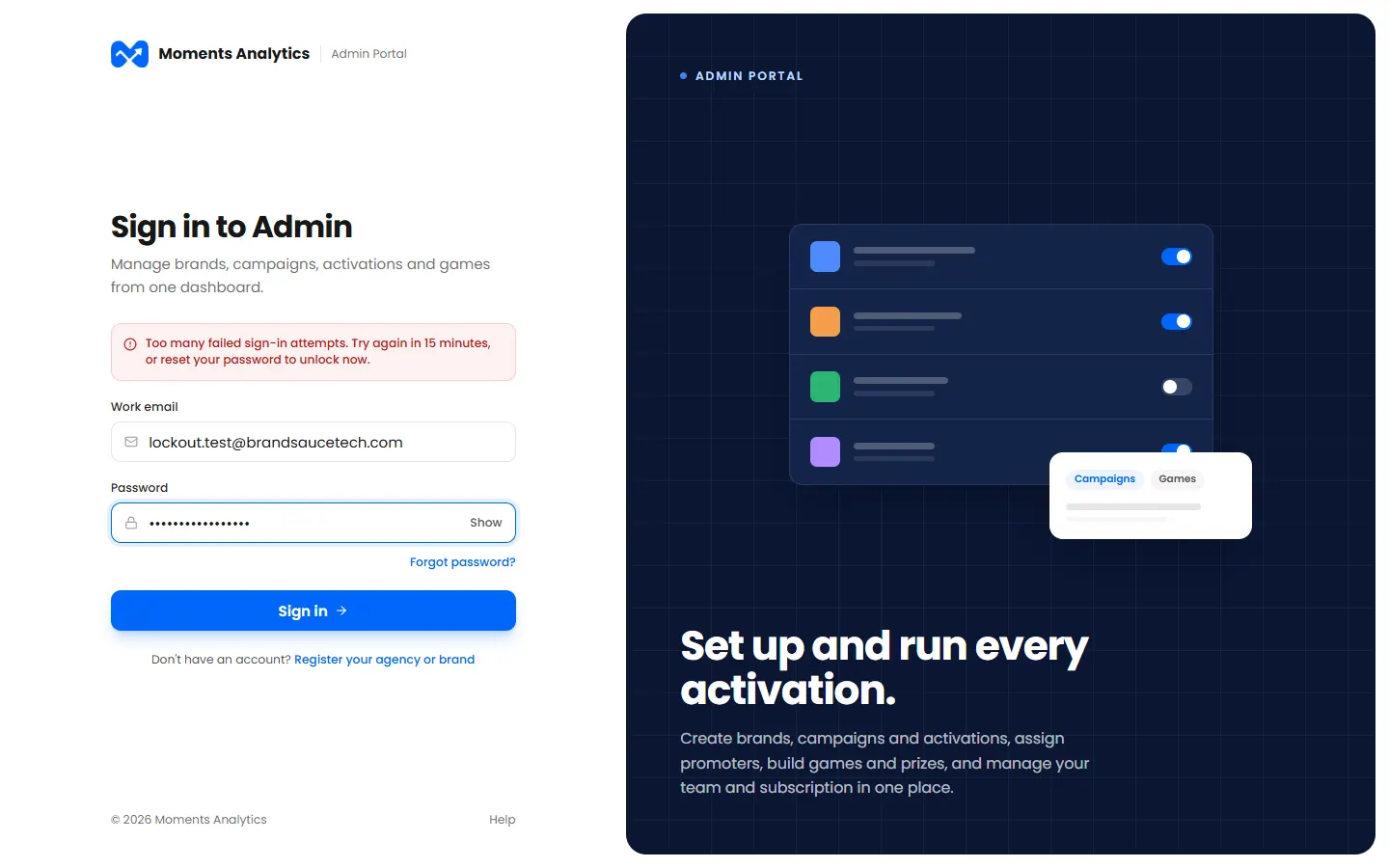
Wait 15 minutes, or reset your password to unlock it now. If you didn't make those attempts, reset your password anyway.
"Too many attempts, please try again after 15 minutes"
There were too many tries from your internet connection. Wait 15 minutes, then try again.
"Your account has been suspended" or "deactivated"
An admin in your organisation has stopped your account. The message may say why.
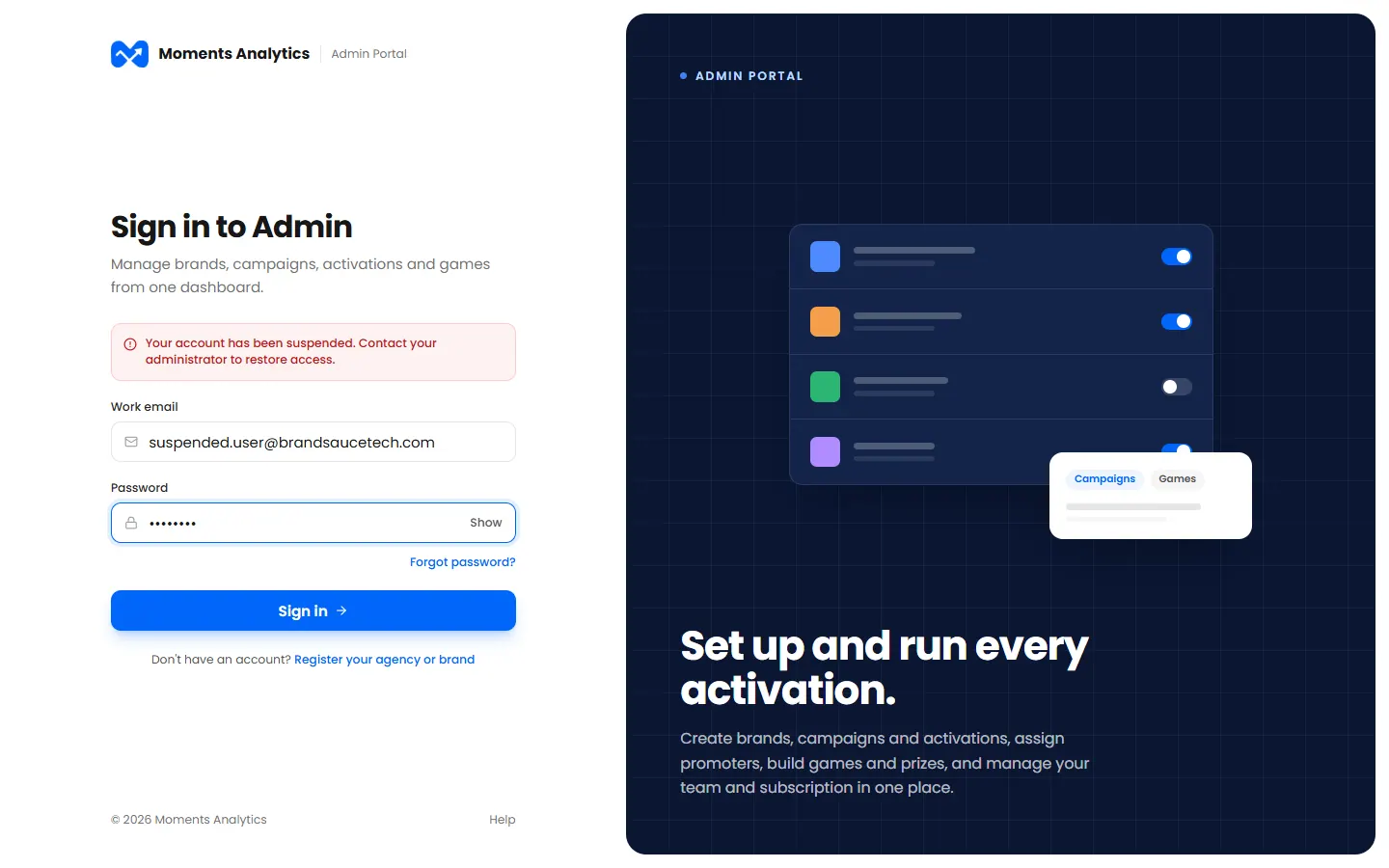
Contact your admin. Only they can restore it.
"… has been suspended, so its accounts can't be used right now"
Your whole agency or brand has been suspended or deactivated, so nobody in it can sign in.
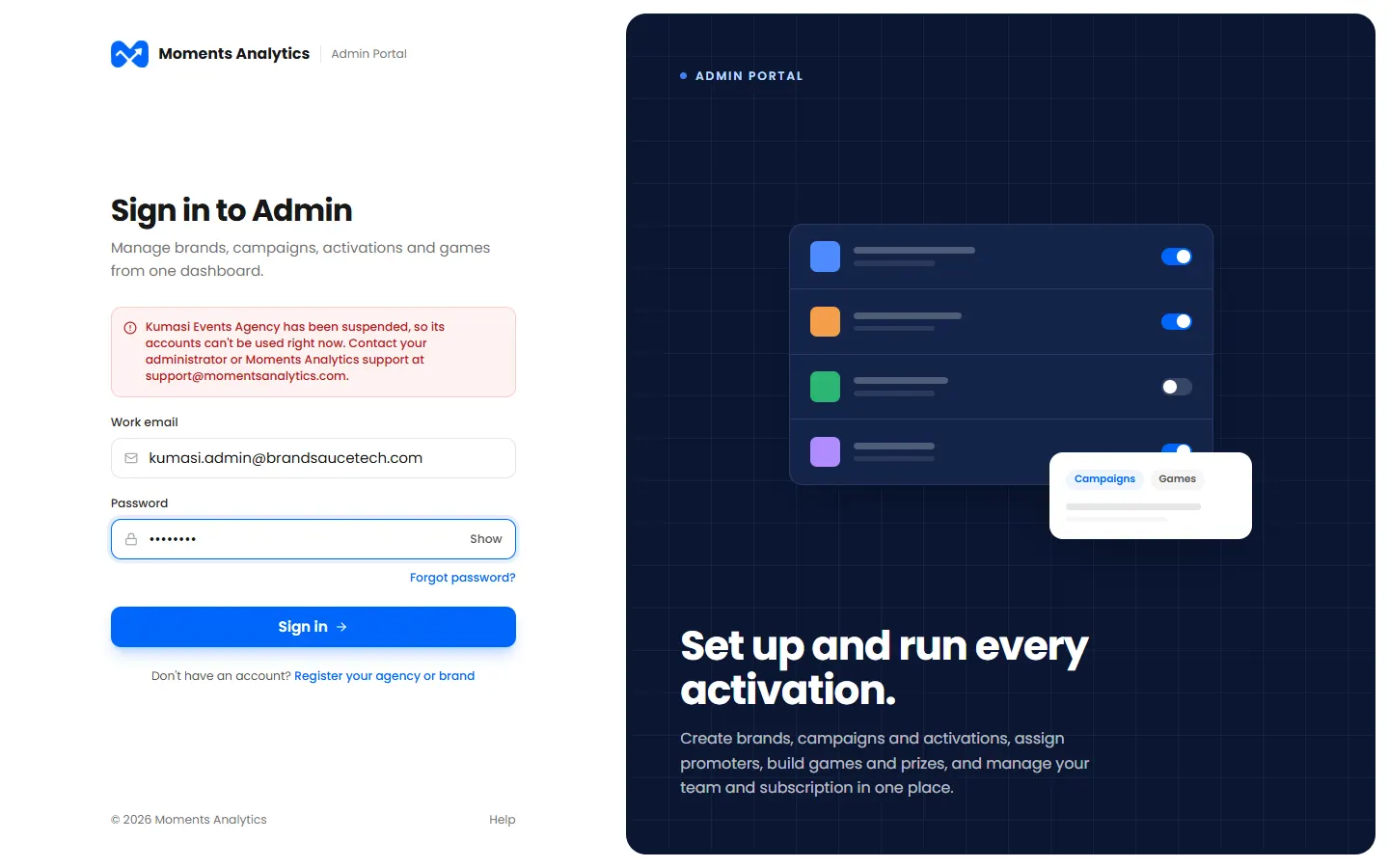
Contact your admin, or Moments Analytics support at support@momentsanalytics.com.
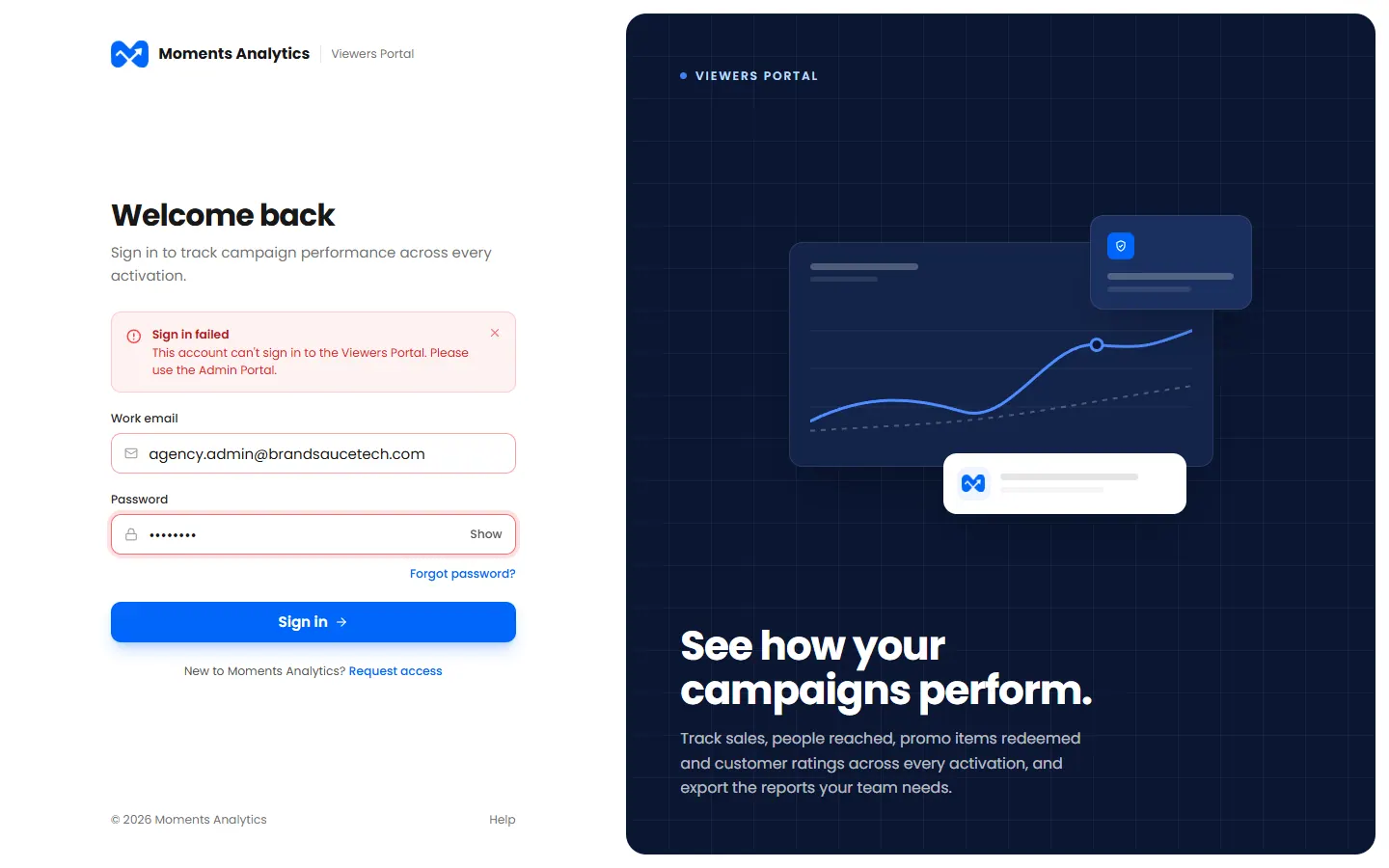
"This account can't sign in to the Viewers Portal"
You're on the wrong portal for your role. Admins and managers use admin.momentsanalytics.com. Brand viewers use viewers.momentsanalytics.com.
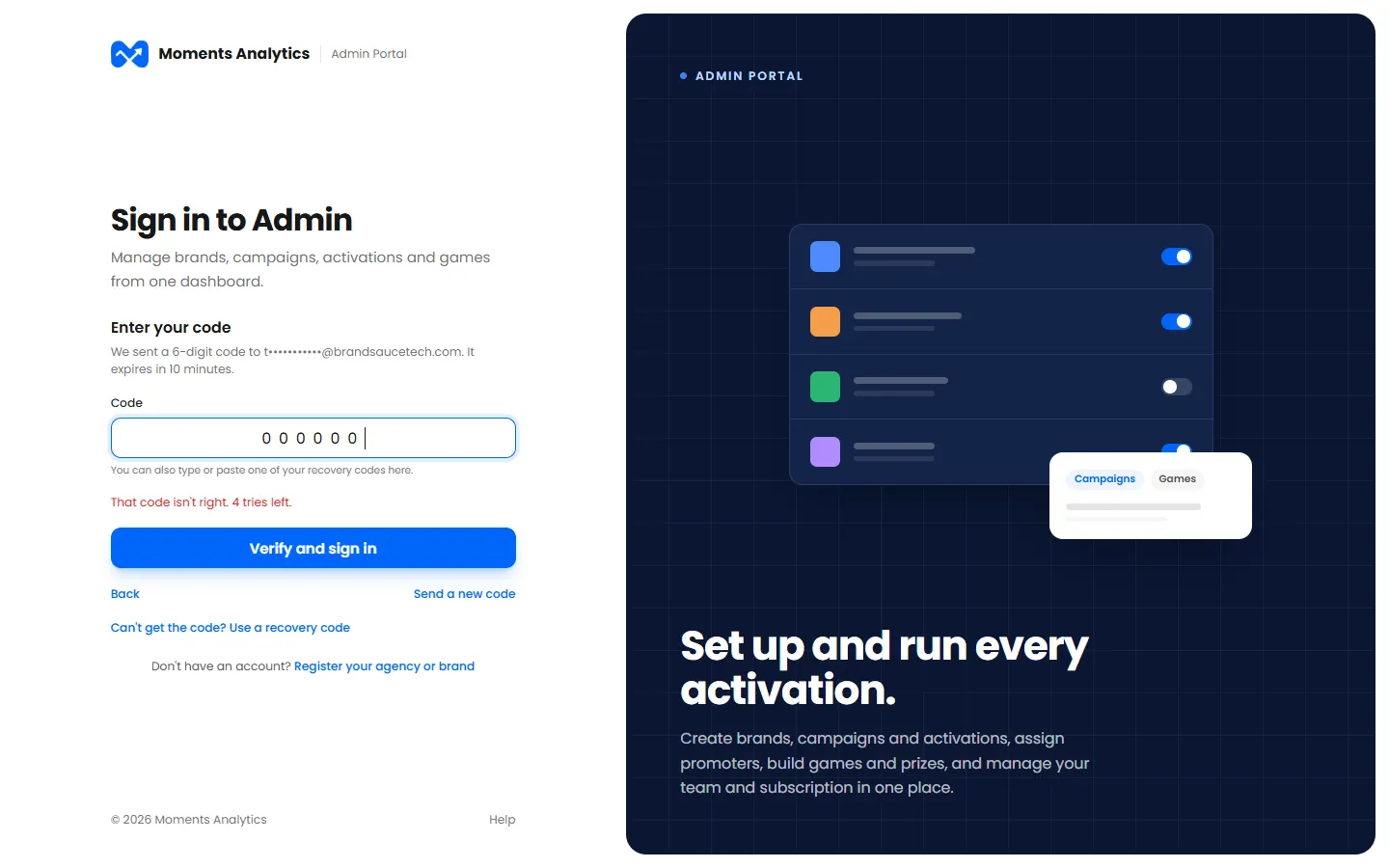
Two-step sign-in messages
| Message | What to do |
|---|---|
| That code isn't right. 2 tries left. | Type the code again, from the newest email or SMS |
| That code has expired. Send a new one. | Click Send a new code |
| Too many wrong codes | Go back and sign in again |
| That recovery code isn't right, or it's been used | Each recovery code works once. Try another one |
Lost your phone and your recovery codes? Ask your admin. Brand viewers can ask their agency.