| You are | Sign in at |
|---|---|
| An admin or manager at an agency or brand | admin.momentsanalytics.com |
| A brand viewer (the client) | viewers.momentsanalytics.com |
Promoters sign in to the Promoter Portal with their phone number instead.
Steps
- Open the right portal for your role.
- Type your Work email and Password.
Click Sign in.
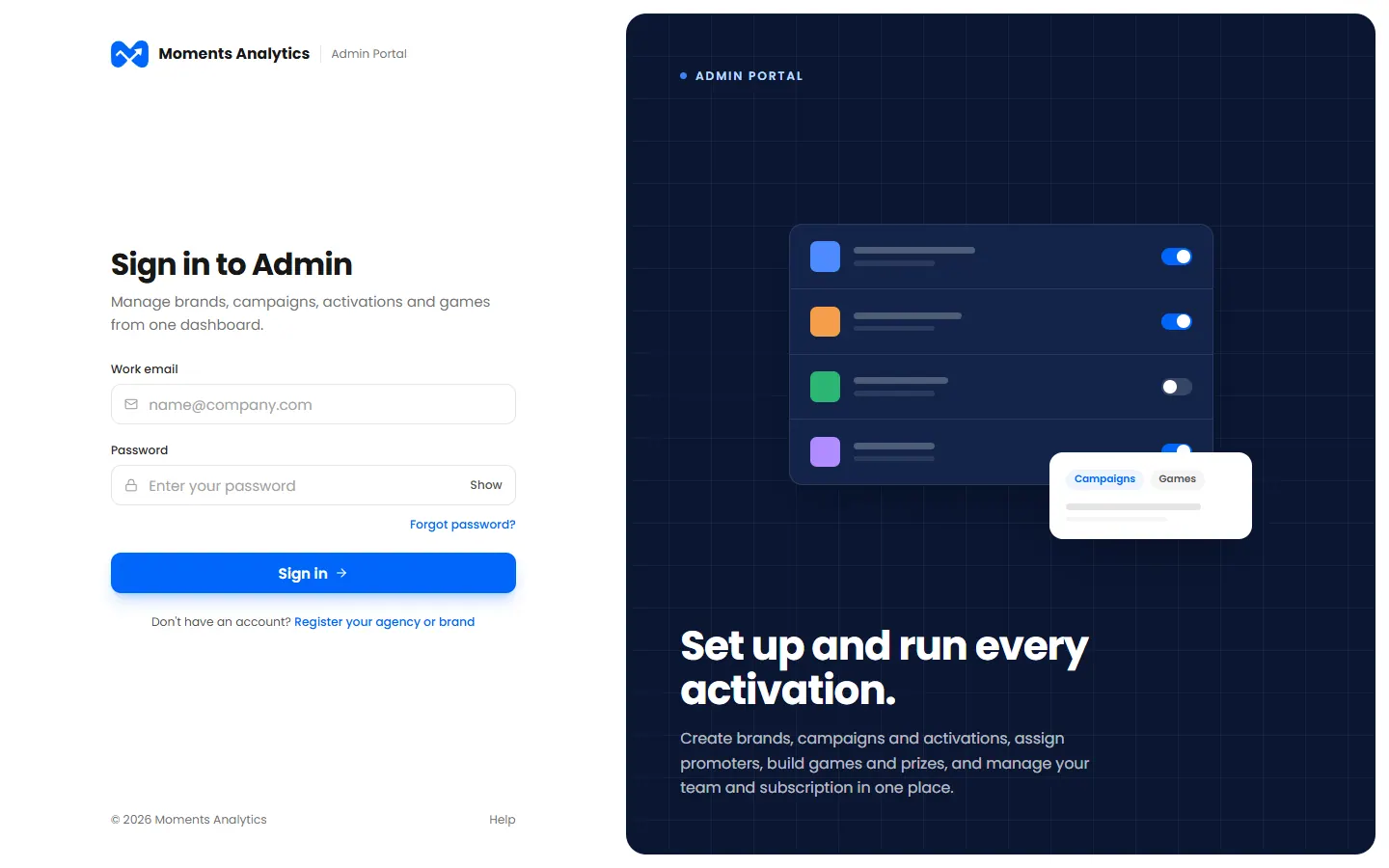
The Admin Portal sign-in page If you use two-step sign-in, type the 6-digit code we send you by email or SMS, then click Verify and sign in.
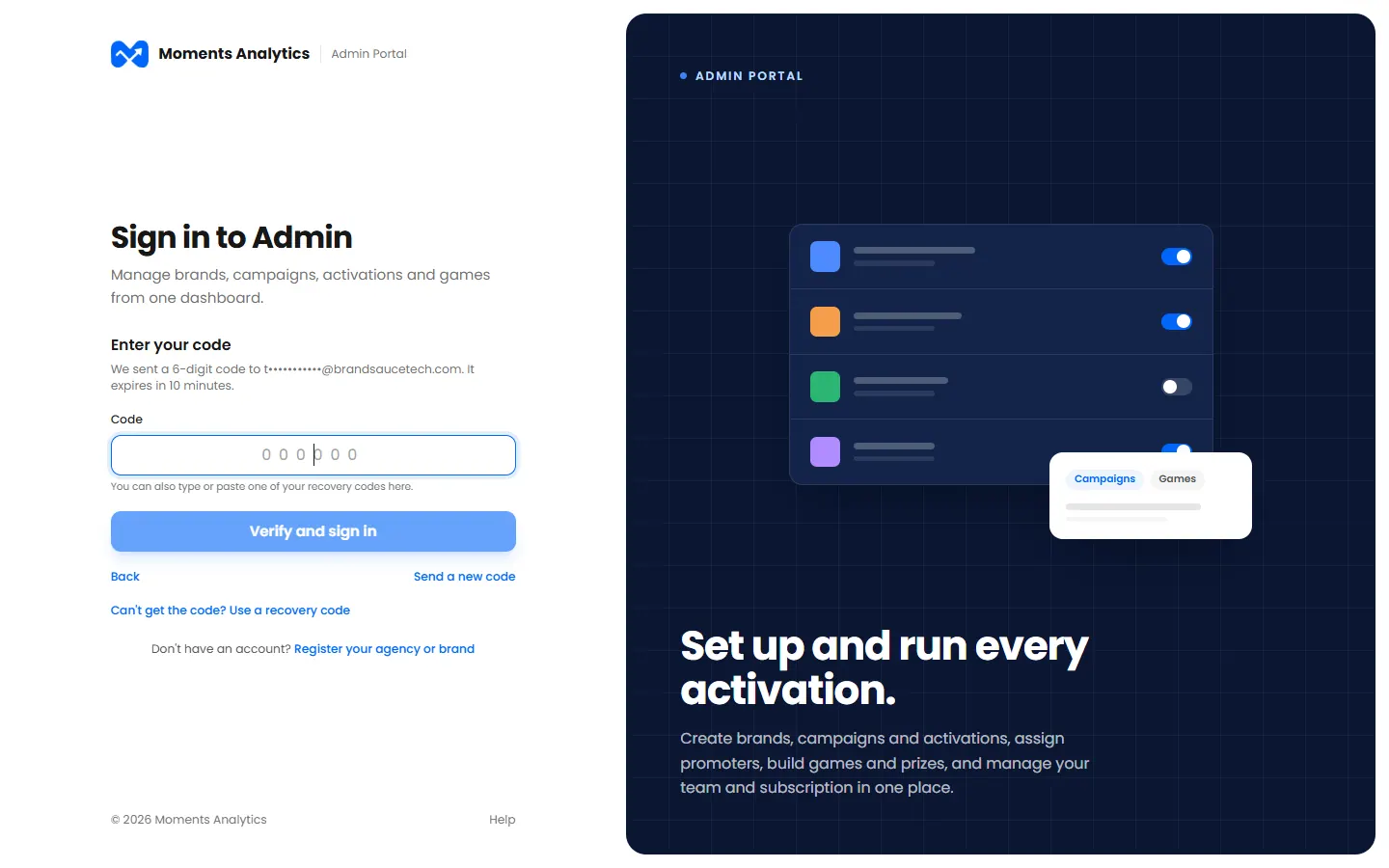
Two-step sign-in: enter the code sent by email
What happens next
Your dashboard opens. You stay signed in on this computer until you sign out, or until you haven't used it for a long time.
Can't get the code?
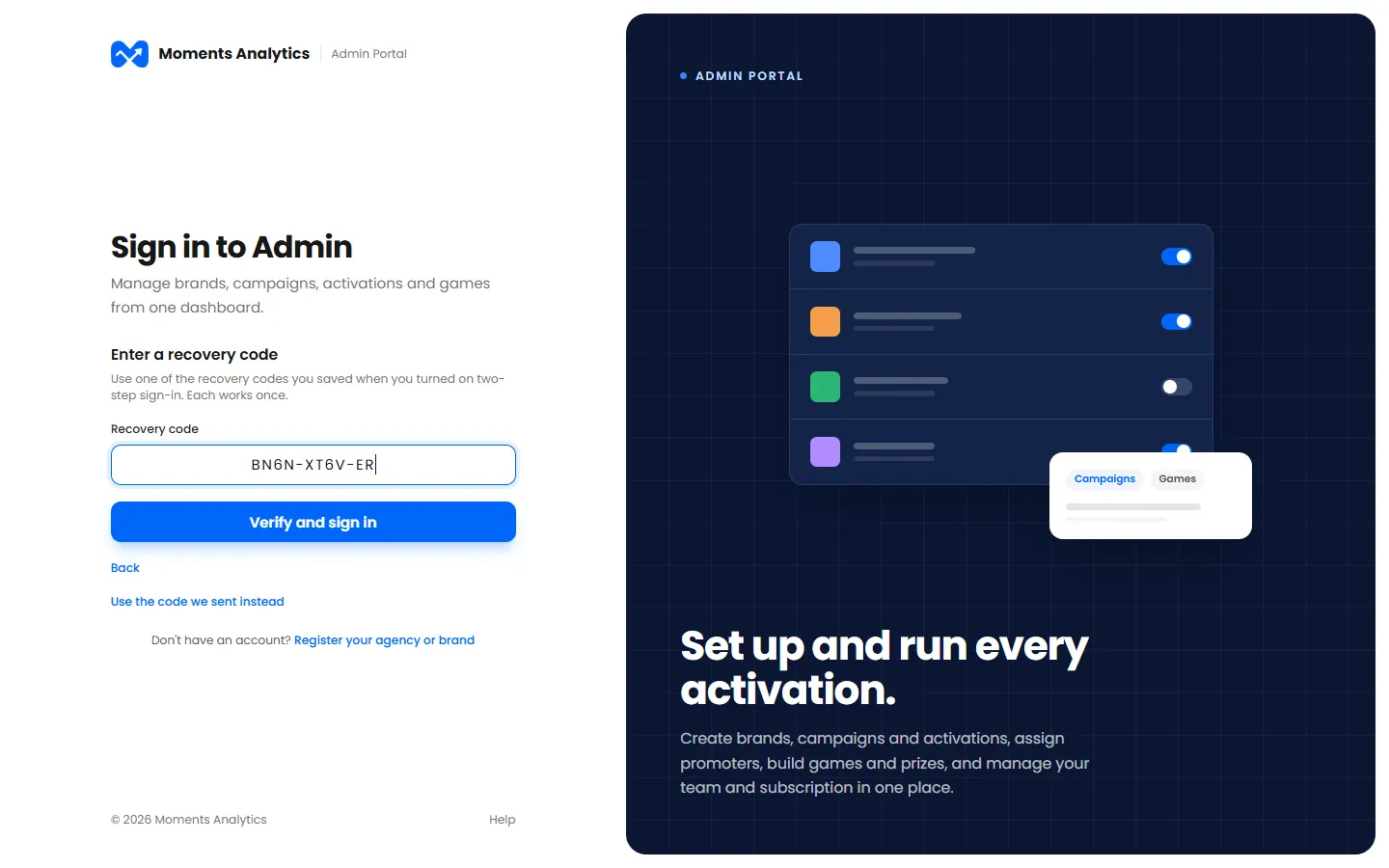
Click Can't get the code? Use a recovery code, and type one of the recovery codes you saved when you turned two-step sign-in on. Each one works once.