
If you've forgotten your password, or your account is locked after too many wrong tries, set a new one. Resetting it also unlocks your account.
Steps
- On the sign-in page, click Forgot password?
Type your Work email and click Send reset link.
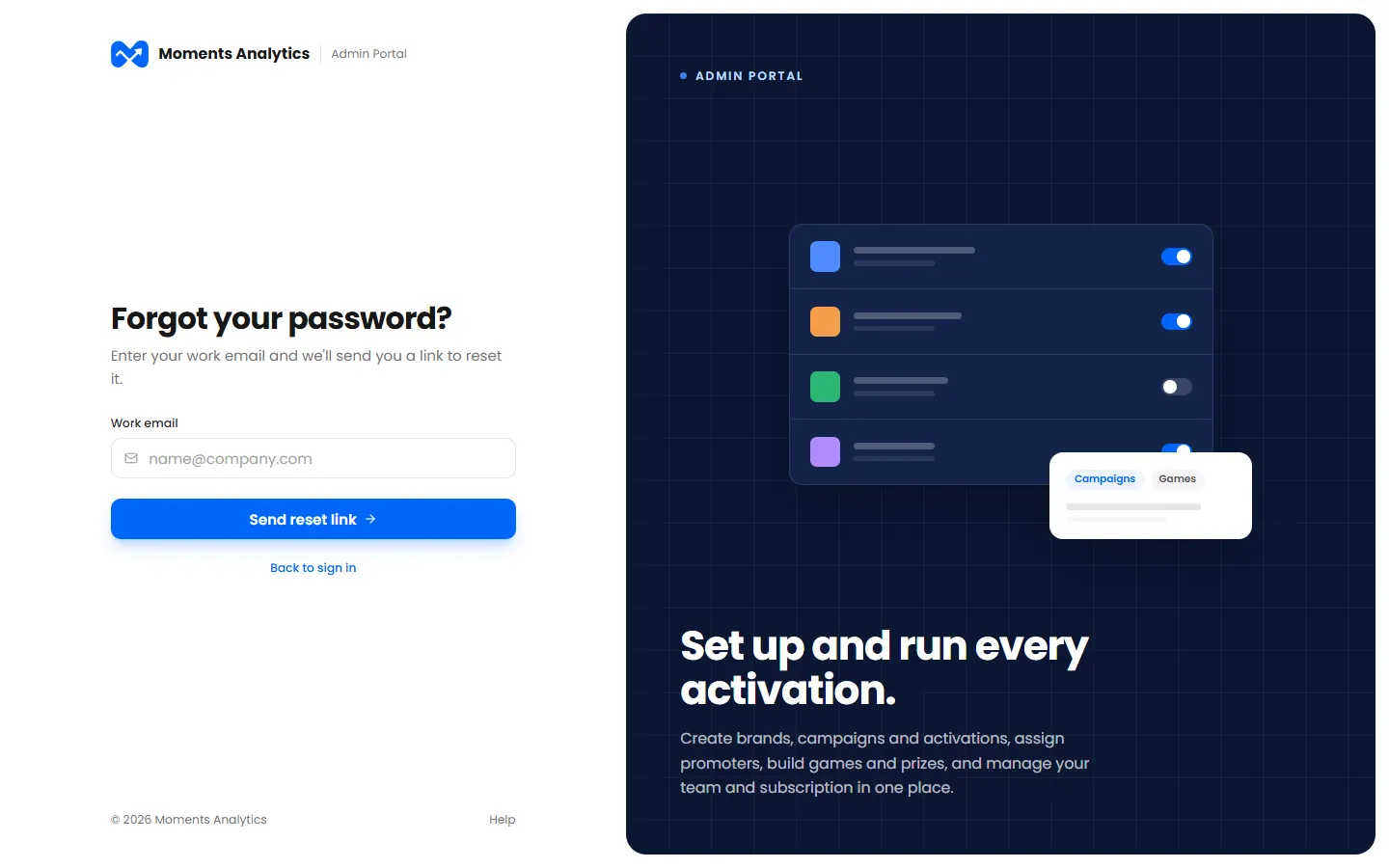
Forgot your password? Enter your work email - Open the email from Moments Analytics and click the link. It works for 30 minutes.
Type your new password twice, and click Reset password.
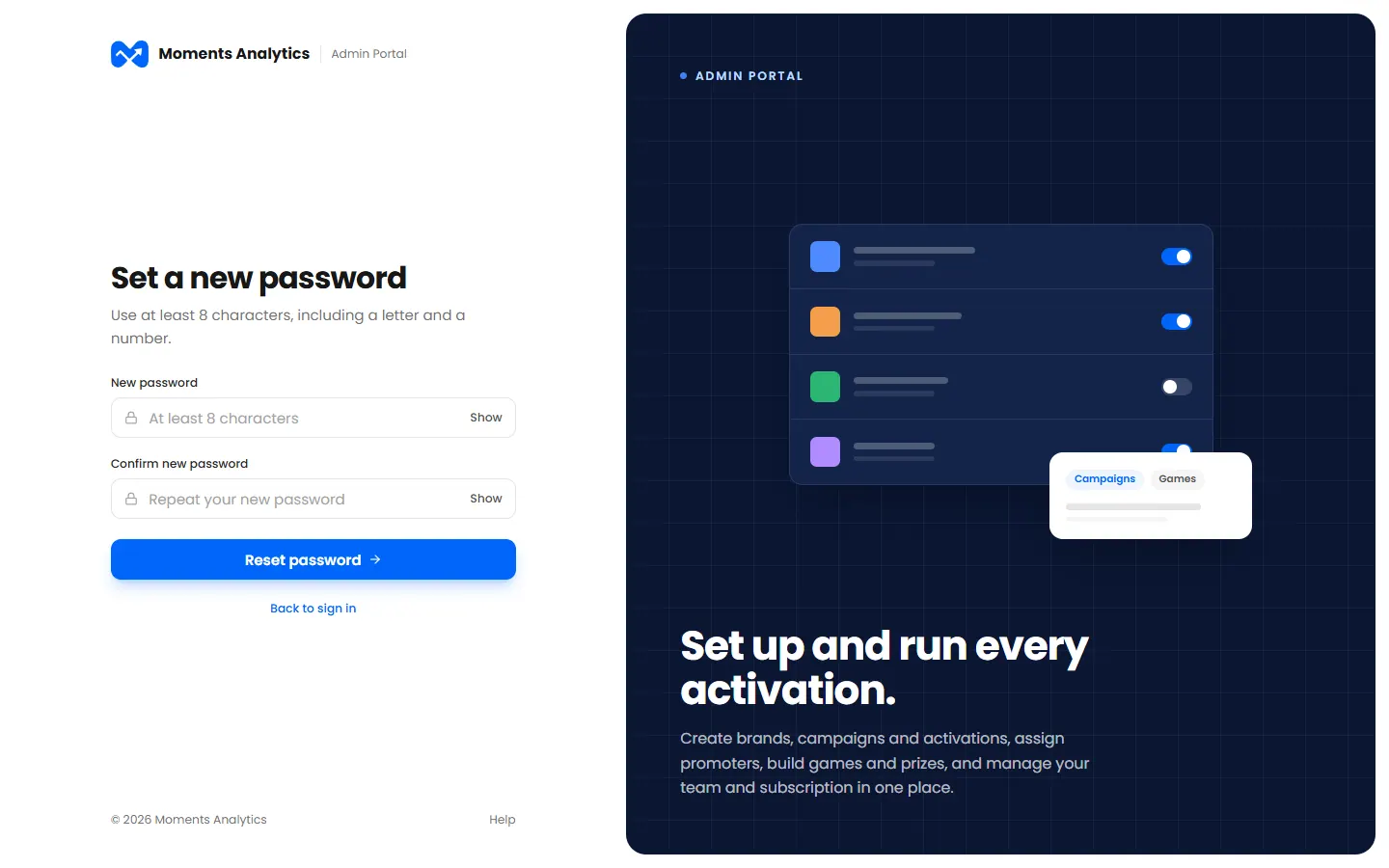
Set a new password, from the email's link
A password needs at least 8 characters, with a letter and a number.
What happens next
You can sign in with your new password. For your safety, you're signed out on your other devices.
If the email doesn't arrive
- Check your spam or junk folder.
- Check that you typed the email you sign in with. For your privacy, the page looks the same whether or not that email has an account.
- The link lasts 30 minutes. If it has expired, start again.