
The Viewers Portal shows how your brand's campaigns are doing, as they happen. It shows:
- how many people your activations reached;
- what was sold;
- which samples and prizes were collected;
- what people thought.
The figures come straight from the promoters' phones, and they're the same ones your agency sees. You can look, but you can't change anything.
1. Set your password
Your agency (or your brand's admin) adds you. You get an email from Moments Analytics with a link to set your password. It works for 72 hours. See Set your password from an invitation.
2. Sign in
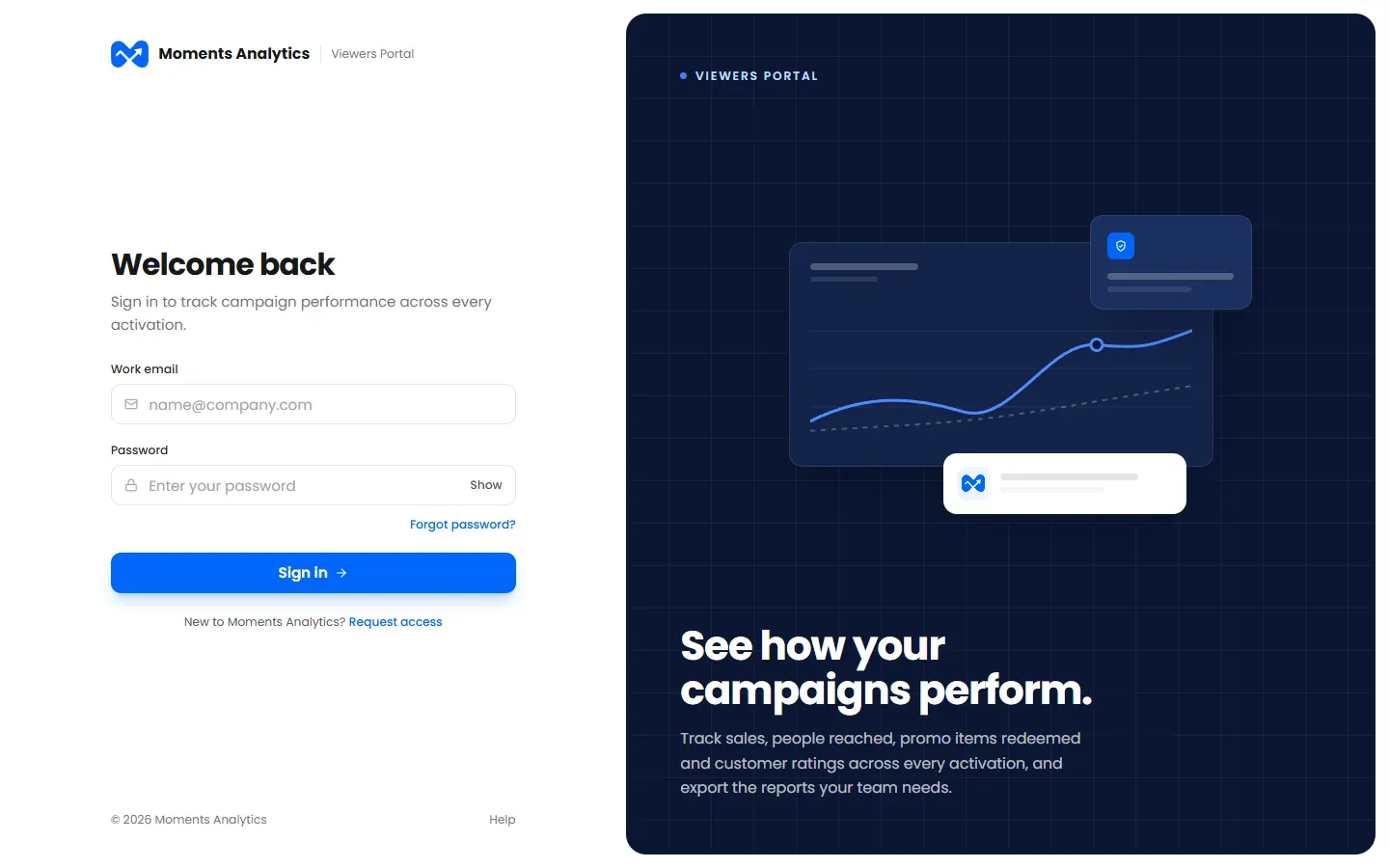
Go to viewers.momentsanalytics.com, and sign in with your work email and password. See Sign in.
3. Start from your dashboard
Your dashboard shows the last 30 days at a glance, and every live campaign against its targets. See Read your dashboard.
4. Open a campaign's report
The report answers the questions you'll be asked: are we on target, where, who bought, and what did people think? You can download it as a PDF to share. See Read a report.
Good to know
- It's live. Click Refresh for the latest figures.
- People are anonymous. Shoppers are known only by their phone number, and reports never show names.
- It works on your phone. The dashboard and reports fit a small screen.
- Need something changed? Ask your agency. Only they can change campaigns, targets or your email.