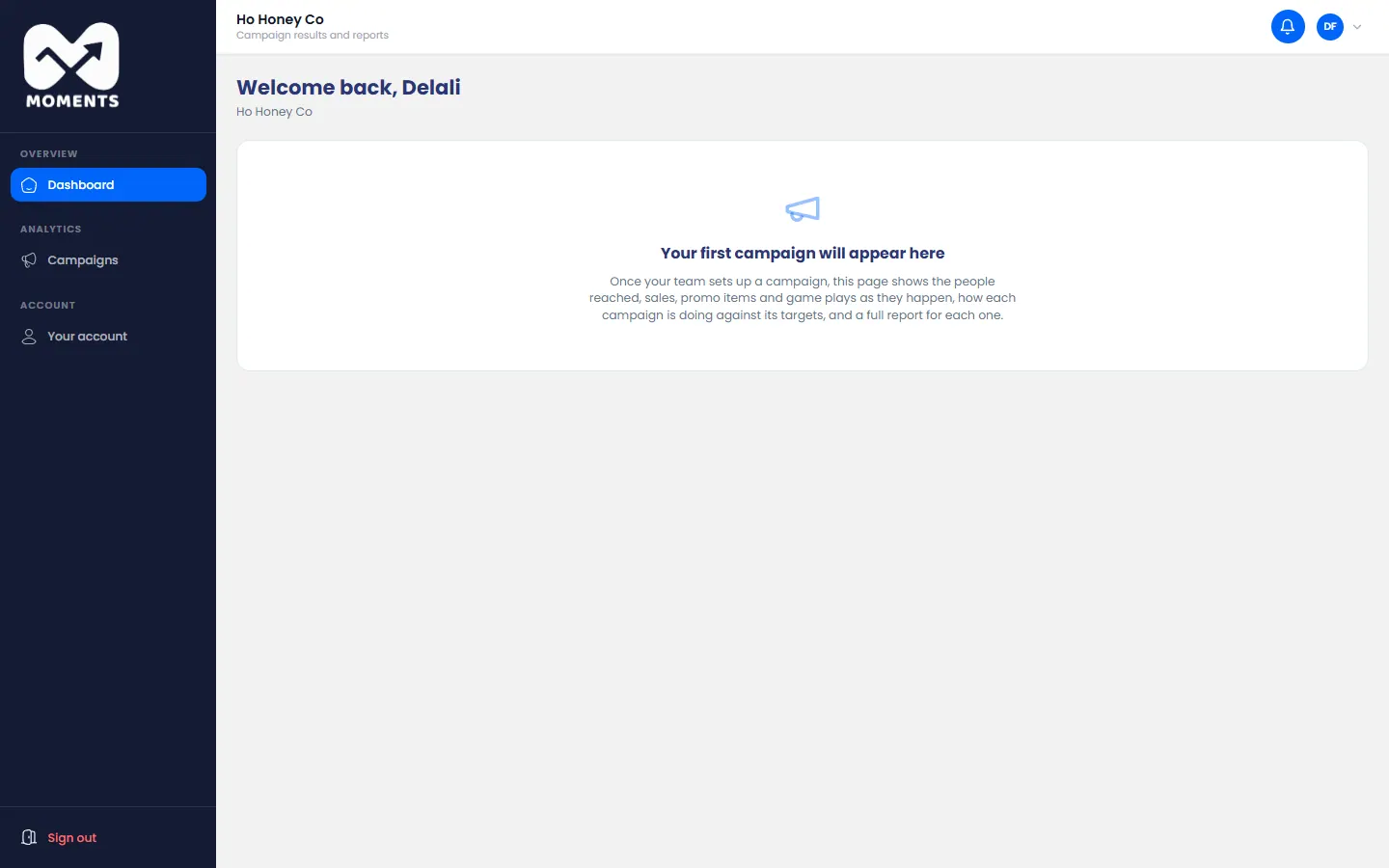
Your dashboard is the first page you see after you sign in.
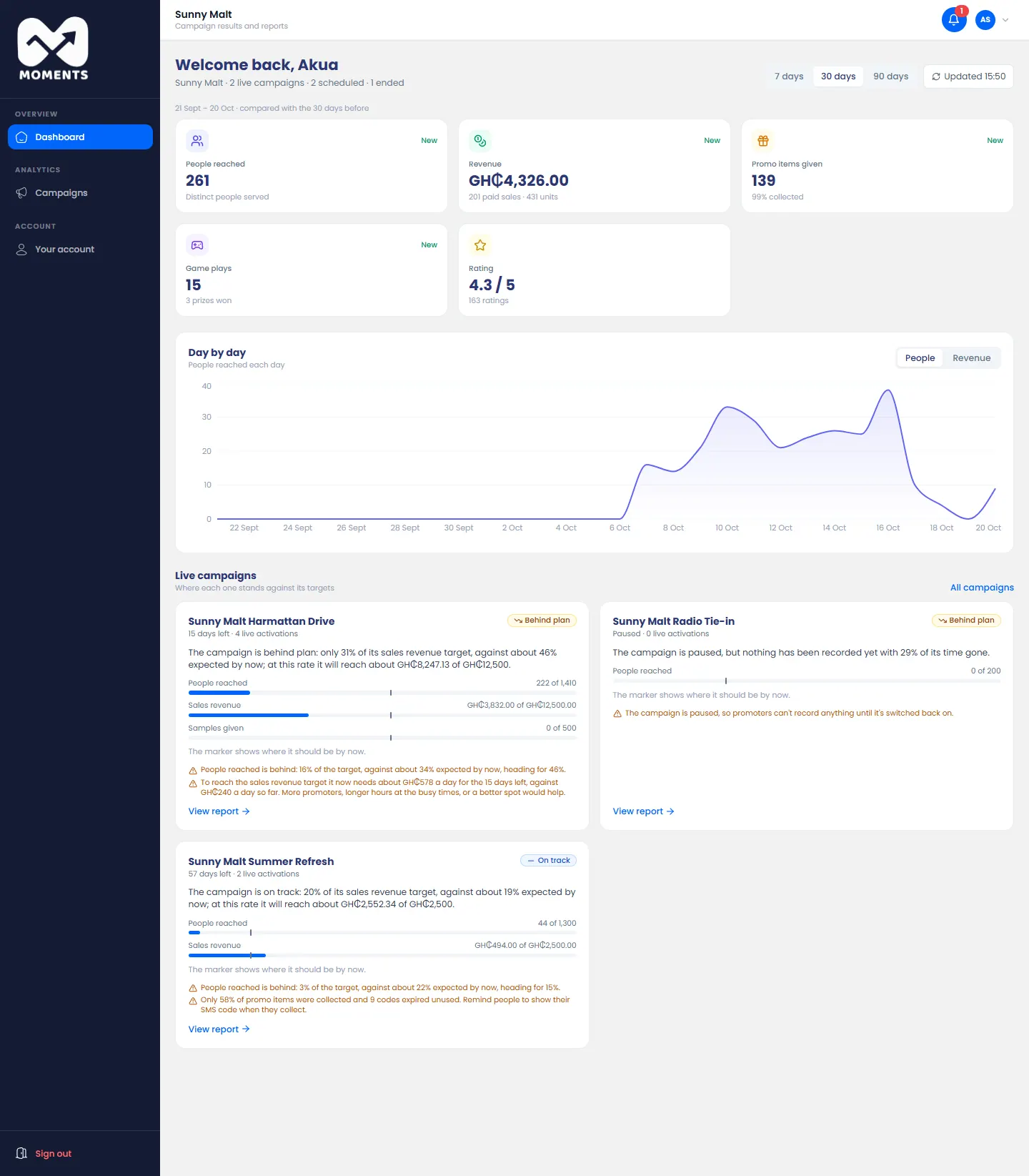
What's on it
- The totals:
- People reached;
- Revenue;
- Promo items given;
- Game plays;
- Rating.
New next to a total means there's nothing to compare it with yet.
- Day by day: a chart of people reached each day. Click Revenue to see sales instead.
Live campaigns: each one against its targets.
- The label says if it's On track, Ahead of plan or Behind plan.
- The marker on each bar shows where it should be by now.
- Notes in orange say what needs attention, for example a campaign that's paused.
Click View report on a campaign to see everything about it.
Change the time period
Click 7 days, 30 days or 90 days at the top. The totals and the chart change to match.
Before your first campaign
Until your brand has a campaign, the dashboard is empty. It fills in once your agency starts one.