
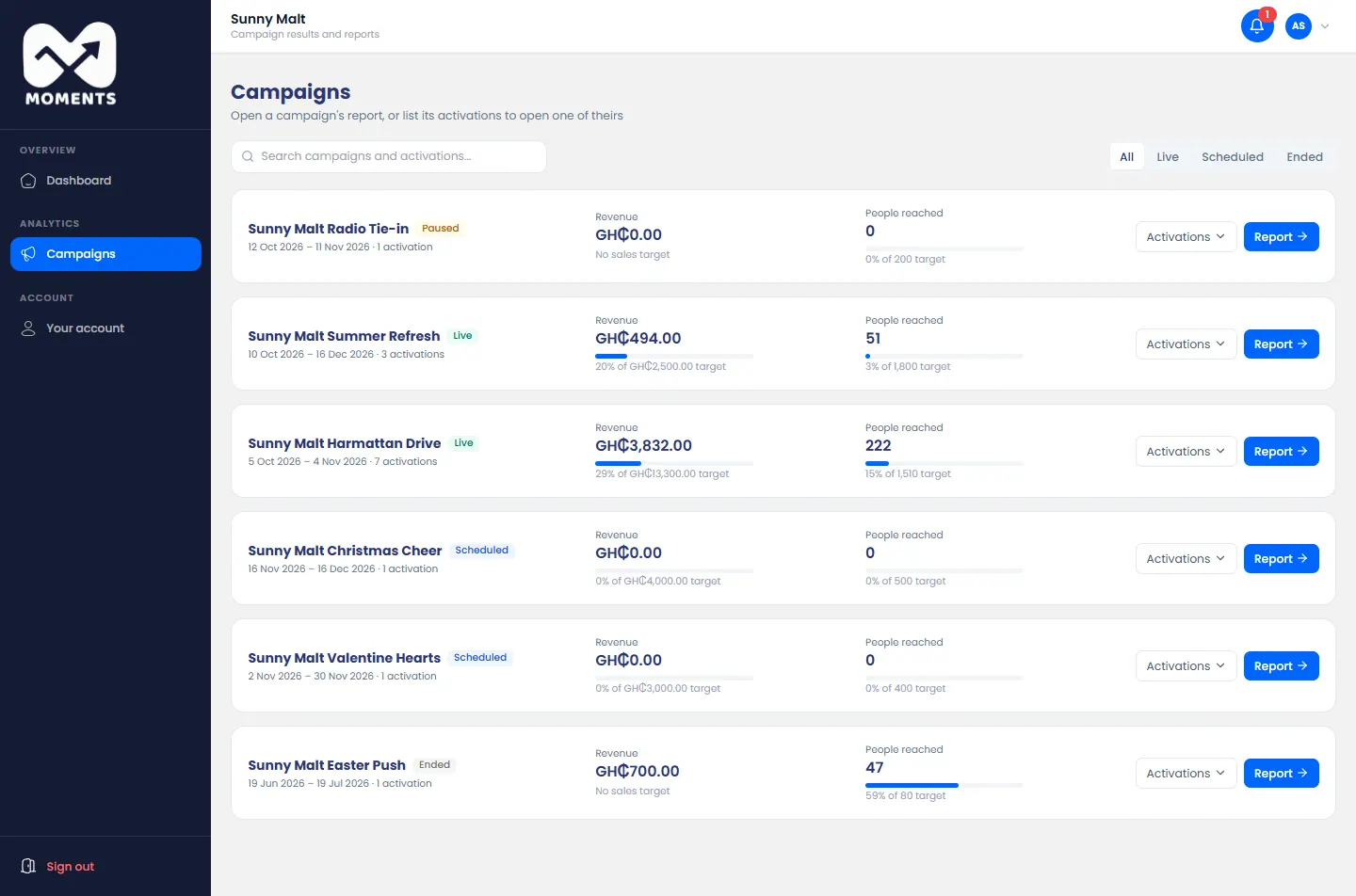
In the menu, click Campaigns. Each campaign shows its revenue and people reached against its targets.
Narrow the list
- Click Live, Scheduled or Ended to see only those. All shows every campaign.
- Search by the name of a campaign or an activation.
Open a report
- A campaign's report: click Report next to it.
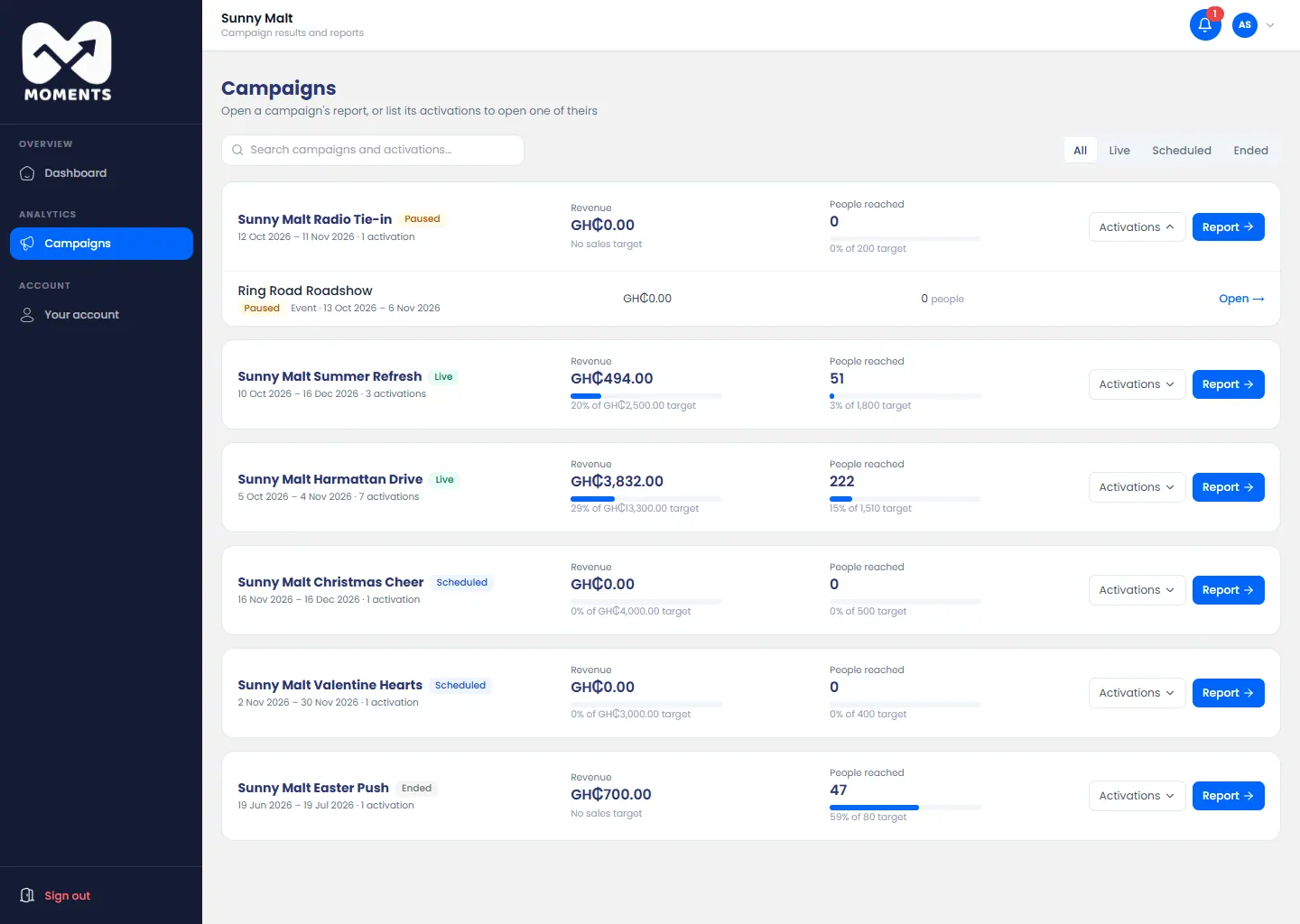
- An activation's report: click Activations to list the campaign's activations, then Open next to one.
See Read a report.