
A promoter has unlocked a game for you, and sent you a link by SMS.
Steps
- Open the SMS and tap the link.
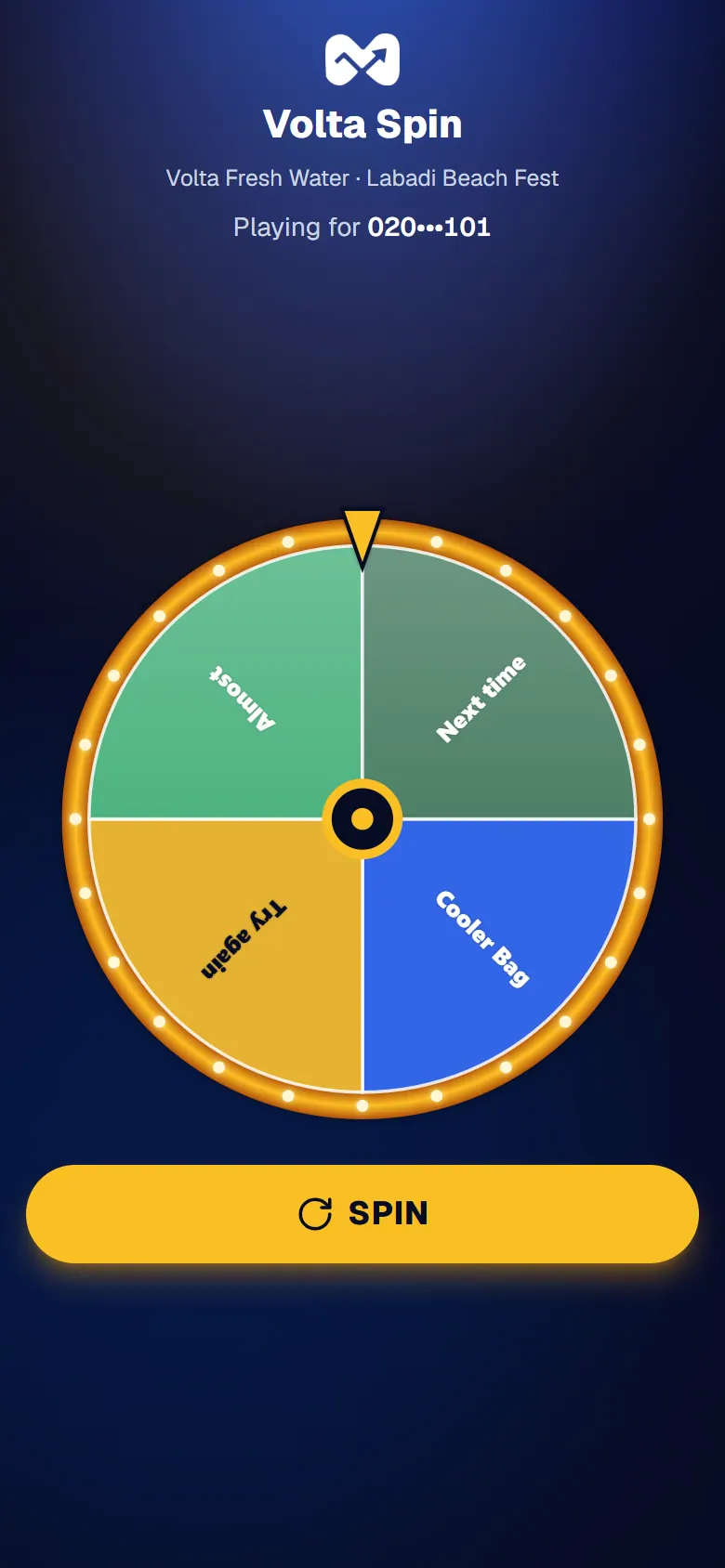
- Check the number under Playing for is yours. Part of it is hidden.
- Play the game.
If you win
You see Congratulations!, your prize, a QR code and your Prize code.
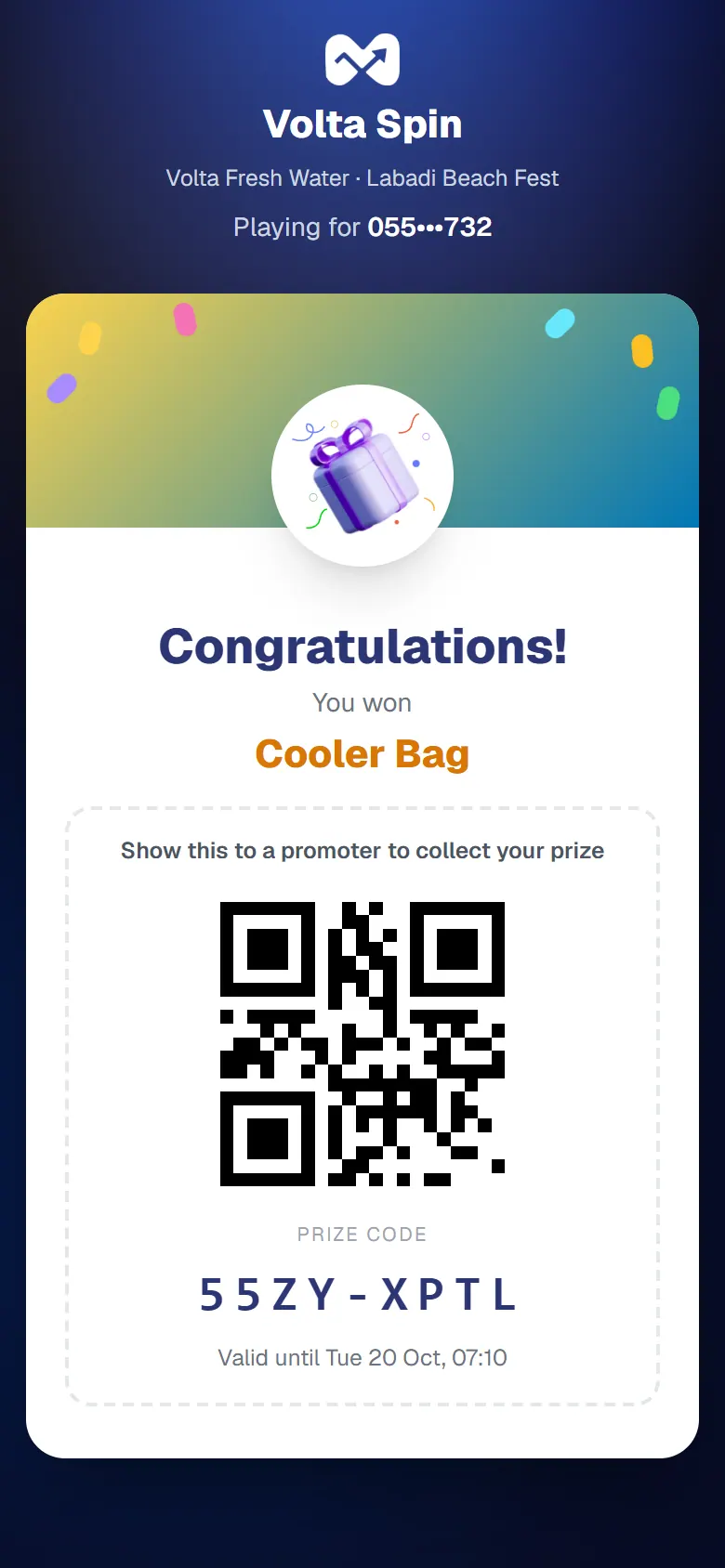
Show this screen to a promoter to collect your prize. Collect it before the time shown under the code.
Good to know
- You can win one game prize in each activation.
If it doesn't work
See Problems with a game link, or ask a promoter.