
First, ask a promoter to unlock a box for your phone number.
Steps
- Tap any Mystery Box with the back of your phone. Or scan the QR code beside it with your camera.
- Type the last 4 digits of the phone number you gave the promoter.
Tap Open my box.
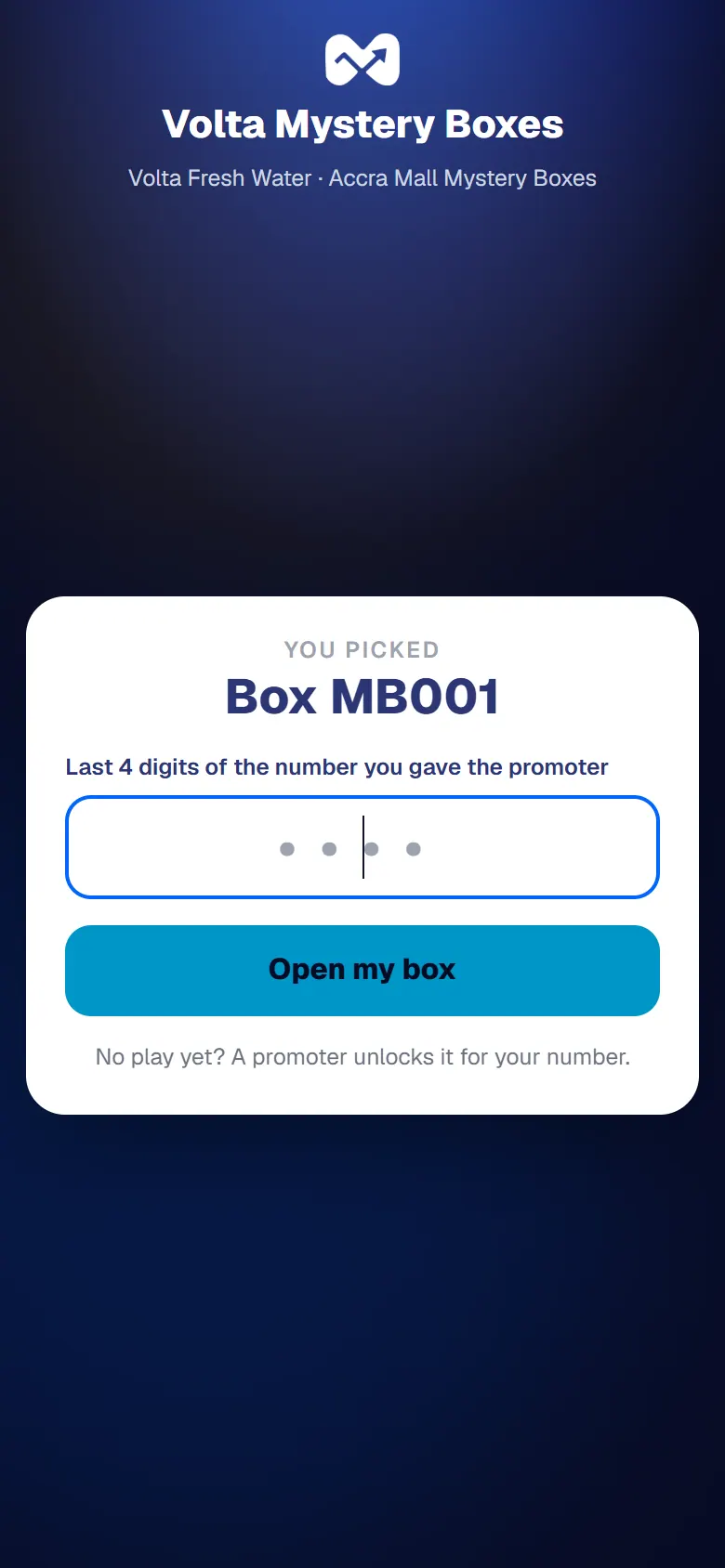
Confirm with the last 4 digits of your number
What happens next
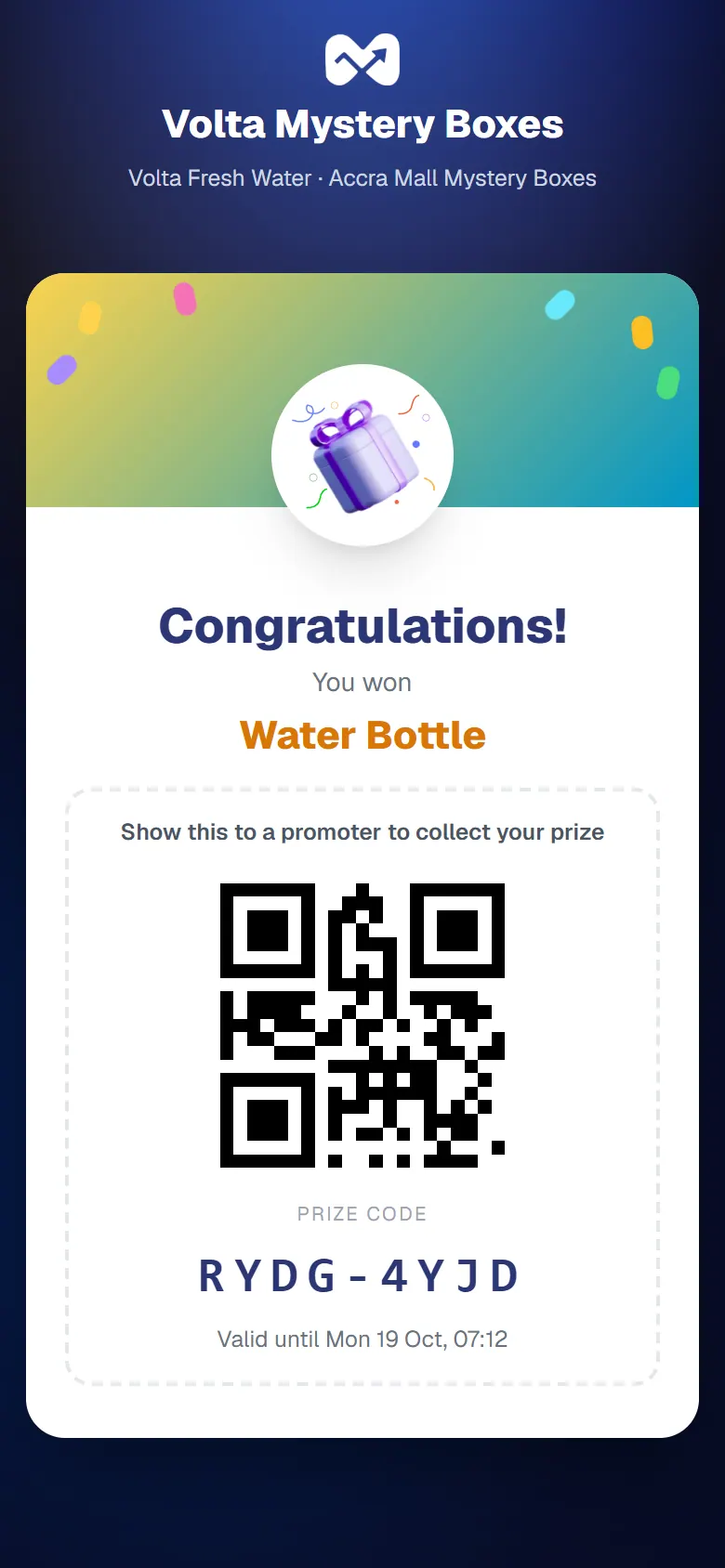
The box opens. If there's a prize inside, you see it with its Prize code and a QR code. Show it to a promoter to collect your prize.
The phone doesn't react to the tap
Your phone may not have NFC, or it may be switched off. Scan the QR code beside the box instead.