← Back to Shoppers

Moments Analytics Help

Shoppers

Play a game on your phone, or open a Mystery Box.

On your phone · 20 October 2026 · momentsanalytics.com/help/shopper

  1. 1. Play a game on your phone
  2. 2. Open a Mystery Box
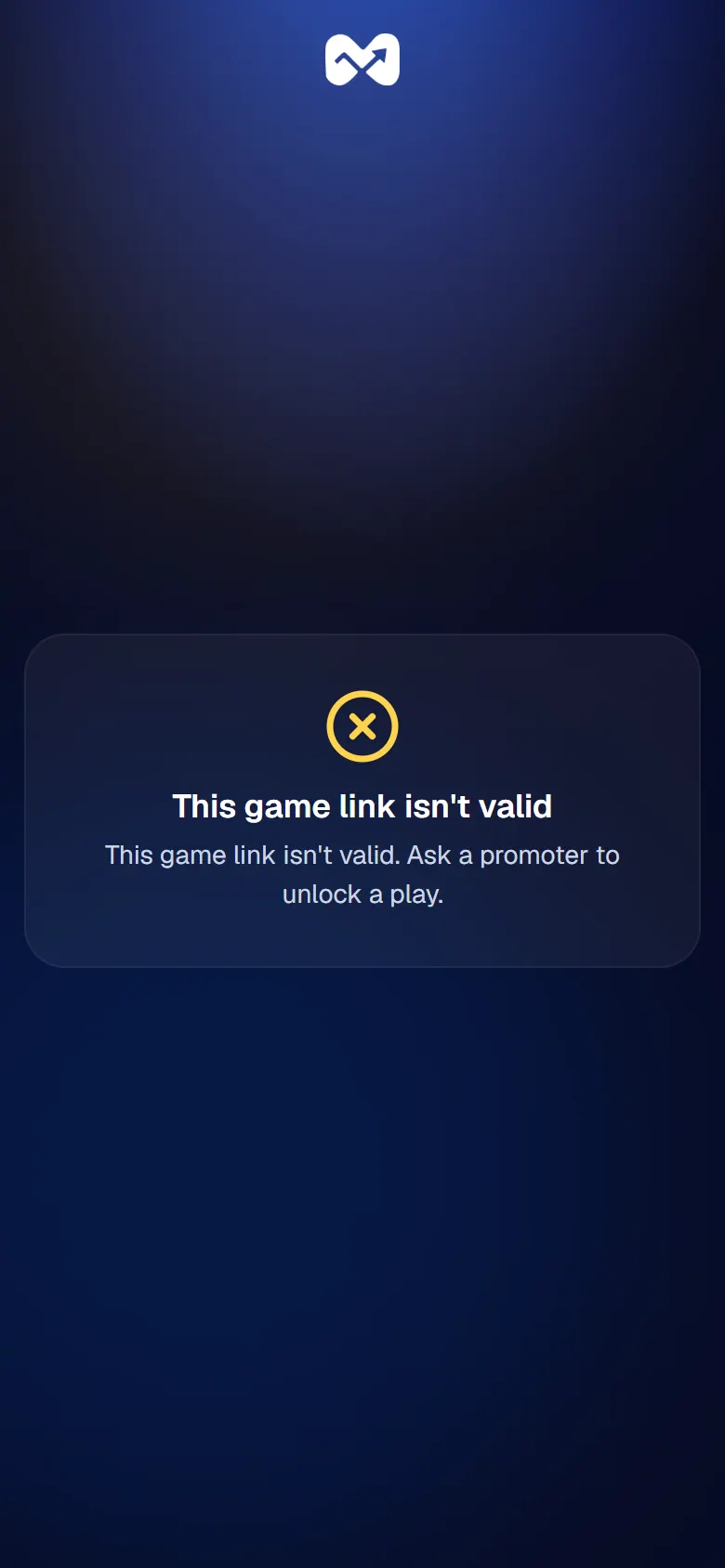
  3. 3. Problems with a game link or Mystery Box

1 of 3

Play a game on your phone

Open the link in your SMS to play, and show your prize code to collect a prize.

A promoter has unlocked a game for you, and sent you a link by SMS.

Steps

  1. Open the SMS and tap the link.
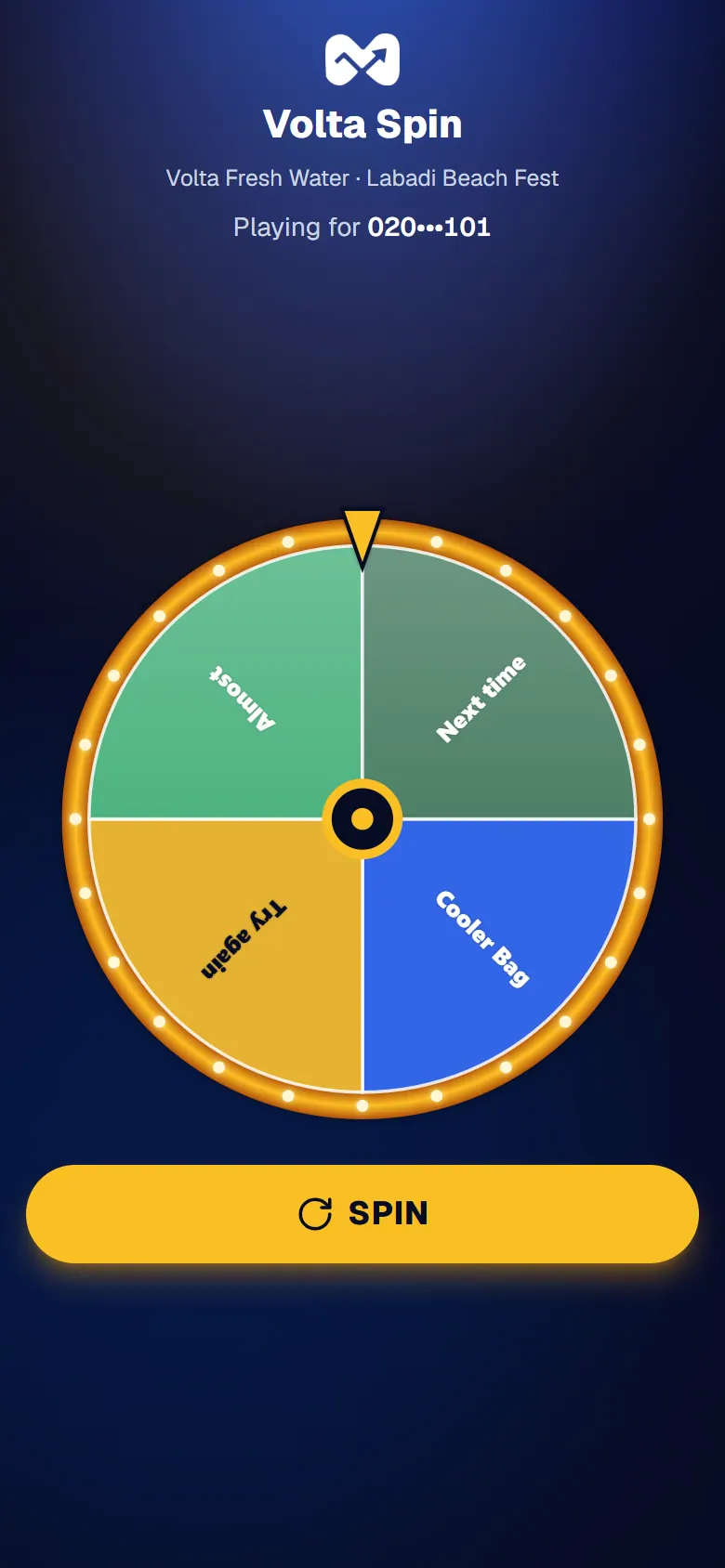
  2. Check the number under Playing for is yours. Part of it is hidden.
  3. Play the game.
Playing for your number

If you win

You see Congratulations!, your prize, a QR code and your Prize code.
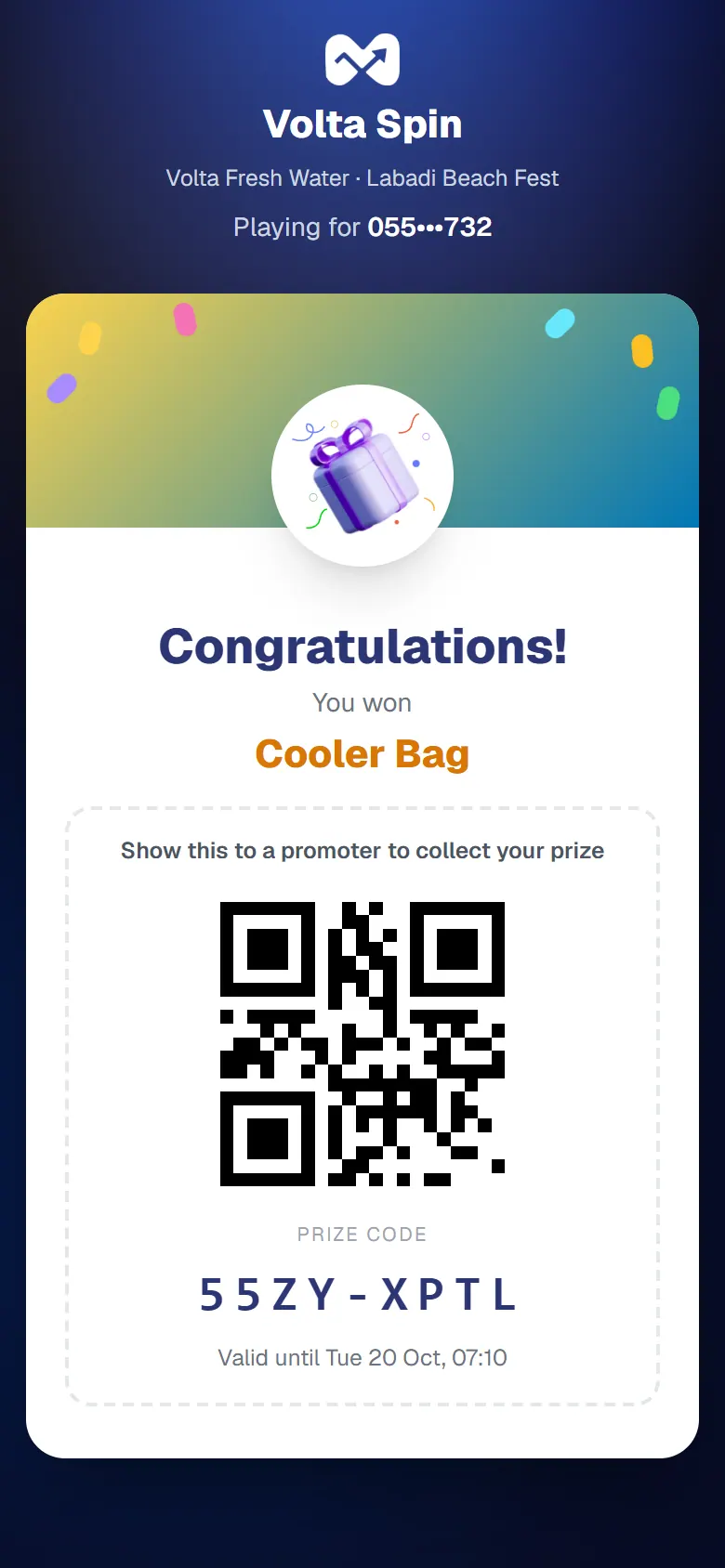
A win: the prize code and its QR

Show this screen to a promoter to collect your prize. Collect it before the time shown under the code.

Good to know

  • You can win one game prize in each activation.

If it doesn't work

See Problems with a game link, or ask a promoter.
2 of 3

Open a Mystery Box

Tap a Mystery Box with your phone, confirm your number, and see what's inside.

First, ask a promoter to unlock a box for your phone number.

Steps

  1. Tap any Mystery Box with the back of your phone. Or scan the QR code beside it with your camera.
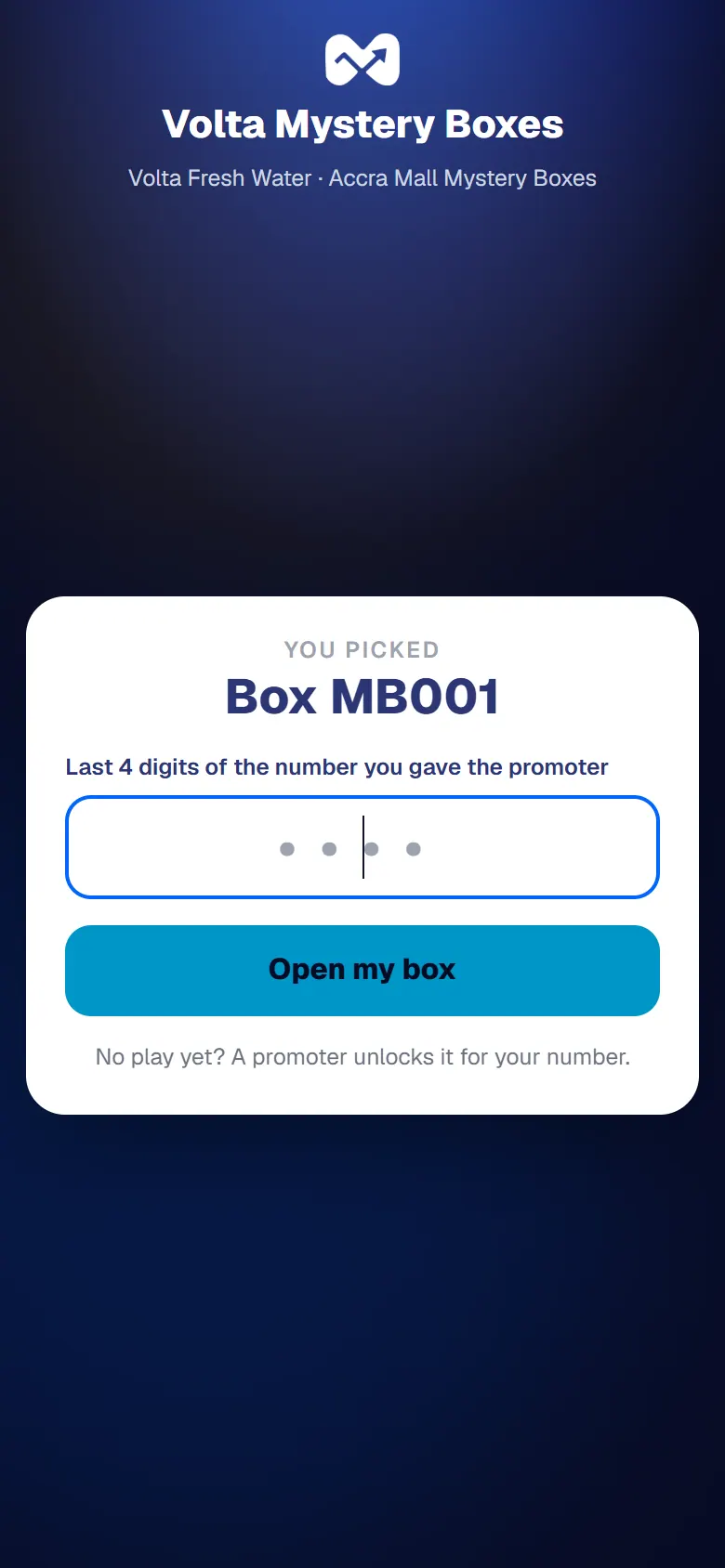
  2. Type the last 4 digits of the phone number you gave the promoter.
  3. Tap Open my box.

    Confirm with the last 4 digits of your number
    Confirm with the last 4 digits of your number

What happens next

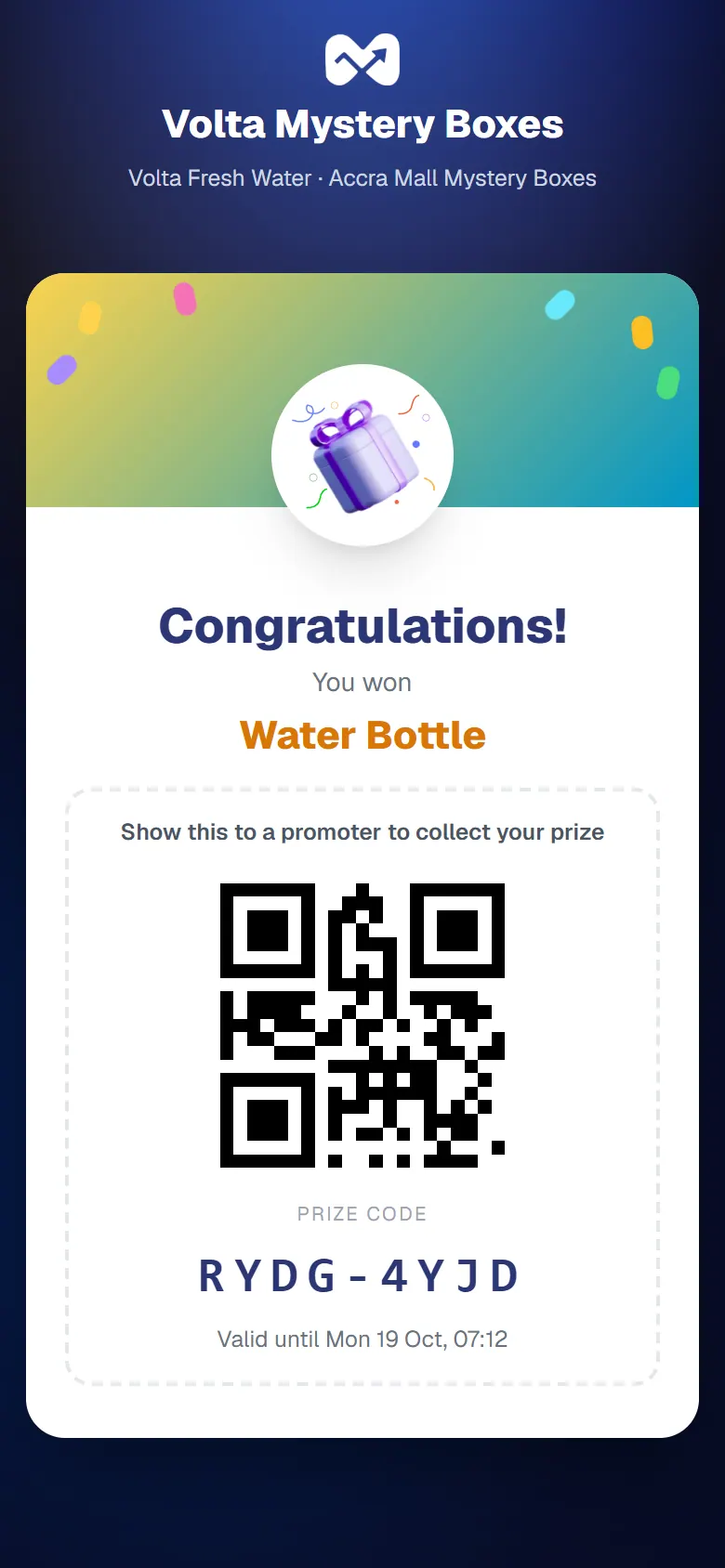
The box opens. If there's a prize inside, you see it with its Prize code and a QR code. Show it to a promoter to collect your prize.

A win from the box: the prize code and its QR

The phone doesn't react to the tap

Your phone may not have NFC, or it may be switched off. Scan the QR code beside the box instead.